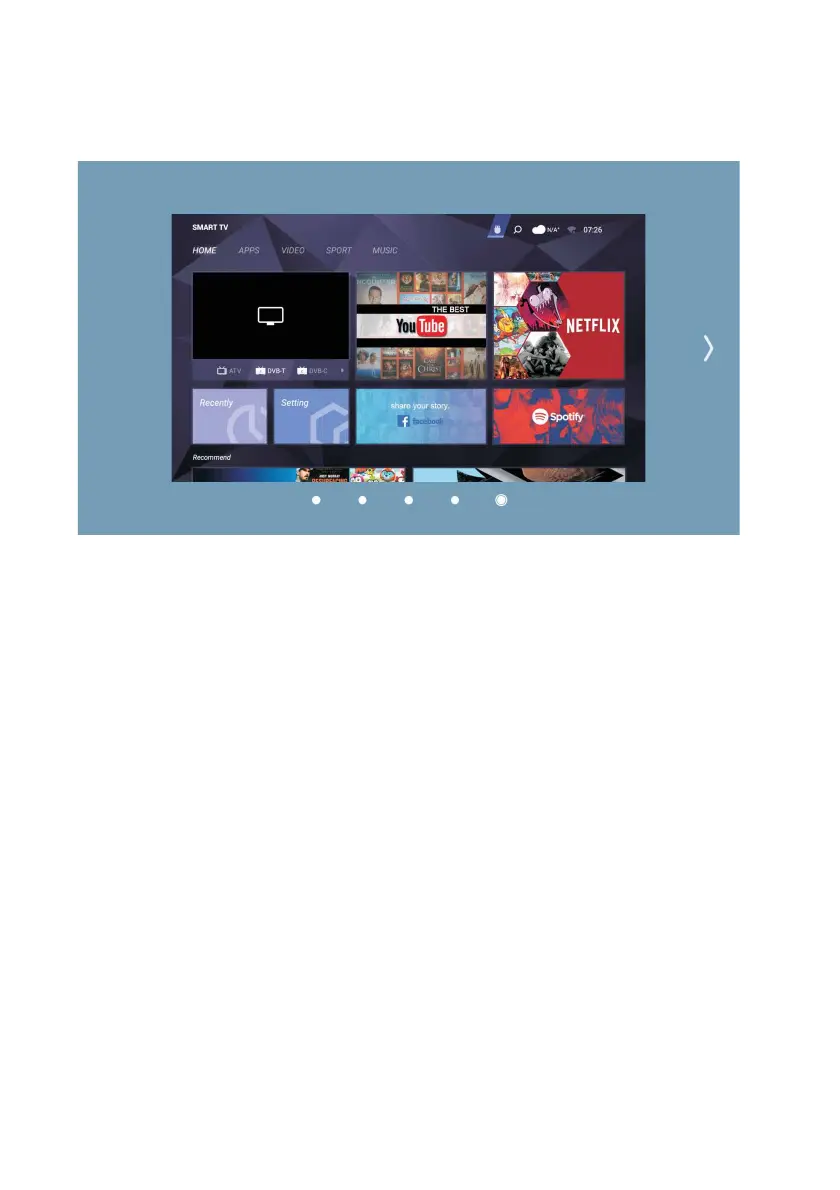
Home page
On the Home page, you can see the apps installed on your TV, icons for switching to
the file manager, and other input sources. Use the arrow keys to point to the
application icon you want to install and press ENTER. Then follow the on-screen
instructions to finish installing the application.
53



 To Next Page