SOUND MENU
Picture Mode: You can adjust the bass and treble settings in this menu. You can
select a preset option by choosing from Standard, User, Sport, Movie, Music. You can
change the settings to suit your taste by selecting the User option and pressing Enter.
Surround: You can activate the surround sound effect from this menu. You can
toggle this feature on and off with the Enter button.
AVC (Automatic Volume Control): You can use this feature to compensate for the
difference in volume between channels
during channel switching. You can toggle this
feature on and off with the Enter button.
Extended: You can use this menu to perform the following operations.
Balance: Using the Right / Left arrow keys, you can adjust the sound balance
between the right and left speakers.
Digital Output: You can select the desired setting for the type of device you connect
to the digital audio output.
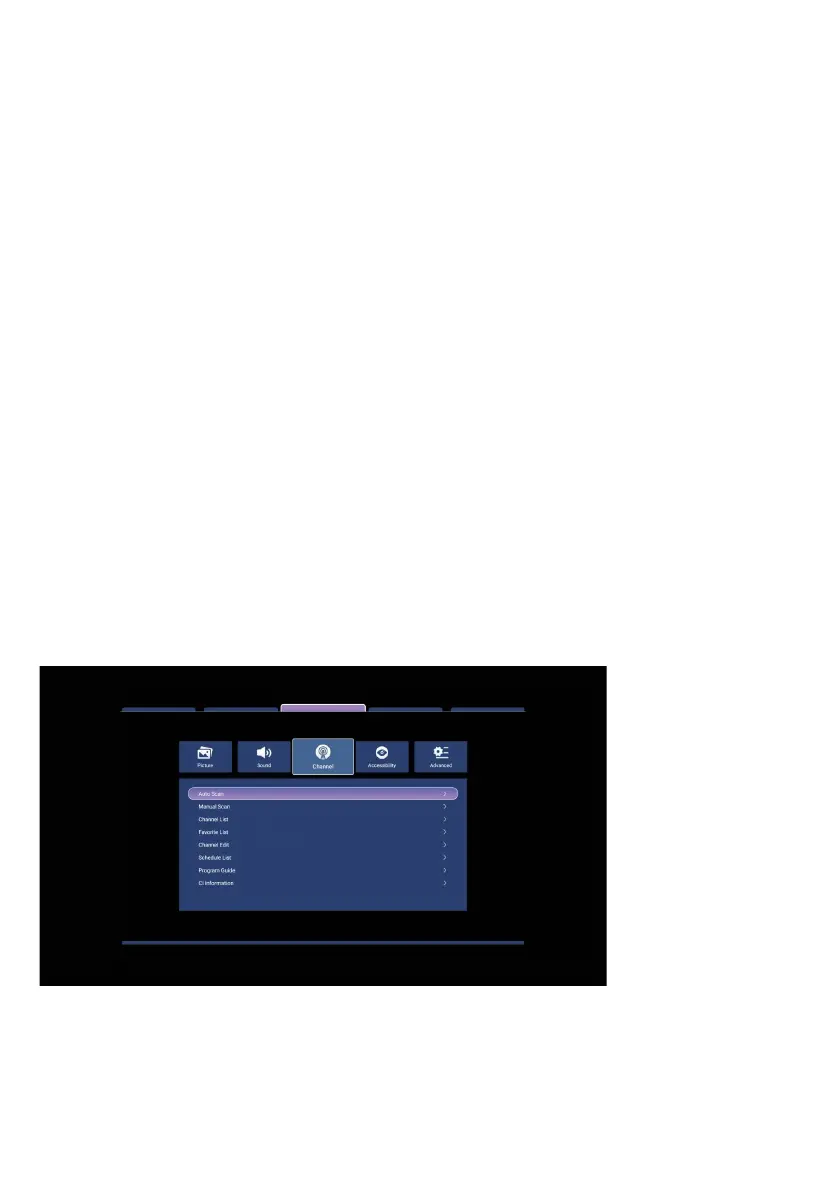
CHANNEL MENU
(Satellite Broadcast Mode)
From this menu you can adjust the satellite dish and channel settings of your TV.
41



 To Next Page