Input Source Selecon
Press the SOURCE Button to open the Input Source menu above.
Select the desired input source with the up and down buttons of the
remote control and press the OK button.
TV Funcons
MENU
To enter the menu, press the menu buon on the remote control. Using the right/le
arrow keys, select the menu you want to enter and press OK/ENTER buon.
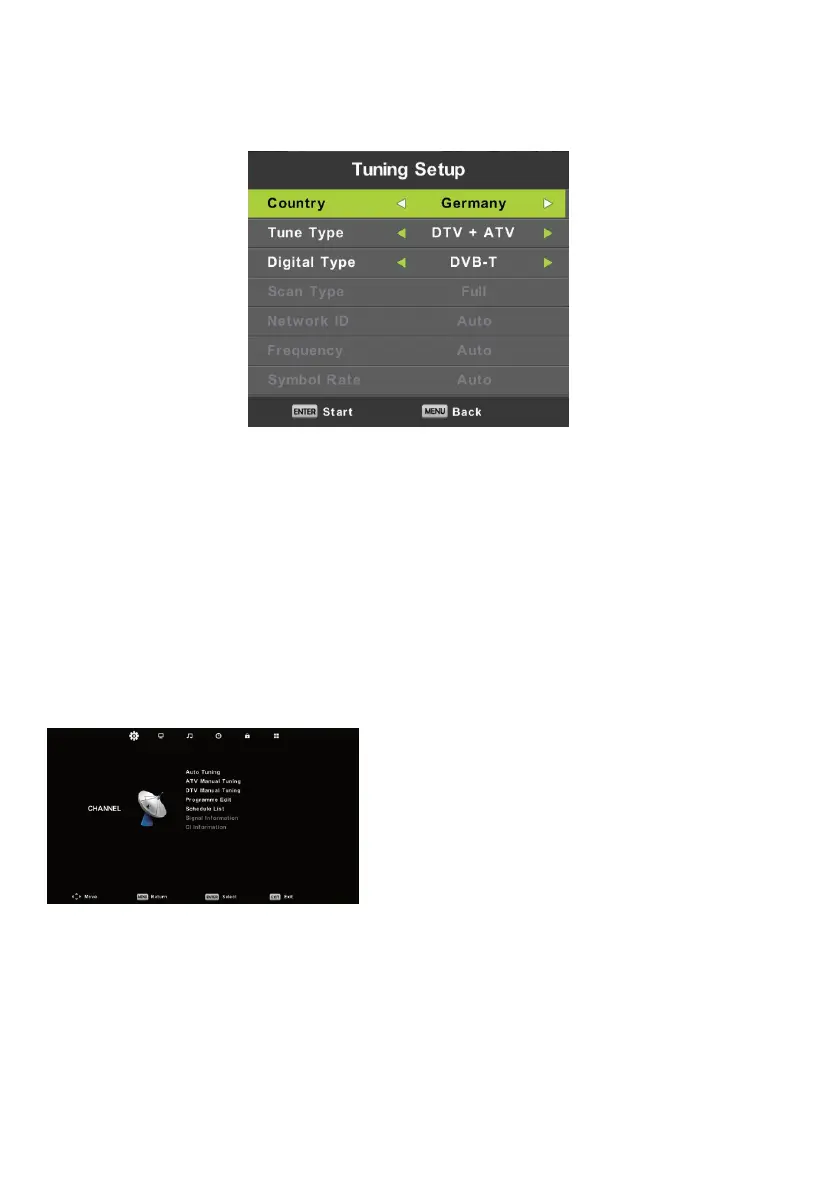
CHANNEL
Auto Search (Satellite Antenna Source)
Select the Auto Search menu and press OK.
Select the satellite from
the menu that appears
by using the right/left buttons on the remote control.
Scan Mode
Select one of the options Network, Default,
Blind Scan and press OK.
Channel Type: You can select Open (unencrypted) + encrypted, Open or encrypted
Service Type: You can select one of the options All, DTV, Radio
23
32ST2000 / 24ST1000 / 32ST1000 / 32ST1001 HD LED TV GUIDE



 To Next Page