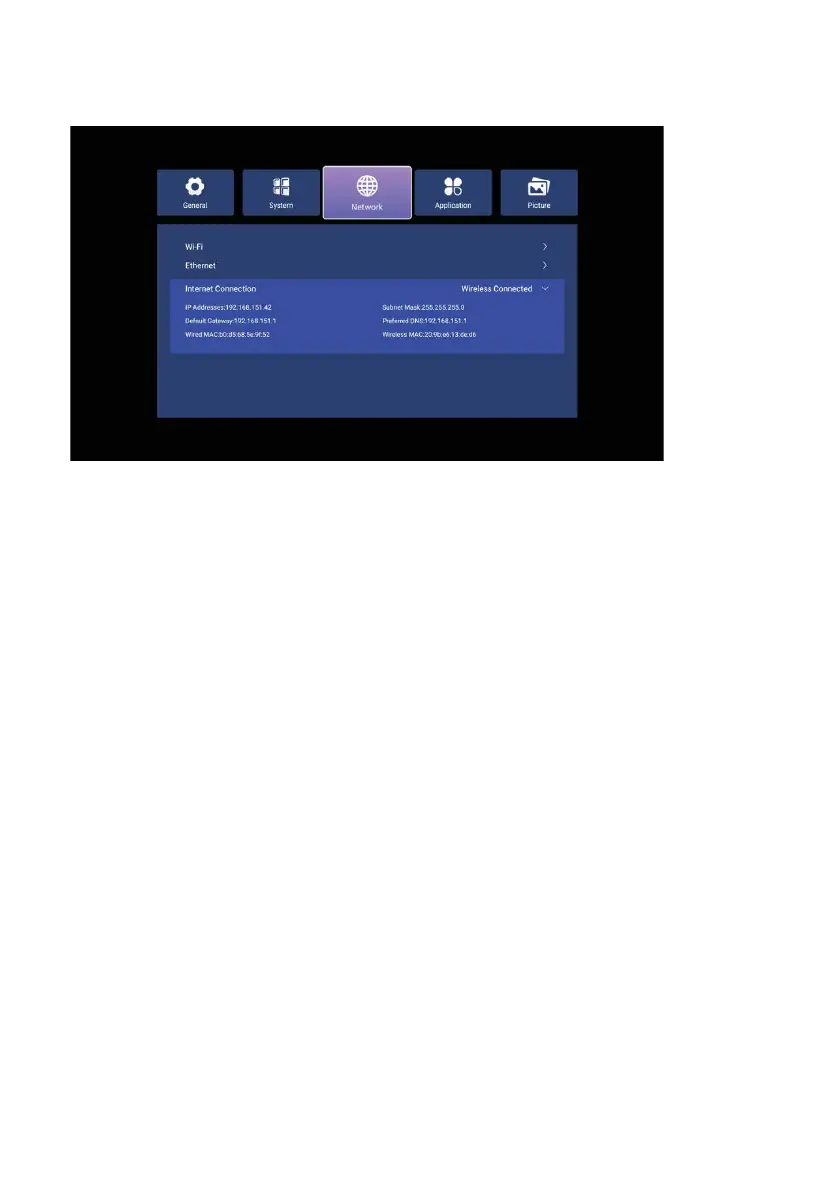
To connect your device to a wireless network, select Wifi and press ENTER. When
the Wifi feature is enabled, you can view the wireless networks to which your device
can connect. Then hover over the name of the network you want to connect to and
press ENTER. Enter your password in the menu that opens, and then press
Connect.
To connect your device to a wired network, connect an Ethernet cable with an internet
connection to the RJ45 connector on the back. In the Ethernet menu, you can
configure the Ethernet connection.
51



 To Next Page