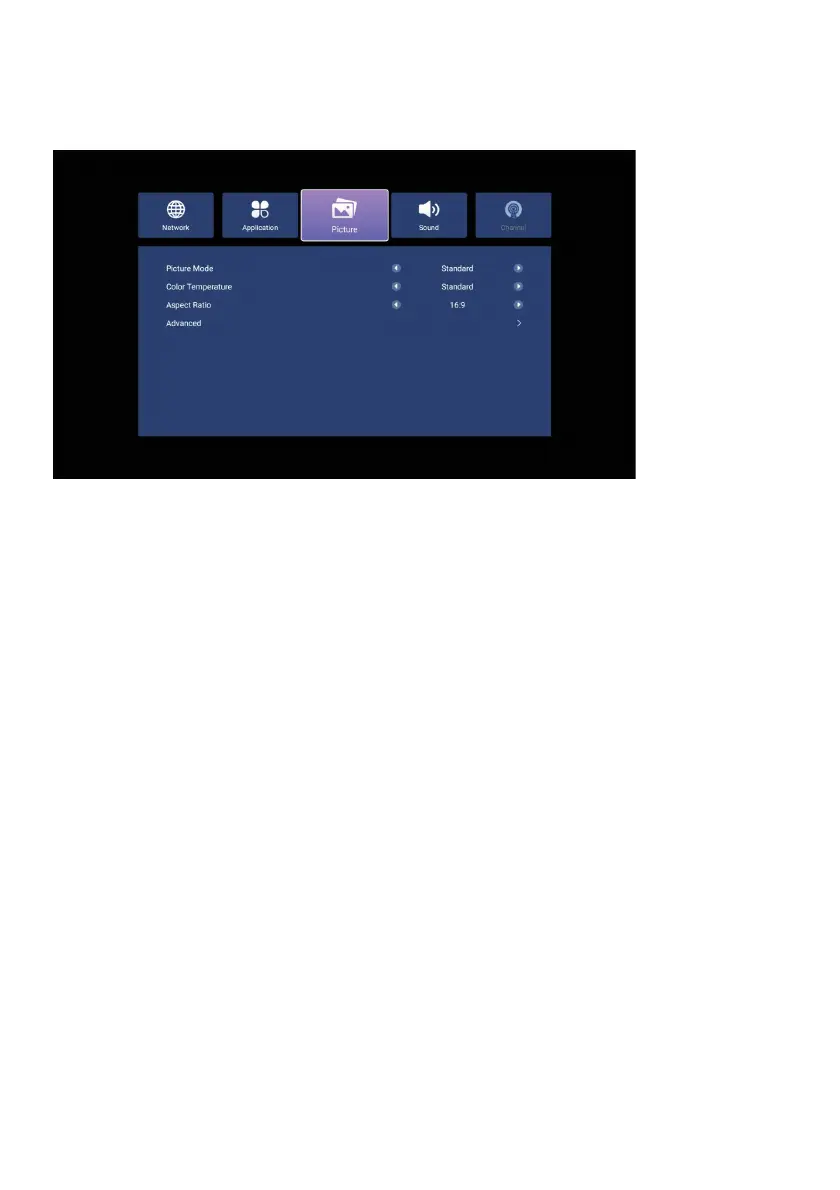
Picture Mode: From this menu you can adjust the backlight, brightness, contrast,
color saturation and sharpness settings. You can select a preset option by selecting
Standard, Dynamic, Movie, Energy Saver. You can change the settings to suit your
taste by selecting the User option and pressing Enter.
Color Temperature: You can choose from Standard, Warm, or Cool.
Aspect Ratio: From this menu, you can change the aspect ratio of the image on the
screen. The aspect ratio of digital broadcasts is 16:9, whic
h is suitable for widescreen
formats.
Extended: You can use this menu to perform the following operations.
Noise Reduction: You can adjust the level of noise reduction to reduce unwanted
effects in digital broadcasts.
DLC (Dynamic Light Control): If you want the backlight to automatically adjust
according to the image on the screen, you can turn this feature on with the Enter
button.
PICTURE MENU
HDR (High Dynamic Range): This feature increases contrast by making the bright
parts of the image appear brighter and the dark parts appear darker. You can toggle
this feature on and off with the Enter button.
NOTE: HDR is only available for supported broadcasts.
40



 To Next Page