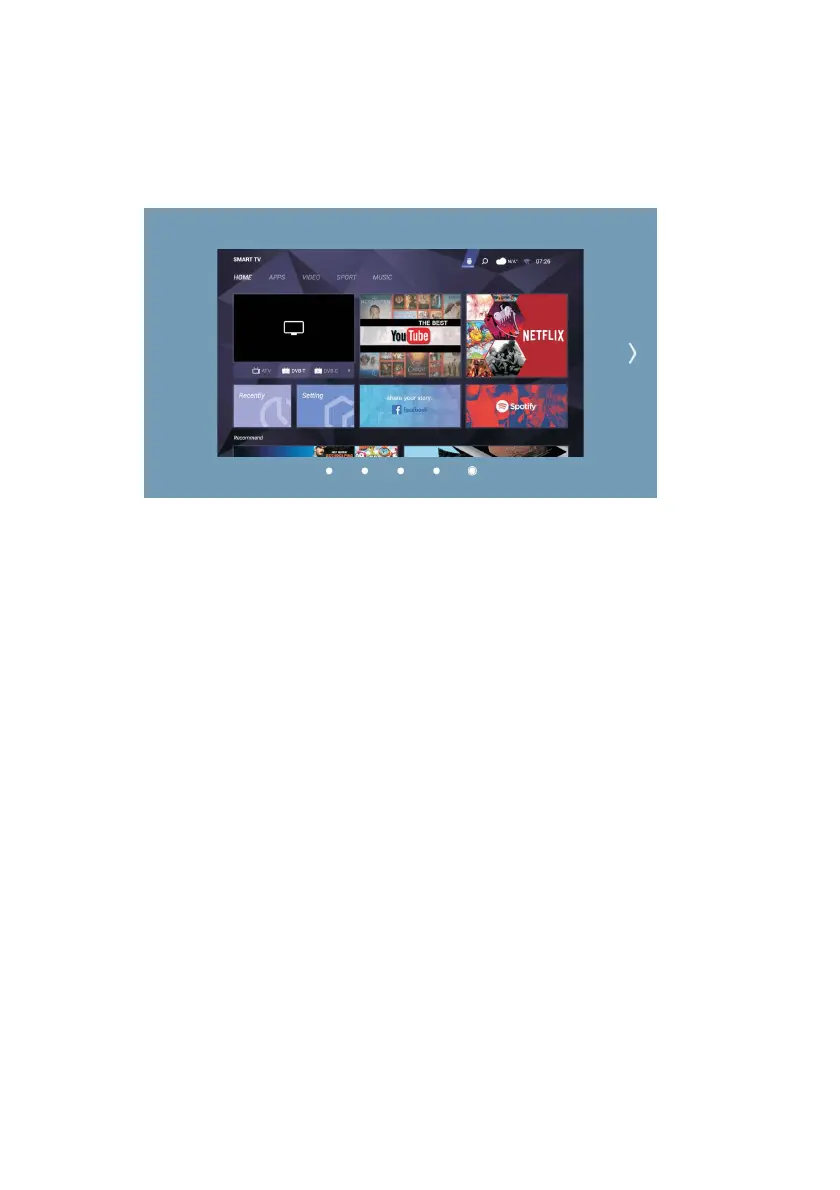
Press the SOURCE button on the remote control to select one of the Analog, DVB
(Digital Terrestrial), DVB C (Cable), DVB S (Satellite), AV, HDMI1, HDMI2, and
HDMI3 inputs,
and use the right/left arrow keys to select the source you want to watch, then press
OK.
While on the Smart TV home page, use the up/down arrow keys to scroll to the input
sources under the preview window, and use the right/left arrow keys to scroll to the
source you want to watch.
Analog: Select this option to watch
analog TV broadcasts.
DVB-T (Terrestrial): Select this option to watch digital terrestrial TV broadcasts.
DVB-C (Cable): Select this option to watch cable TV broadcasts.
DVB-S (Cable): Select this option to watch satellite TV broadcasts.
AV Video Input: You can watch by connecting the AV output of your external
device to your TV with a triple AV cable (Video+ Right/Left Audio). (An AV Cable
is not supplied with the device.)
HDMI1, HDMI2, and HDMI3 Inputs: Select the relevant option to access the device
or devices you hav
e connected to HDMI. (A HDMI cable is not supplied with the
device.)
To enter the menu, press the menu button on the remote control, then use the
Right/Left direction buttons to select the menu you want to enter and press the
ENTER button.
39



 To Next Page