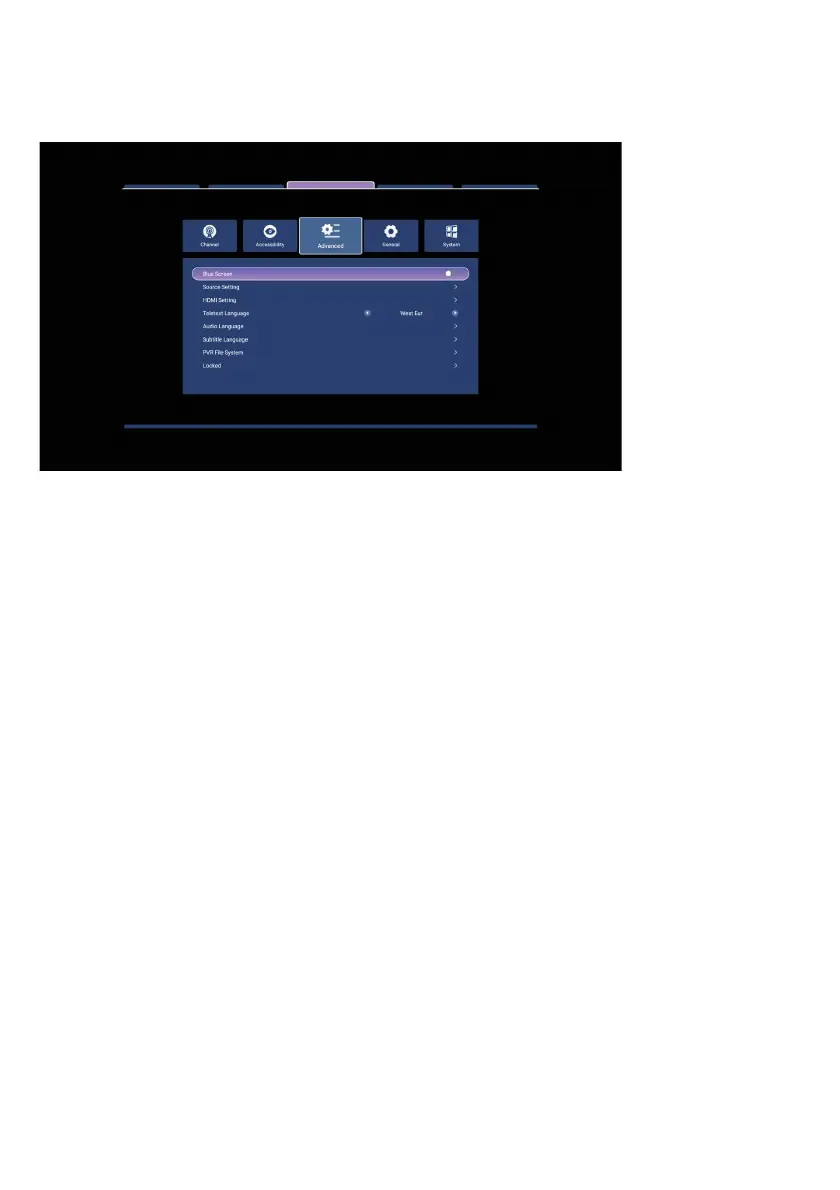
ADVANCED MENU
Blue Screen: When turned on, the screen will display blue when there is no signal on
the screen.
Source Setup: You can use this menu to hide or show input sources in the Source
menu. By pressing ENTER on the desired source, you can also change the name.
HDMI Setup: Use this menu to control your TV using the remote control of any HDMI
CEC enabled external device.
Teletext Language: From this menu, you can select the language required for the
47



 To Next Page