59
The tester will output one short “beep” and advance to the next calibration point when the automatic process
is completed successfully, otherwise the tester will output two short “beeps” and will not advance to the next
calibration point.
8. To calibrate Ground Bond test voltage
Please connect a standard 6V AC Voltmeter across the CURRENT and RETURN connectors of the tester.
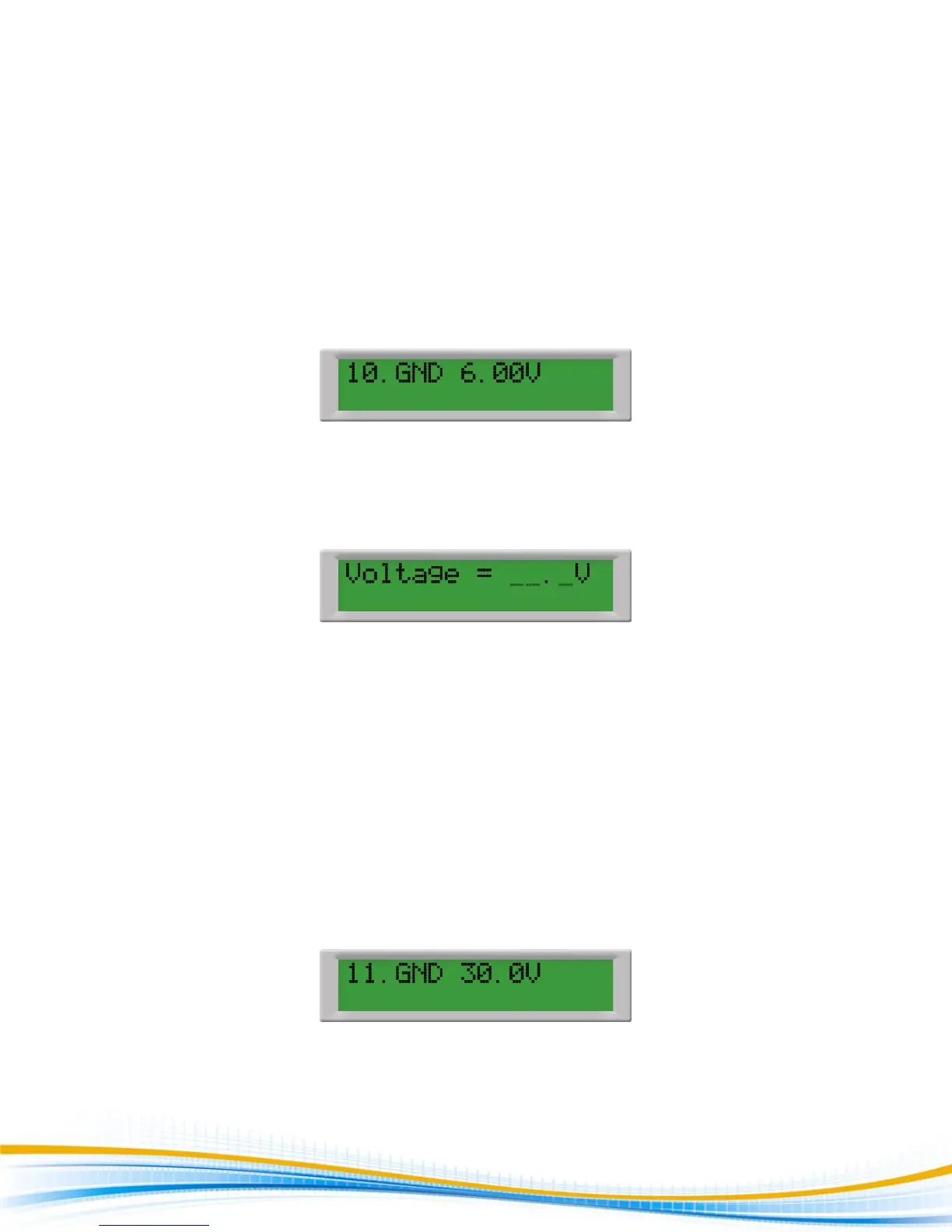
Press the Up () or Down () arrow keys until the display shows:
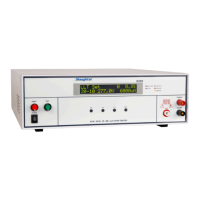
Then press the TEST button on the front panel. The tester will generate an output of about 6 VAC and the
display will show:
Press the Up () or Down () arrow keys to enter the reading of the standard AC Voltmeter into the tester.
Then press SET key to store the voltage setting and to advance to the next calibration point or press the RESET
button to return to the calibration menu without changing the calibration setting. Press the EXIT key to exit
from the calibration mode and to return to the test mode.
9. To calibrate Ground Bond test current
Please connect the standard 30A AC Ammeter across the CURRENT and RETURN connectors of the tester.
Press the Up () or Down () arrow keys until the display shows:
Then press the TEST button on the front panel. The display will show:


 To Next Page