60
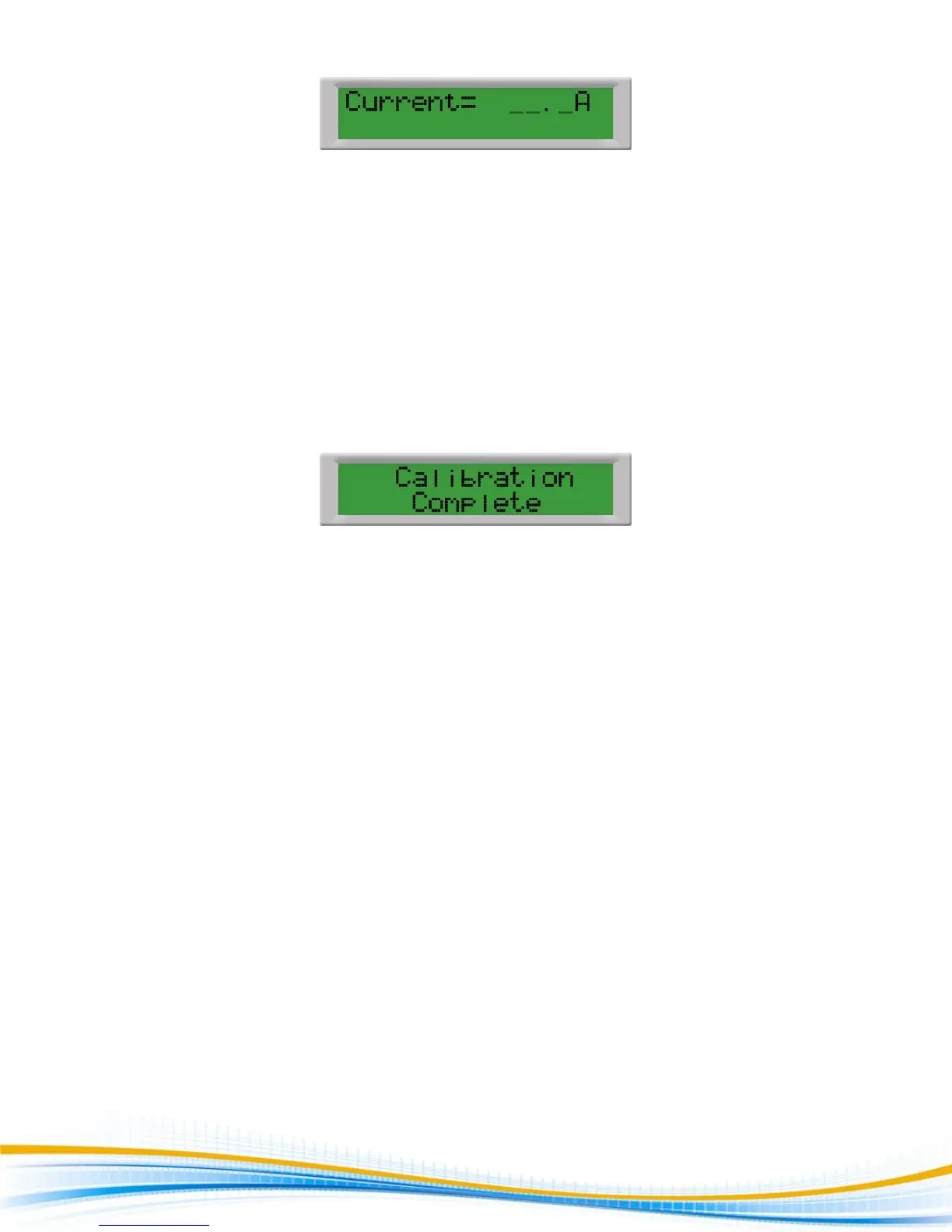
Press the Up () or Down () arrow keys to enter the reading of the standard AC Ammeter into the tester.
Then press SET key to store the current setting and to advance to the next calibration point or press the RESET
button to return to the calibration menu without changing the calibration setting. Press the EXIT key to exit
from the calibration mode and to return to the test mode.
10. Exit Calibration Mode
When all calibration parameters are completed successfully the display will show:
Please press the EXIT key to exit from the calibration mode and to return to the test mode.


 To Previous Page