21
System in Home Mode
Only the Motion Sensor from this kit will stop detecting (default setting; can be
changed on the “Accessory Settings” on the app), which enables you and your
family to move freely at home without accidentally triggering the motion sensor. The
door/window sensors will still be on alert and protect the perimeter. This mode is
recommended when someone is at home during the night.
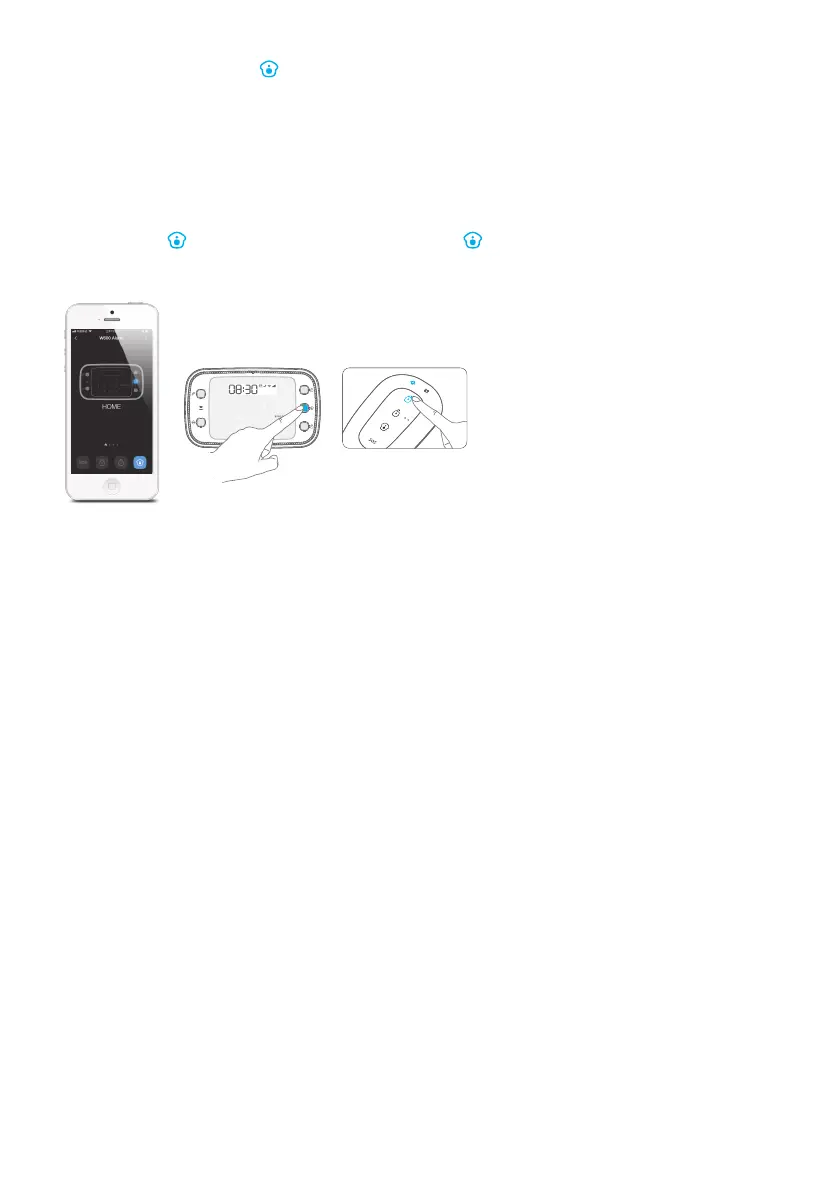
Tap on the [
] icon on the app or press the [ ] button once on the hub/remote
to set the system armed in Home Mode.
Note: The door/window sensors in this kit have been set to Normal Zone by default, you can refer to page
34 and change their zone mode on the “Accessory Settings” of the app.
Only the Motion Sensor from this kit will stop detecting (default setting; can be
changed on the “Accessory Settings” on the app), which enables you and your
family to move freely at home without accidentally triggering the motion sensor. The
door/window sensors will still be on alert and protect the perimeter. This mode is
recommended when someone is at home during the night.



 To Next Page