17
18
Setting up the Alarm System with the App
Setting the alarm system can be done by sending text messages but also by using the
App. This chapter will show how this can be done for all the functions.
Request alarm system status by SMS
Send a text message with “00“ to the SIM card telephone number in the control panel.
System armed
Entry and exit delay time: 0sec
Single zone delay time: 30sec
Siren volume: 2
Siren ringing time: 5min
Disarm password: 1234
In the X500 Alarm App press the following button:
X500 alarm App overview
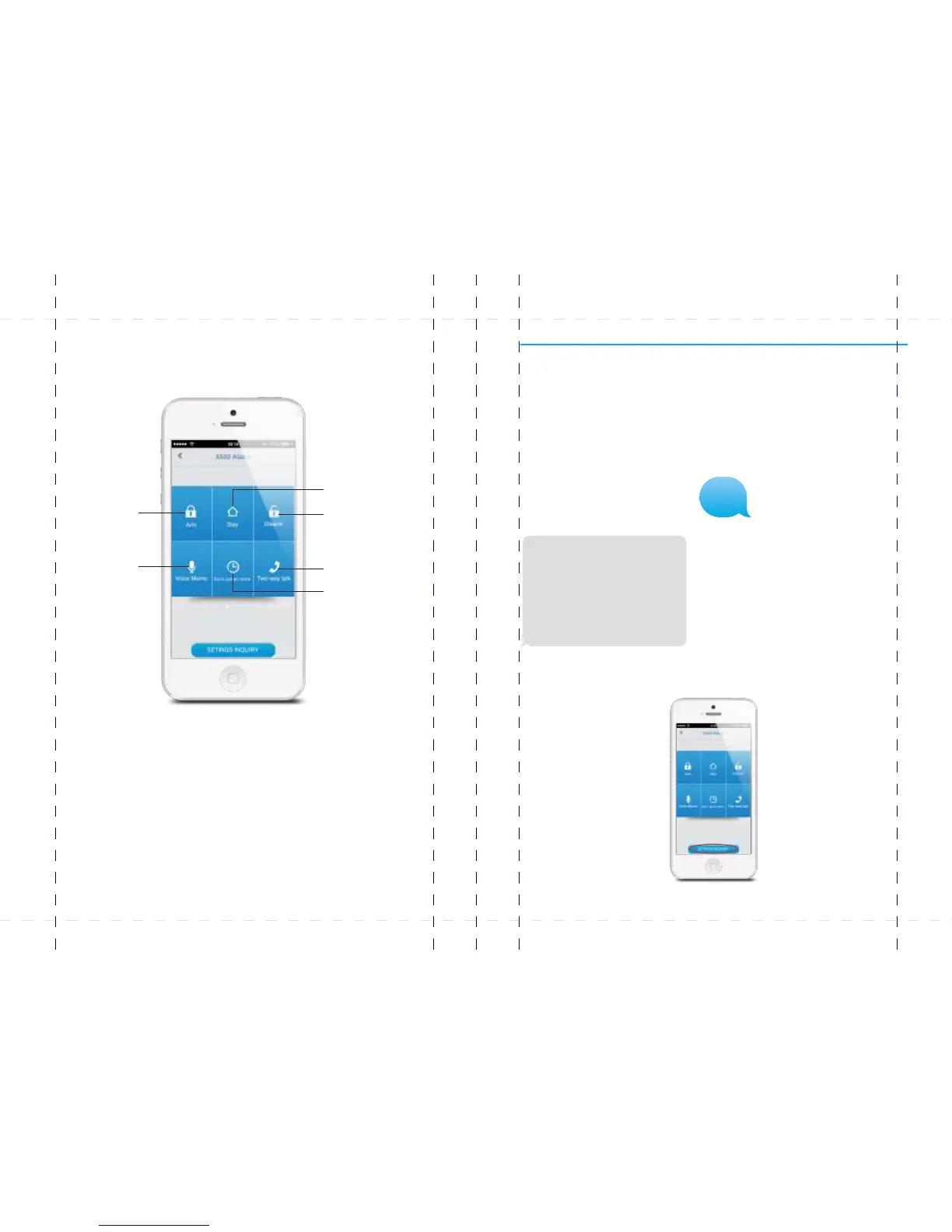
The illustration below shows the functions of the home screen of the App. Other tabs
will be explained in the following pages.
Arm
Stay
Disarm
Two-way talk
Record
voice memo
Synchronize the time
00
PIR-900 Wireless PIR Motion Detector
IMPORTANT: WHEN SINGLE DELAY ZONE IS SELECTED, THE SENSOR
WILL ALWAYS BE IN THE NORMAL ZONE. IT IS NOT POSSIBLE TO PLACE IT IN
THE HOME GROUP.
5
TIP: Always start the SIM card telephone number with the area code of your
country (eg. 0031 for the Netherlands). This will allow you to operate the alarm
system abroad.
8
17
18
19
20
24
X500 Alarm
X500 Alarm
smanos holding...



 To Next Page