25
26
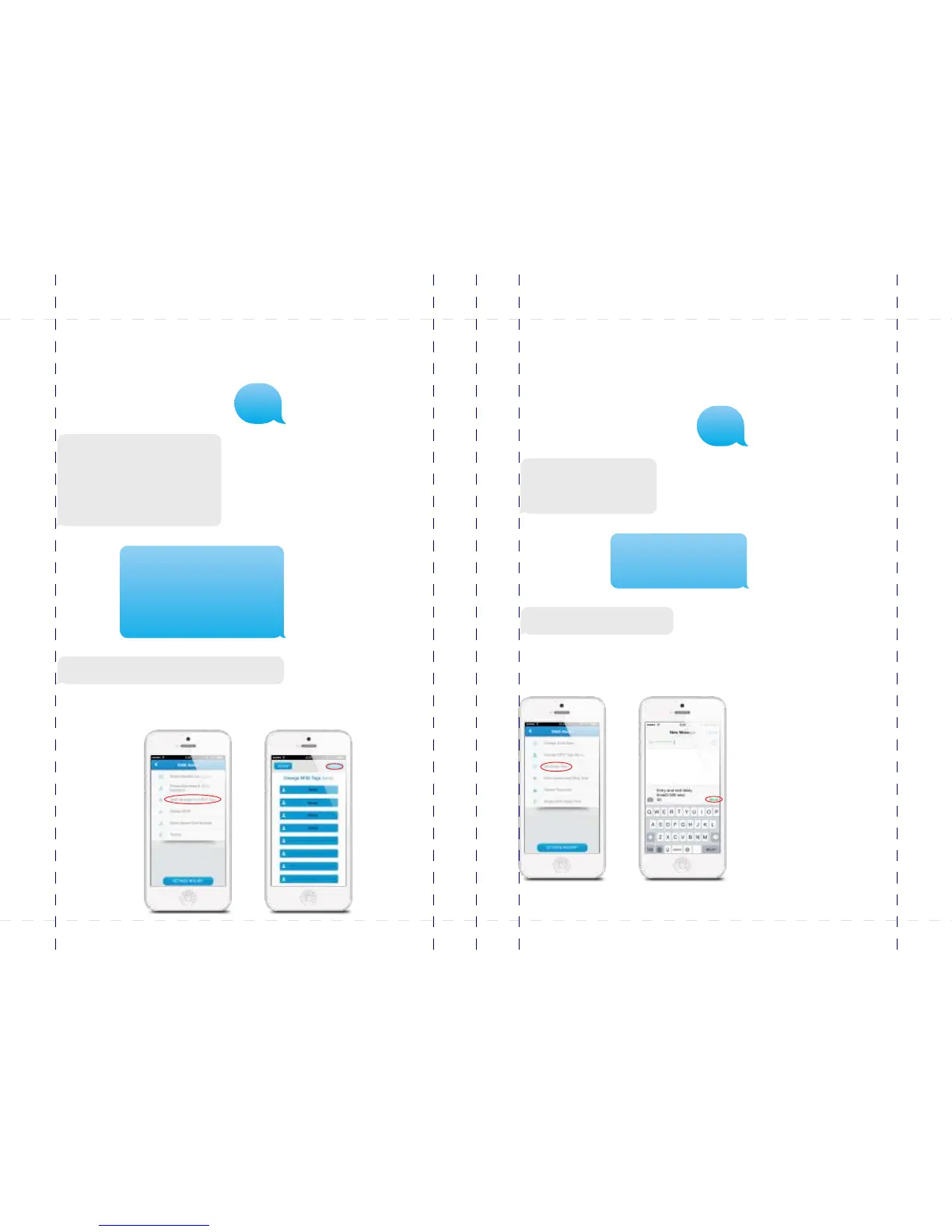
Change RFID tags name
With this menu you can adjust the names linked to the RFID tags. 20 RFID tags can be
renamed. Send 101-120 to rename the RFID tags.
Change RFID tags SMS notice:
1.
2.
3.
4.
Left is the response message of the alarm
system shown when texting ”101” to the
control panel. Copy the message and adjust
the names behind the numbers as shown
below.
Change RFID tags SMS notice:
1.Kids come home from school
2.
3.
4.
Changing RFID tags SMS notice successfully
In the App:
Change entry/exit delay time
The system can be armed or alarmedwith a time delay. When a delay time is set you
will hear a beep every second as a warning of this delay. The beep will go faster in the
last 15 seconds. The default setting is turn off the entry/exit delay time.
Entry and exit delay time
(0-300 sec.):
0
Entry and exit delay time
(0-300 sec.):
30
Set delay time successfully.
Left is the response message of the alarm system
shown when texting “11“ to the control panel. Copy
the message and adjust the time as shown below.
In the App:
101
11
PIR-900 Wireless PIR Motion Detector
IMPORTANT: WHEN SINGLE DELAY ZONE IS SELECTED, THE SENSOR
WILL ALWAYS BE IN THE NORMAL ZONE. IT IS NOT POSSIBLE TO PLACE IT IN
THE HOME GROUP.
5
TIP: Always start the SIM card telephone number with the area code of your
country (eg. 0031 for the Netherlands). This will allow you to operate the alarm
system abroad.
8
17
18
19
20
24
X500 Alarm
X500 Alarm
smanos holding...



 To Next Page