27
28
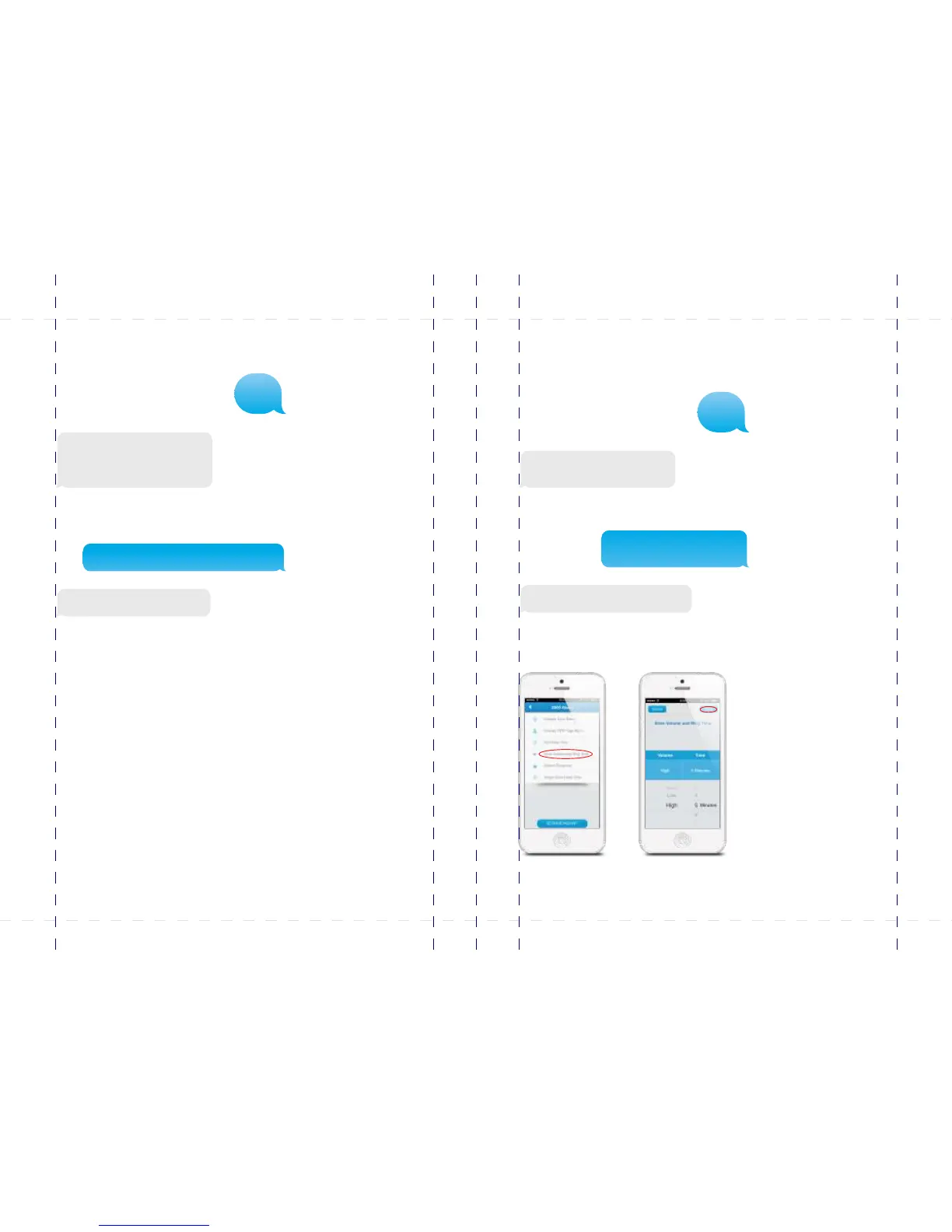
Setting alarm duration
Alarm duration of the siren can be adjusted in this menu. Thedefaultsettingis5
minutes.
Siren ringing time(1-9min):
5
Left is the response message of the alarm
system shown when texting “122“ to the
control panel. Copy the message and adjust
the duration of the siren as shown below:
Siren ringing time(1-9min):
3
Set siren ringing time successfully.
In the App:
Setting alarm volume
Alarm volume of the siren can be adjusted in this menu.The default setting is low.
Siren volume (0 Mute, 1 Low,
2 High):
1
Left is the response message of the alarm
system shown when texting “121“ to the
control panel. Copy the message and adjust
the volume (“0, 1 or 2“) of the siren as shown
below:
Siren volume (0 Mute, 1 Low, 2 High): 2
Set siren volume successfully.
121
122
PIR-900 Wireless PIR Motion Detector
IMPORTANT: WHEN SINGLE DELAY ZONE IS SELECTED, THE SENSOR
WILL ALWAYS BE IN THE NORMAL ZONE. IT IS NOT POSSIBLE TO PLACE IT IN
THE HOME GROUP.
5
TIP: Always start the SIM card telephone number with the area code of your
country (eg. 0031 for the Netherlands). This will allow you to operate the alarm
system abroad.
8
17
18
19
20
24
X500 Alarm
X500 Alarm
smanos holding...



 To Next Page