33
34
Delete all remote controls by SMS
All remote controlscan be removed by texting “23“ to the SIM card number in the
control panel.
Delete remote controls successfully.
Delete wireless sensors by SMS
All sensors can be removed from the system by texting “21“ to the SIM card number in
the control panel.
Delete all RFID tags by SMS
All RFID tags can be removed by texting “22“ to the SIM card number in the control
panel.
Restore system to default setting
Also called a “hard reset.“ Text "0000" to the SIM card number in the control panel.
A hard reset can also be performed by holding the button, then slide the power
switch of the control panel from off to on. Until 2 beeps are heard, means the system
has been restored to default setting.
IMPORTANT: If the control panel is on, turn it off first to apply the function.
Synchronize control panel time
When the control panel is power off, the time will restore to 00:00. Please synchronize
the time by sending “99”.
The control panel will send notification “Operate successfully” when the time is
restored. The system will send notification “Please reply '99' to sync panel time." when
the power is turned on from power failure.
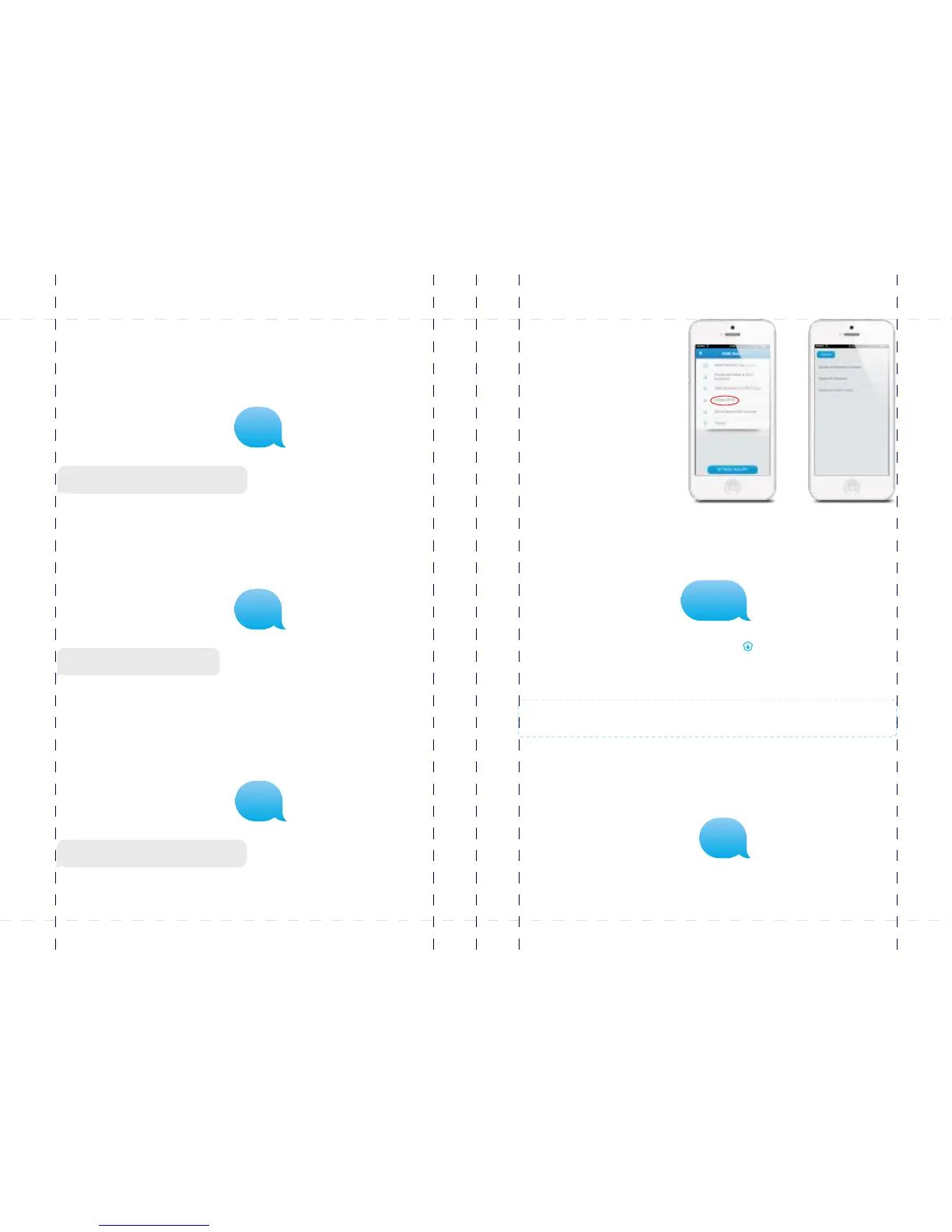
In the App, you can remove the
sensors, RFID tags and remote
controls separately:
Delete wireless sensors successfully.
Delete RFID tags successfully.
21
22
23
0000
99
PIR-900 Wireless PIR Motion Detector
IMPORTANT: WHEN SINGLE DELAY ZONE IS SELECTED, THE SENSOR
WILL ALWAYS BE IN THE NORMAL ZONE. IT IS NOT POSSIBLE TO PLACE IT IN
THE HOME GROUP.
5
TIP: Always start the SIM card telephone number with the area code of your
country (eg. 0031 for the Netherlands). This will allow you to operate the alarm
system abroad.
8
17
18
19
20
24
X500 Alarm
X500 Alarm
smanos holding...



 To Next Page