9
10
Control Panel Operation
Arming the system
Press . All the sensors will be activated.
Partially arming the system
Press . Sensors which are set in the home mode zone will not active when home
arm is activated. All other sensors in other zones will remain active.
Disarming the system with the control panel
Disarming the system with the control panel can be done by entering the 4-digit
password (default 1234) and press the button. You will hear one beep and the
system will be disarmed. If you hear three beeps, the password is entered incorrectly.
Disarming the system by RFID tag
Hold the RFID tag close to the RFID reader. The system will beep as a confirmation it is
disarmed.
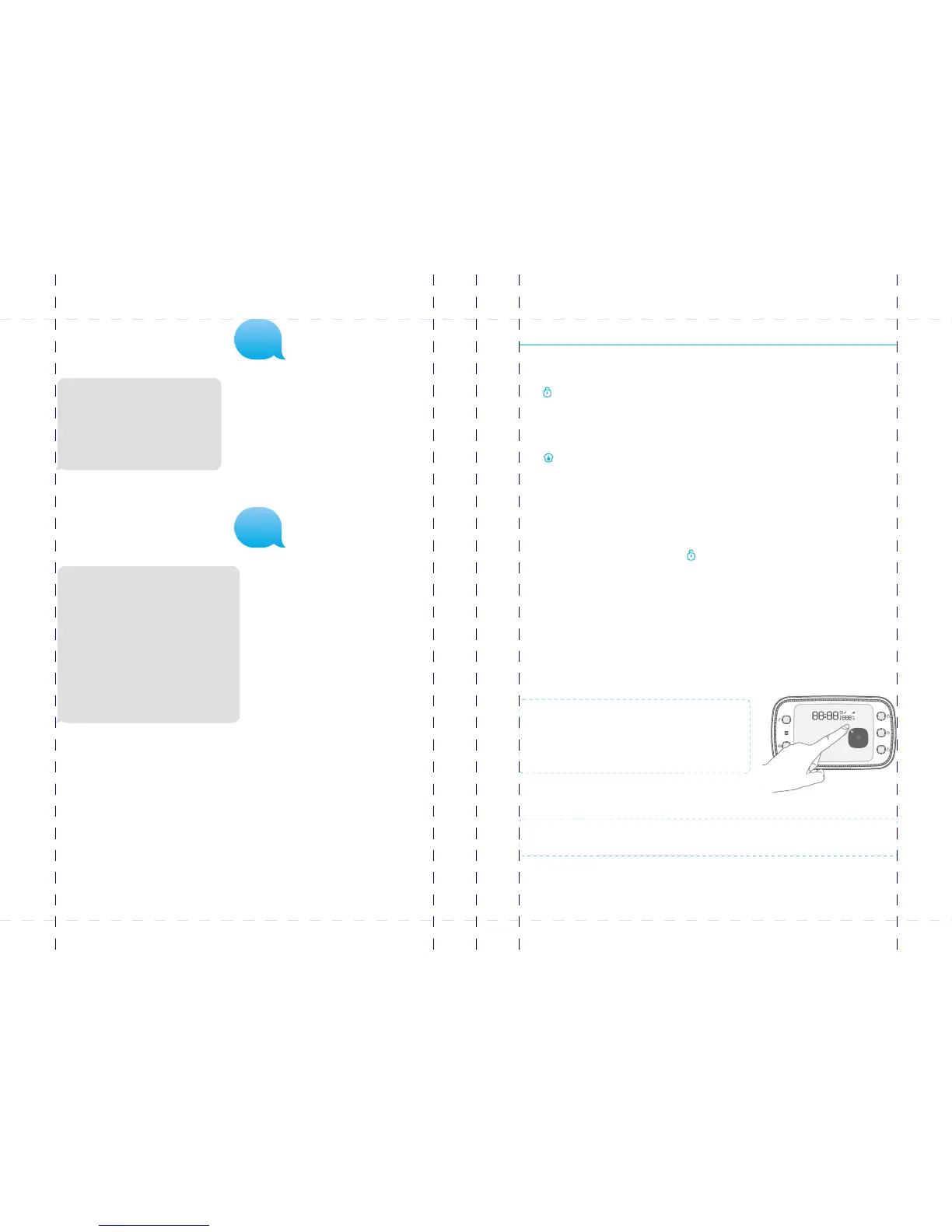
IMPORTANT: The control panel must be
connected to AC adapter when using a RFID
tag to disarm the system.
IMPORTANT: RFID tags can only be used to disarm the system.
‘901-950' Zone name
'101-120' RFID tags SMS notice
'11' Entry and exit delay time
'121' Siren volume
'122' Siren ringing time
'13' Disarm password
'14' Single zone delay time
‘15’ Duress code
‘16’ Timing
Sending “ ? ? ”
Control panel replies:
Sending “ ? ? ? ”
Control panel replies:
‘5’ Store alarm phone No.
‘6’ Store alarm SMS No.
‘7’ Store SMS No. for RFID tags
‘8’ Store speed dial phone No.
‘???’ System setups
???
??
PIR-900 Wireless PIR Motion Detector
IMPORTANT: WHEN SINGLE DELAY ZONE IS SELECTED, THE SENSOR
WILL ALWAYS BE IN THE NORMAL ZONE. IT IS NOT POSSIBLE TO PLACE IT IN
THE HOME GROUP.
5
TIP: Always start the SIM card telephone number with the area code of your
country (eg. 0031 for the Netherlands). This will allow you to operate the alarm
system abroad.
8
17
18
19
20
24
X500 Alarm
X500 Alarm
smanos holding...



 To Next Page