Programming Using Hand-Held Terminal
3.3
Configuration Resources
Through the HART configurators, the TT301 firmware allows the following configuration resources to be
accessed:
Transmitter Identification and Manufacturer Data;
Primary Variable Trim – Temperature;
Secondary Variable Trim – Terminal Temperature;
Equipment Current Trim;
Transmitter Adjustment to Work range;
Engineering Unit Selection;
Set Point Generator Configuration;
PID Controller Configuration;
Equipment Configuration;
Equipment Maintenance.
The operations occurring between the configurator and the transmitter do not interrupt the temperature
measuring and do not disturb the output signal. The configurator may be connected on the same 4-20
mA signal cable to a maximum 2000 m distance from the transmitter.
Programming Tree
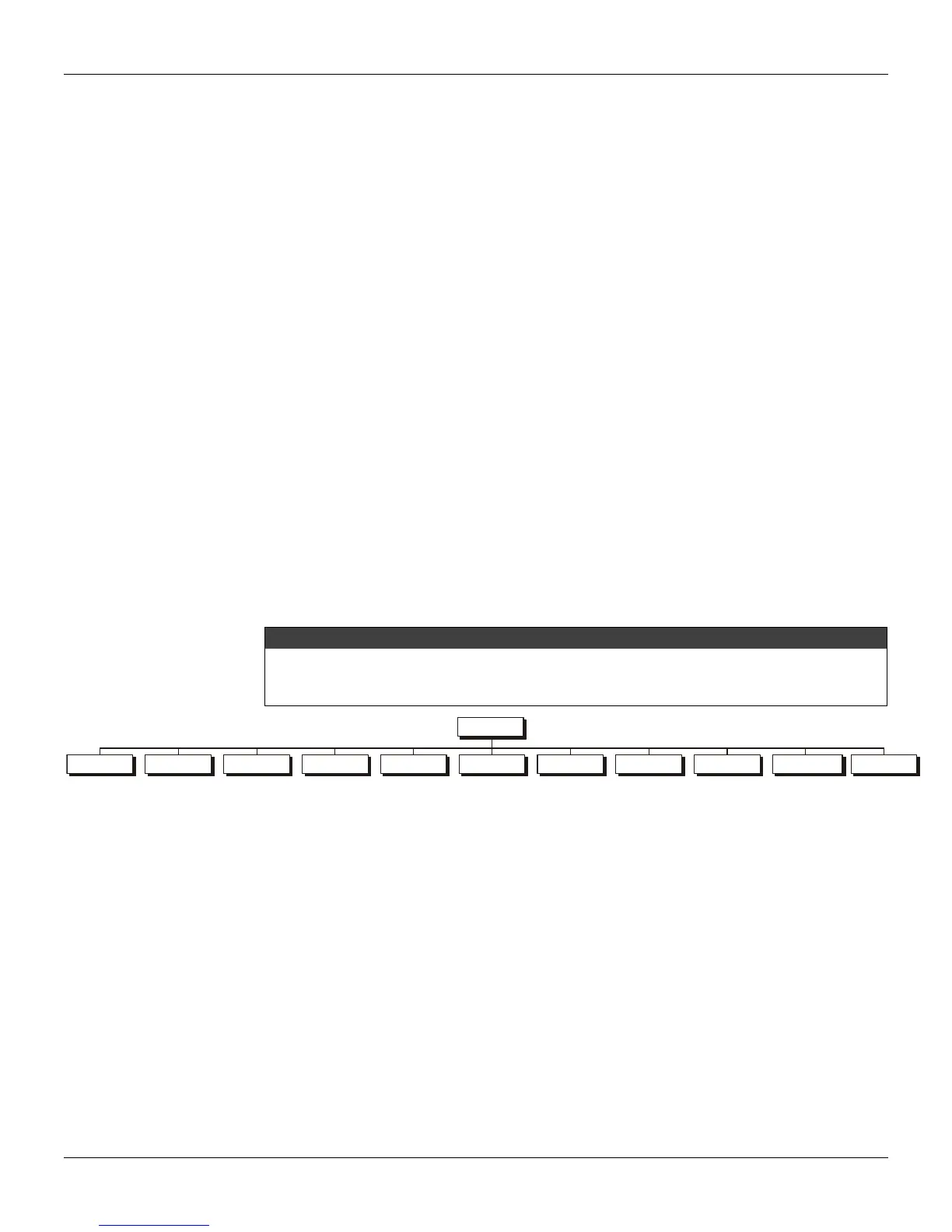
The programming tree is a structure resembling a tree, with all the resources available in the software,
as shown on Figure 3.3.
DEVICE ADDRESS 0: Used when the Configurator is connected in parallel with a single transmitter
and this transmitter has 0 (zero) for address.
FROM: 0 TO 15: Used when the Configurator is connected in parallel with up to 15 several transmitters
and these transmitters are configured with different addresses (See Multidrop).
All transmitters are factory-configured without passwords. To avoid faulty operation on a few critical
levels on the programming tree, the configuration is recommended of all passwords before
operating. See option “PASSWORD”, on the maintenance section.
INFO CONF MAINT SENSOR PID RANGE TRIM ALARM FACTORY
TT301
MULTIDROP MONIT
Figure 3.3 – Configuration Tree
INFO – The main information on the transmitter may be accessed here. They include: Tag,
Description, Message and Single ID.
CONF – This option permits Burnout and Display configurations
MAINT – This option tests the current loop, resets the operations equipment, sees the operations
counter and configures the password levels and ordering code.
SENSOR – This option permits configurate the sensor type and the connection to be used.
PID – This option connects and disconnects the programming function and adjusts and monitors all of
the control parameters.
MONIT – The user may monitor 4 of the transmitter dynamic variables and the current output.
RANGE – The following outputs related to the parameters may be configured: Lower Value, Upper
Value, Unit and damping.
TRIM – Adjusts the transmitter displaying to a current or an Ohm/mV standard.
ALARM – Any of the three available types of alarm may be configured. They may be used as an alert
tool to be activated when the PV is out the configured range.
FACTORY – Contains all parameters pre-configured at plant. This procedure is in-factory performed
and may not be adjusted by the user.



 To Next Page