TT301 - Operation & Maintence Instruction Manual
3.12
The TT301 is produced with the address equal to zero, in a point-to-point operational mode. The
transmitter communicates with the configurator by overlaying the communication on the 4-20 mA
signals. To operate in multidrop mode, the transmitter address must switch to a 1 to 15. This change
deactivates the 4-20 mA analog output by assuming the fixed value equal to 4 mA (TRM mode), or
maintains the 4-20 mA variable when the equipment is configured for PID mode.
When intrinsic safety is required, special attention must be laid on Ca, La parameters allowed for that
area.
To operate in multidrop mode, search for the transmitters connected on the same line.
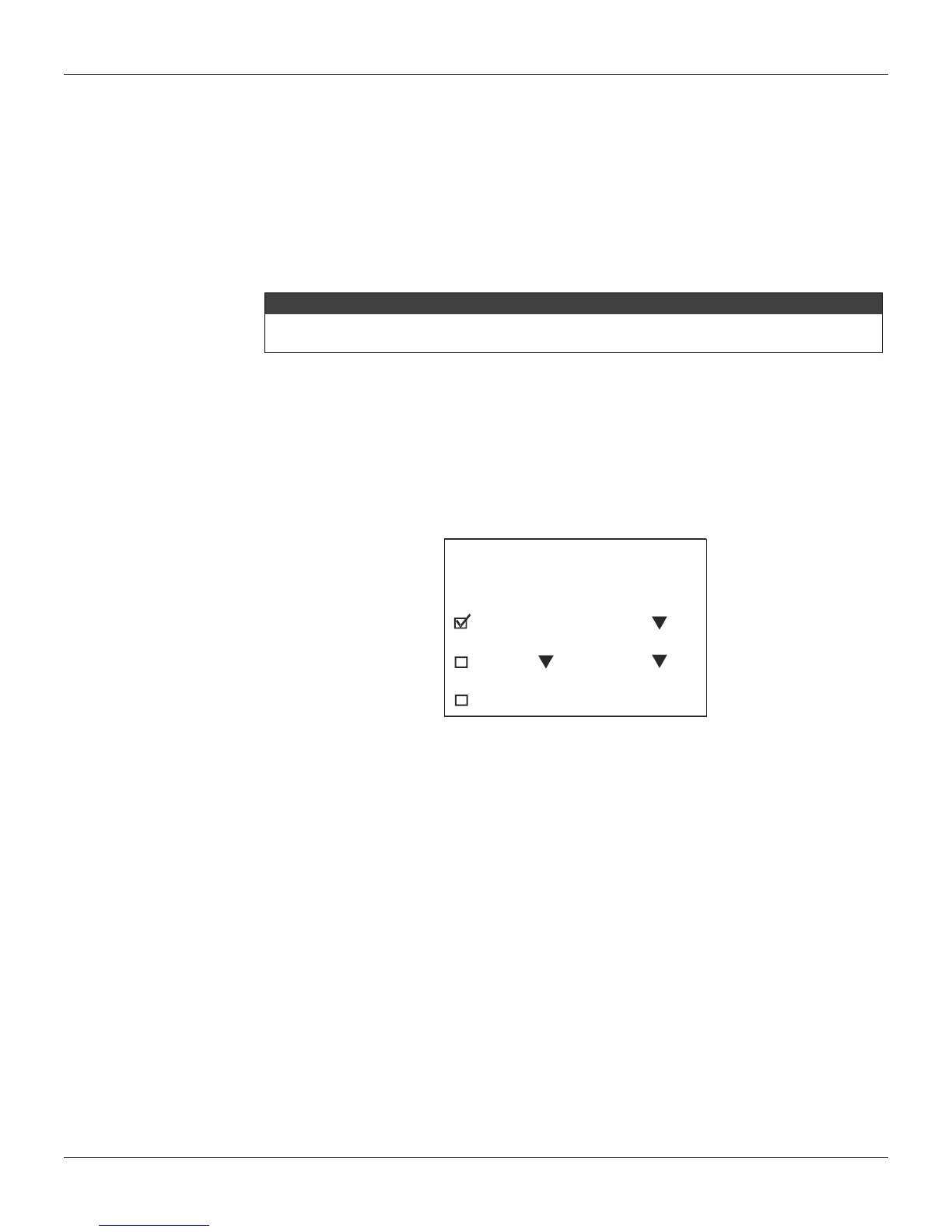
This operation is called “POLL” (“SEARCH”) and is automatically performed after "From 0 to 15" is
selected and the “POLL” button activated on the Palm configurator screen below:
The output current is fixed on 4 mA as soon as the transmitter address is changed, except when the
transmitter is configured for PID operation mode.
Configuration TT301 for Multidrop
All equipments leave factory with a 0 (zero) address, unable to work in multidrop. To operate in
multidrop they must be singly connected to any number between 1 and 15.
To configure the transmitter in multidrop, connect it single on the line according to figure 1.6 on section
1.
After powering it, press the HPC30pt icon. The configurator will display the following screen:
Select and option before
searching for an address:
Equip. address
From:
To:
Tag:..............
0
0 15
Figure 3.4 – Multidrop Configuration Screen
Select Equipment Address 0 on the first line and press the Poll button. When the configurator
identifies the transmitter, select a line containing the information on the equipment. On next screen,
choose the Multidrop option. Now, select the required transmitter address and press Send. See that
no other required transmitter on same line has the same address, regardless of make, model and type.
Repeat this procedure for all equipments connected in multidrop.
Multidrop Mode Configuration
To use the configurator for communication with a specific transmitter in multidrop mode, select the
second option From: 0 to 15 on the configurator screen and press the Poll button. When the
configurator identifies a transmitter on the line, it will display a list with its Address, Tag and
Manufacturer.
After the transmitter is selected, the main menu with all configuration options will be displayed on the
configurator for handling.



 To Next Page