Section 4
PROGRAMMING USING LOCAL
ADJUSTMENT
The Magnetic Tool
Smar's magnetic tool is the second man-machine interface; it compromises the advantage of the
powerful Smar Configurator and the convenience of the "good-old" tool.
If the transmitter is fitted with a display, and is configured for complete - local - adjustment (using
internal jumper) the magnetic tool is almost as powerful as the Configurator, eliminating the need for a
Configurator in most basic applications.
If the transmitter is not fitted with a display, or is configured for simple local adjustment (using internal
jumper) the adjustment capability is reduced to reranging.
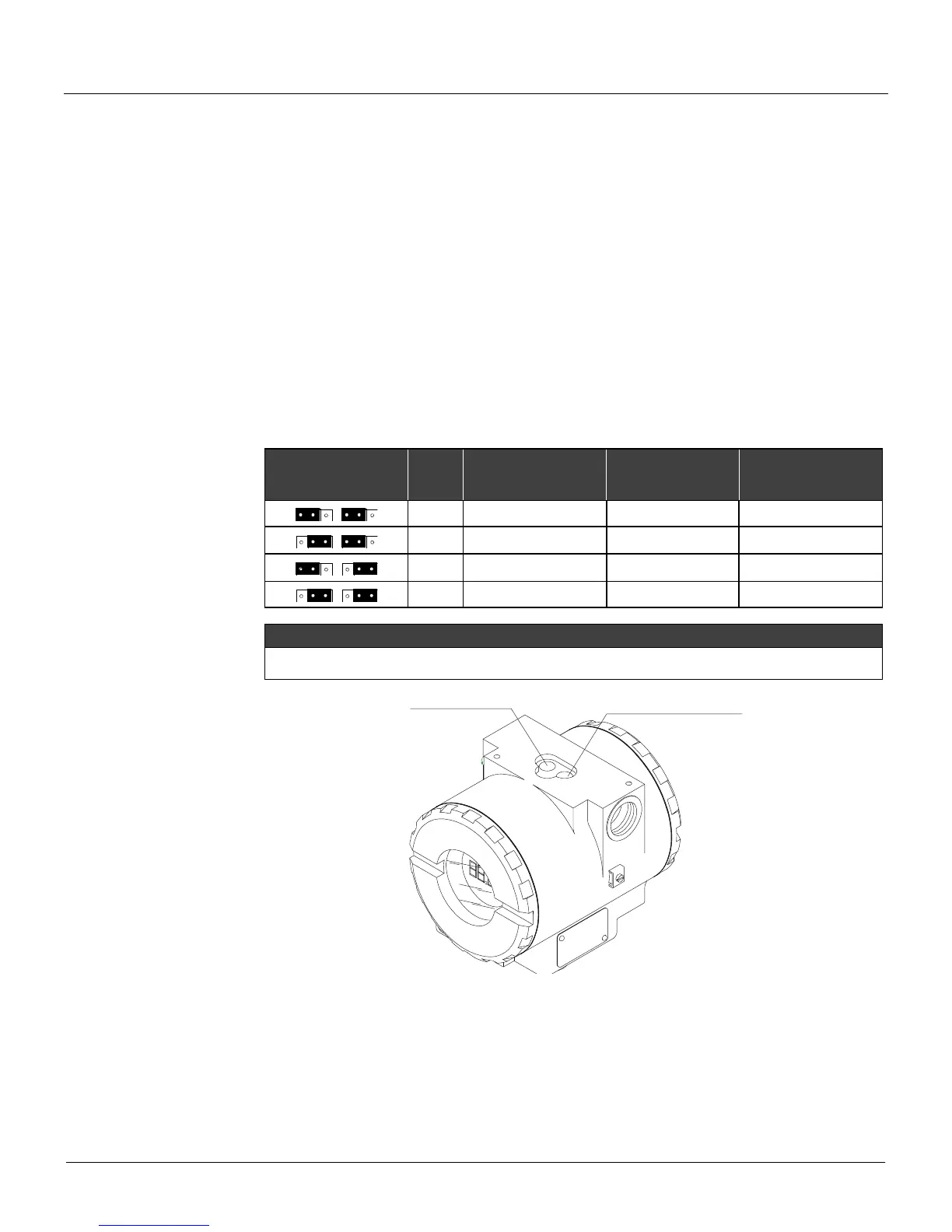
To select the function mode of the magnetic switches configure the jumpers located at the top of the
main circuit board as indicated below:
COMPLETE
LOCAL
ADJUSTMENT
If the hardware protection is selected, the EEPROM will be protected.
The local adjustment default condition is simple enabled and write protect disabled.
ACTION / SPAN
MOVE AROUND / ZERO
Figure 4.1 – Local Adjustment Switches
The transmitter has, under the identification plate, holes for two magnetic switches activated by the
magnetic tool.
The holes are marked with Z (Zero) and S (Span). If "Simple Local Adjustment" is selected by the
jumpers position, the switches have the following functions:



 To Next Page