CHAPTER 3
USING THE INTERACTIVE WHITEBOARD SYSTEM
22 smarttech.com/kb/170910
Setting Use Notes
Model Number Displays the projector’s model
number (SMART U100 or
SMART U100w).
Serial Number Displays the projector’s serial
number.
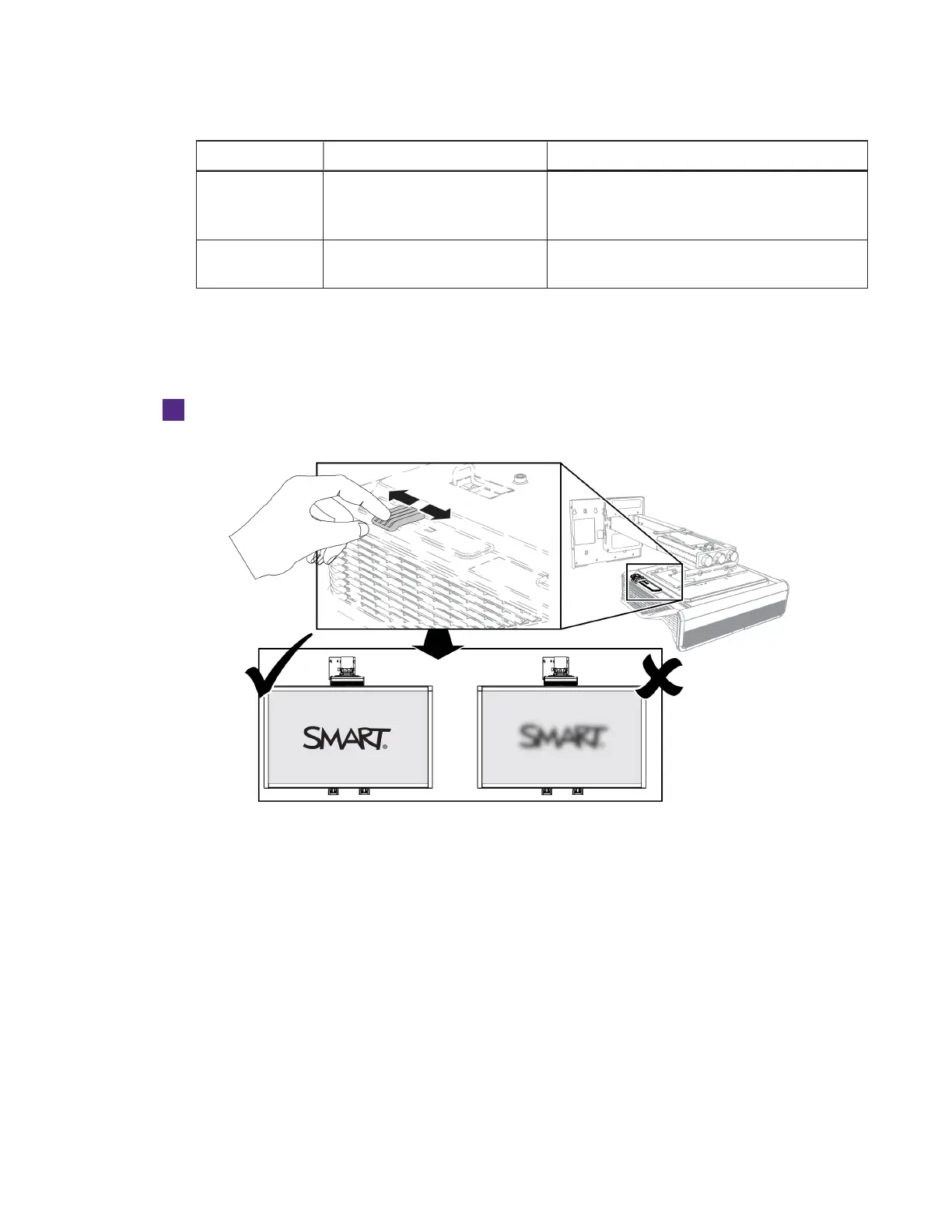
Focusing the image
Use the projector’s focus slider to focus the projected image.
To focus the image
Adjust the Focus slider until the image is in focus.



 To Next Page