34
Installation instructions
A1.5
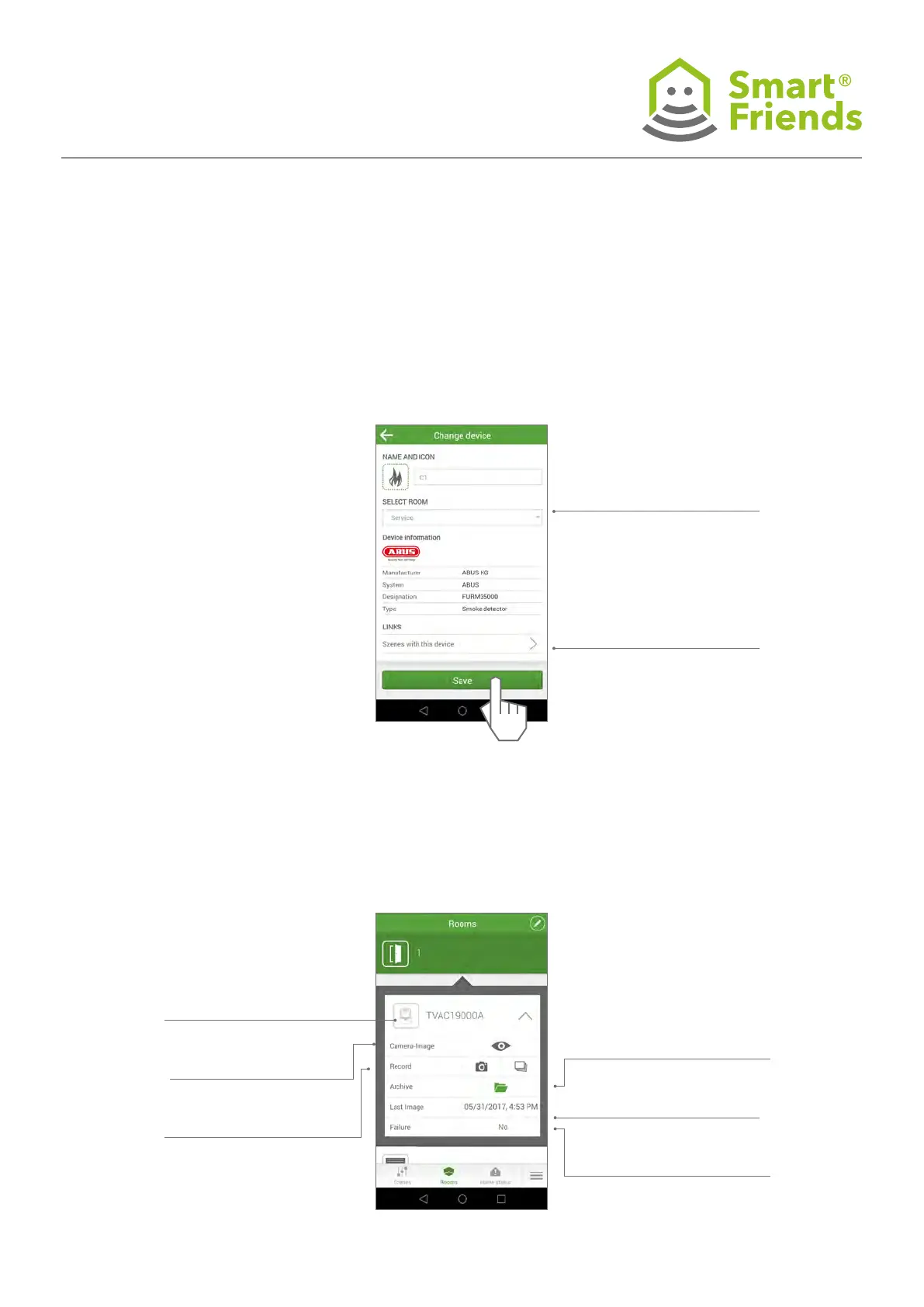
Smartvest component settings: Select the
pencil icon to switch to the programming mode.
Then select the gear icon to switch to the specif-
ic component’s settings.
Archive: Display whether new
images are available
Last image: Date and time of the
last image taken
Failure: No connection, incorrect
password
Switch to the Premium view
Camera image: Switch to the
preview of the camera image
Record: Create an individual
image or serial images
Changes can be made to the
icon, name and room
Links: All scenes with this
product
A1.6
Camera in the Rooms view



 To Next Page