35
Installation instructions
A1.7
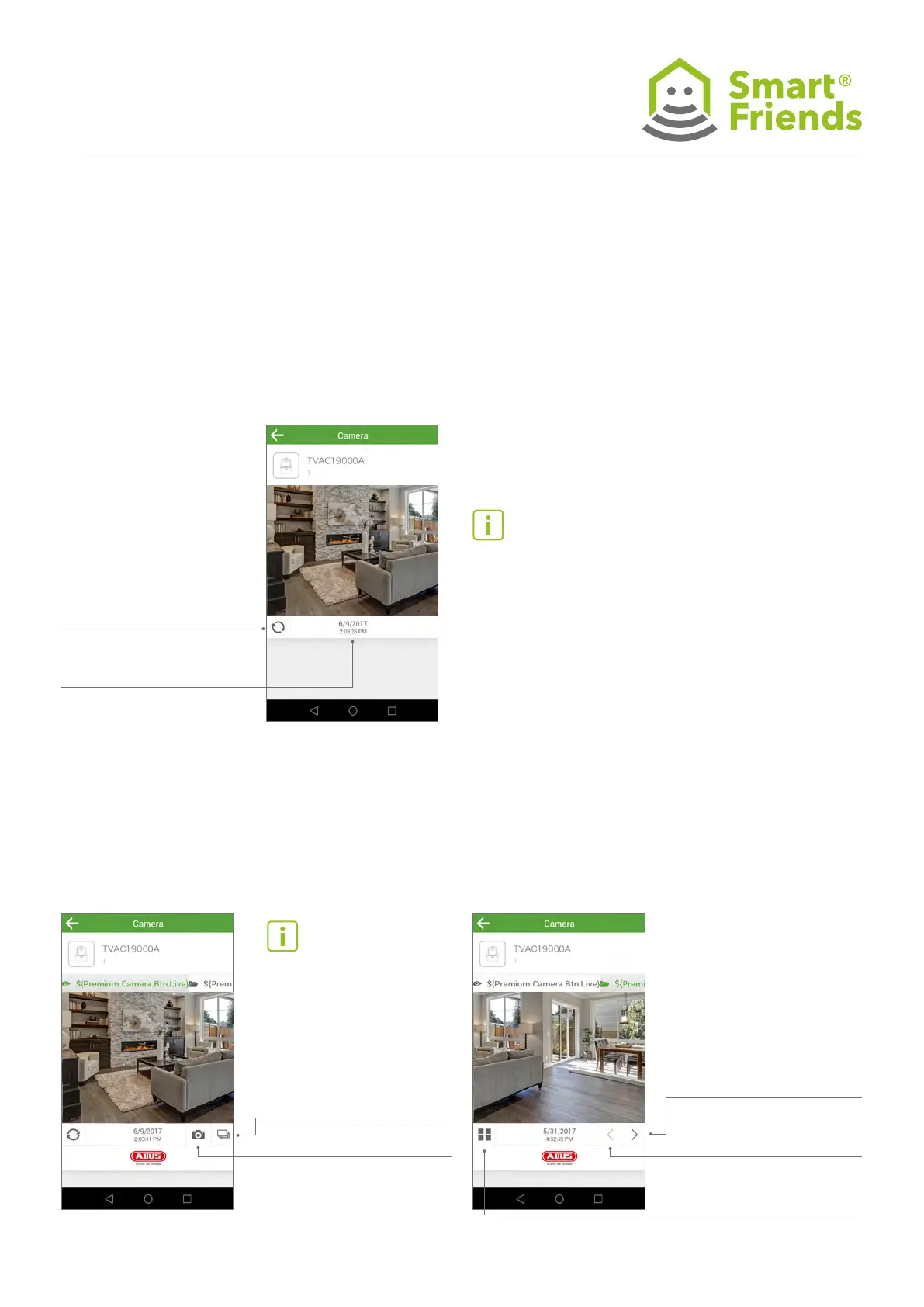
Camera in the view: Live mode The camera im-
age refreshes itself automatically after a specied
live image refresh interval.
Capture a serial image
Capture an individual image
Forward: Switch to
next image
Back: Switch to previous
image
Changes to the
“Image archive” view
Refresh: A new camera
image is displayed
Last image: Date and time
of the last image taken
A1.8
Camera in the view: Premium view live mode
A1.9
Camera in the view: Premium view image archive
The archive contains all the saved images.
Important note: Only individual
camera images are displayed and
refreshed; this is not a video func-
tion with multiple fps.
The way the camera functions
in combination with the Smart
Friends Box is different from how
it functions in combination with
App2Cam or the Smartvest app.
The Premium view combines
all the main functions of the
camera.



 To Next Page