Setting values
Setting values (monochrome display)
Setting values
X
Scroll to the desired display.
X
Press a to confirm.
X
Press ´ to set the values.
X
Press a to confirm.
Resetting values
X
Scroll to the desired display.
X
Press a for 3 seconds.
Setting the time
X
Press ´ repeatedly until °
is shown
next to the time.
X
Press a until the hour value flashes.
X
Set the hour value
The minute value flashes.
X
Set the minute value.
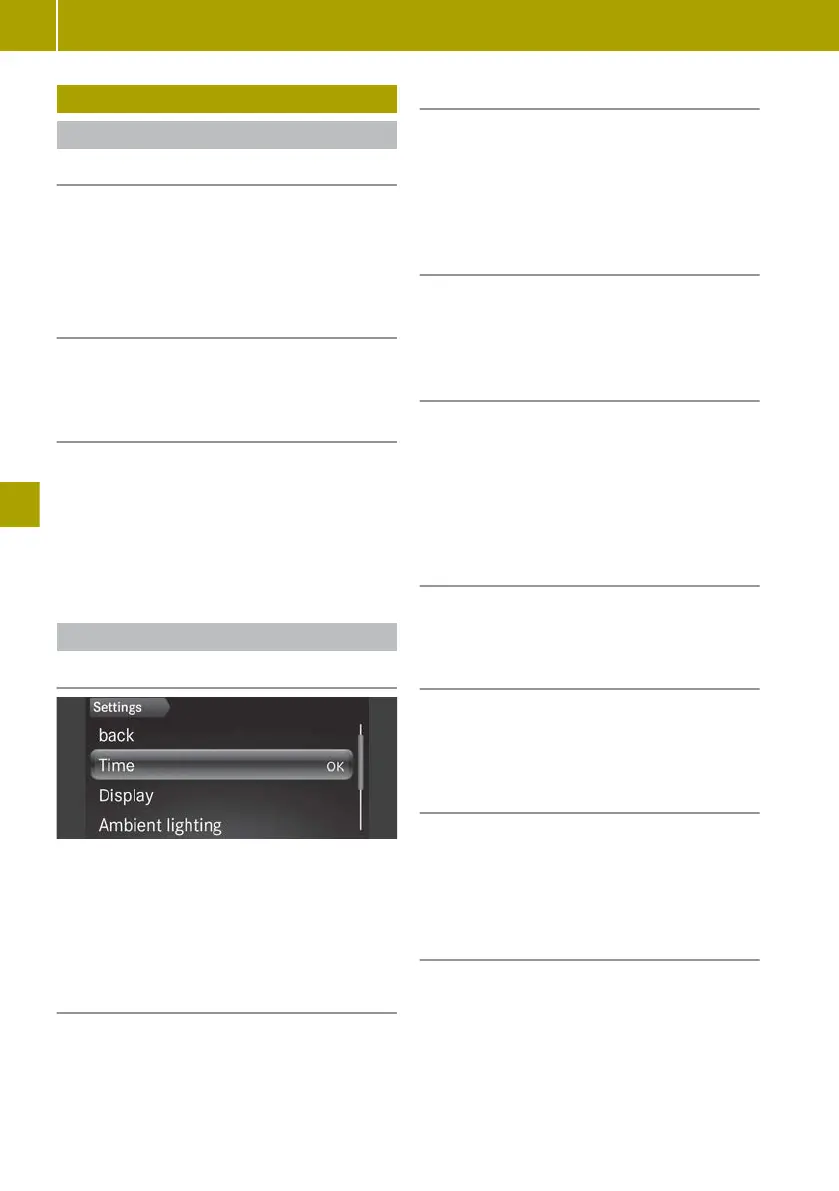
Setting values (colour display)
Setting values
X
Press 9 or : to scroll to Settings.
X
Press 9 or :
to scroll to the desired
menu.
X
Press 9 or :
to set the desired data.
X
Press a to confirm.
Resetting values
X
Press a.
Setting the time
X
Select Settings > Time > Set time.
X
Set values
Vehicles with smart Media-System: the
time and time format are set in the smart
Media-System.
Setting the time format
X
Select Settings > Time > Time format.
X
Set the value
Adjusting the instrument cluster light-
ing
X
Select Settings > Display > Display
brightness.
X
Set the value
The instrument cluster lighting can only be
adjusted when the lights are switched on at
night.
Switching on the ambient lighting
X
Select Settings > Ambient lighting
> On.
Setting the brightness of the ambient
lighting
X
Select Settings > Ambient lighting >
Brightness.
X
Set the value
Showing the digital speedometer
X
Select Settings > Display > Digital
speedometer.
X
Select the On function.
Setting the unit for speed in the digital
speedometer
X
Select Settings > Display> Digital
speedometer > Unit.
X
Set the value
88
Setting values
>> Operating the on-board computer.















 To Next Page