SDRe Programming Software
2.1.1. File name screen area:
This area shows the name and root to the current file in use. In case
you have not saved any file yet, this bar will shows only Programmer
and alignment Software.
2.1.2. Menu Bar screen area:
This screen area lets you get the access to the right menu of each one
of the features and services.
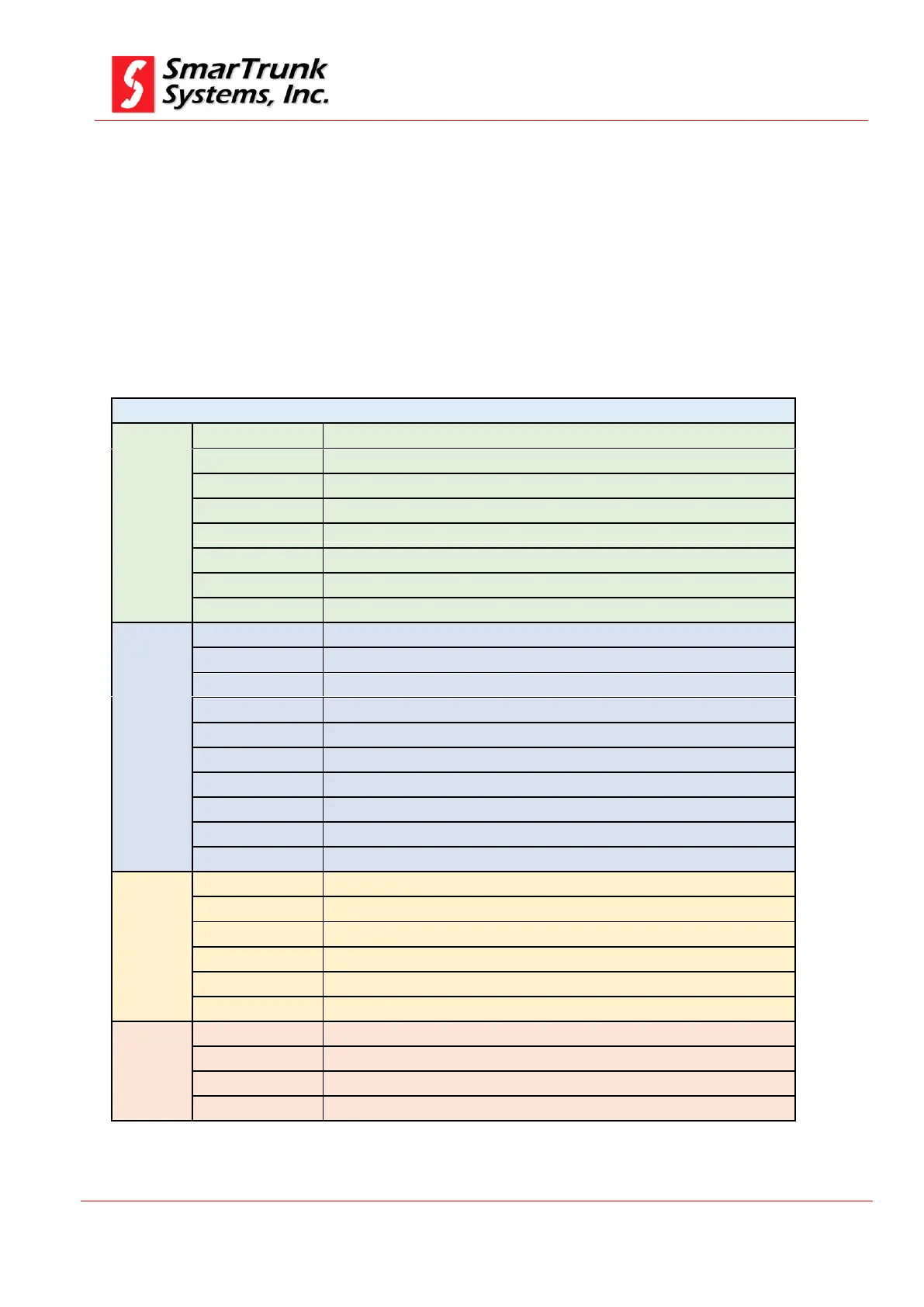
SDRE Programming software menu tree
Create a new file from scratch
Save current programming information
Save current programming information on different file
Open a recently used file
Print current programming information
Software configuration screen
Close the SDR programming Software
Radio Model information retrieved from radio memory
Assign functionalities to radio buttons
Choose the right options for networking and server control parameters
Define password protection for current file
Access to radio phone book directory
Analog, Digital, MDX, Xpress, SmarTrunk II, 5 Tones
Define the programing of MDC1200 signaling
Define digital profiles for the current file
Assign the function of each pin on the accessory connector
Establish advanced features as voice files, sound files, display fonts and more
Write the programming information to a connected radio
Make a factory general reset
Proceed with radio alignment
Proceed to update radio firmware
Access to tech support e-mail or live chat
Related to the programming software release information
Table 1 Programming menu tree


 To Next Page