SDRe Programming Software
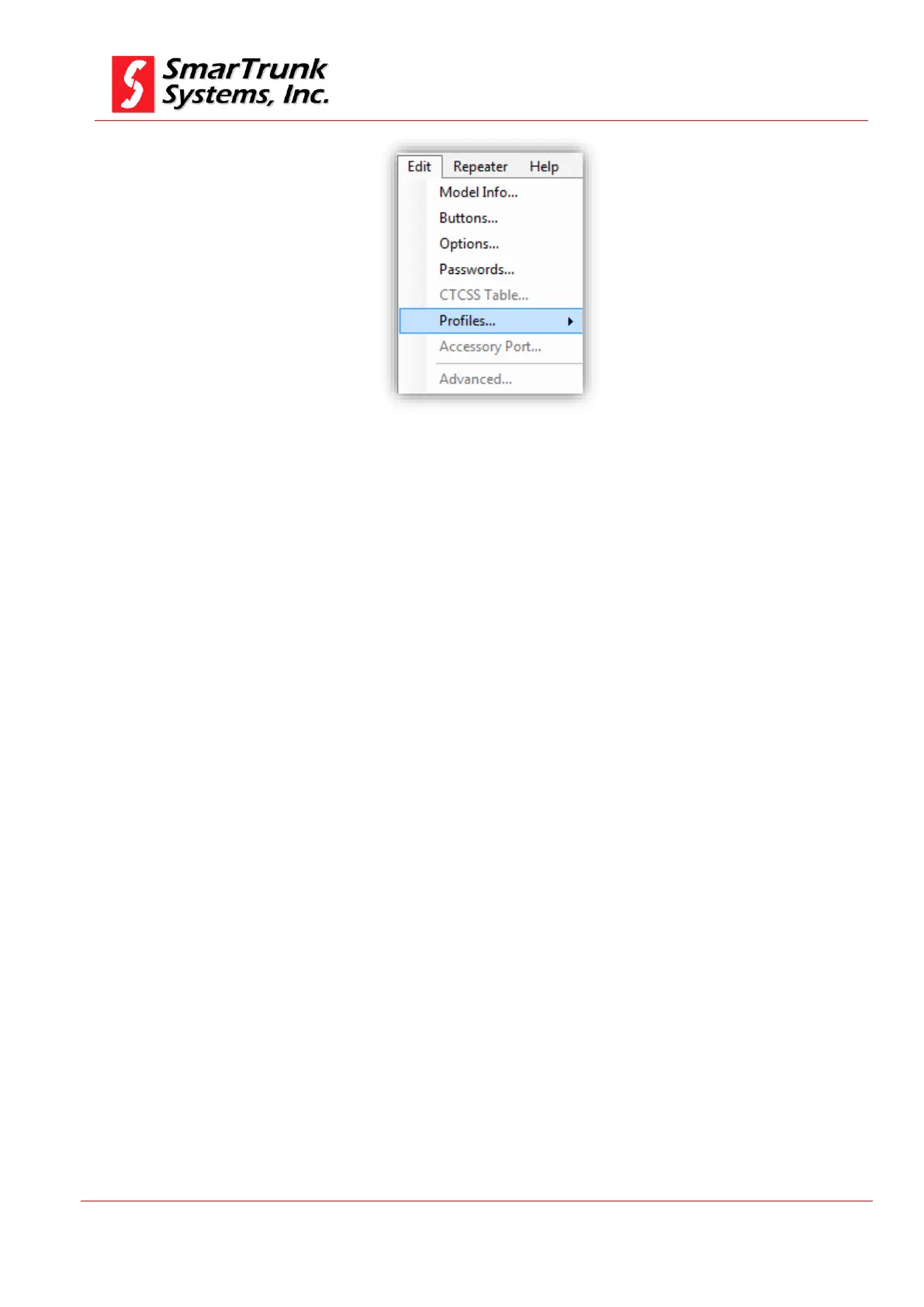
Figure 51: Profiles Menu Access
Once you press on [Profiles], a list of possible profiles will be open. If
some profiles are on grey, it is because your firmware does not support
that service.
4.6.1. Analog Profiles:
All common characteristic of any analog profile common to any of
the channels in the repeater must be programed on this step and
the associated to the right frequencies on the chart later.
To access to the Analog profile menu, proceed pressing on [Menu]
then [Profiles], then [Analog]


 To Next Page