SDRe Programming Software
Surf in your computer to select the desired file then connect you
repeater to your computer USB port or through a TCP/IP network
connection and then press [Start] to initiate the firmware update
process.
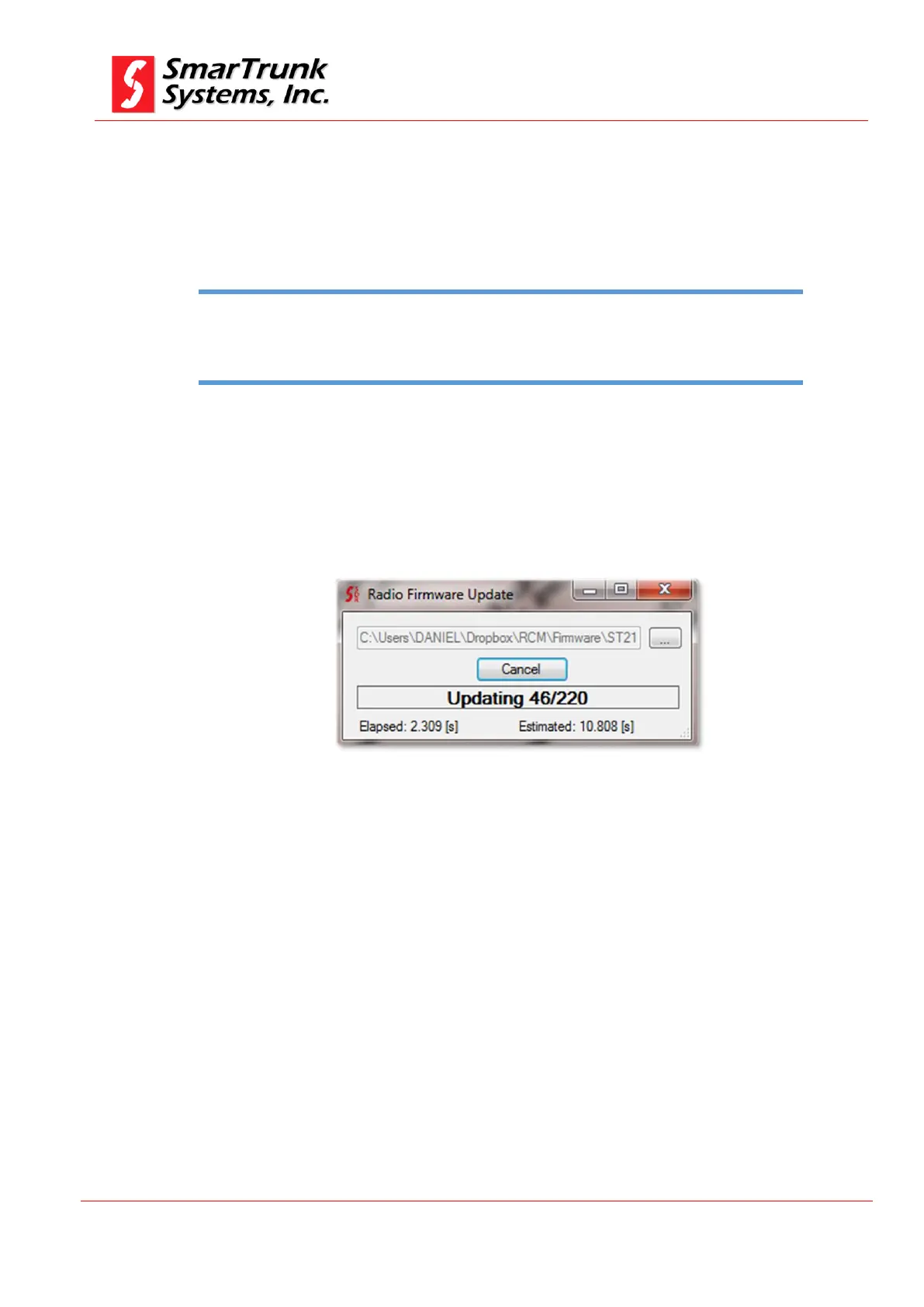
A progress bar will show you the process progress.
Figure 102: Firmware update progress screen
As soon as it finishes, the repeater will do a power cycle automatically
to load the new firmware.
11. Exit from Programming software
To exit from the programming software please proceed through [File]
then [Exit]
Uploading a wrong firmware to your repeater may cause a permanent damage to the circuitry.
Please verify several times that you are ready to upload a firmware version corresponding to
your radio model.
Note: 15 - Wrong model firmware upload warning


 To Next Page