19 / 58
Use and maintenance manual BP700AR/310
ENGLISH
ATTENTION!
Before operating make sure that the temperature of the sealing bar is the one that has
been set.
4.2 CHOOSING THE OPERATING MODE
The film shrink-wrapping machine can operate through three different modes: manual,
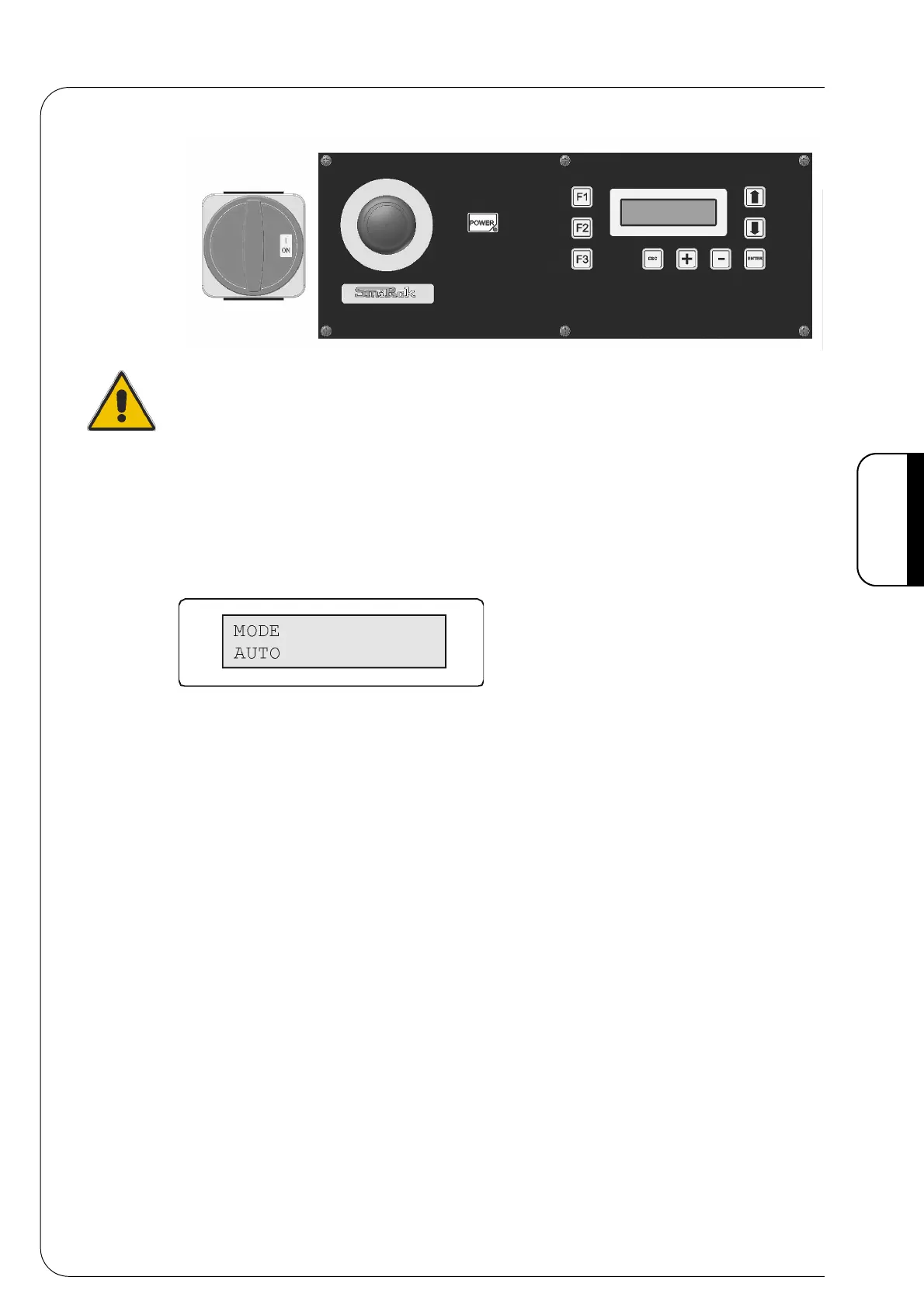
semiautomatic and automatic. To choose the operating mode press [F3] and the following
video page will appear on the display:
Fig. 4.2.1
4.3 MANUAL SELECTION
Press [F3] and the following mode selection video page will appear on the display.
Press the push button [-] to position yourself on the selection MANU and press [POWER]
to confirm and then [ENTER] to go back to the main video page.
At this point the following push buttons are active:
[F1] - by pressing this push button you operate the sealing bar with the set time and
sealing parameters.
[F2] - by pressing this push button you activate the feeding bar adjusted by the set
parameters.
[×] - by pressing this push button you activate the belts.
[Ø] - by pressing this push button you turn the belts off.
4.4 SEMIAUTOMATIC SELECTION
Press [F3] and the following mode selection video page will appear on the display.
Press the push button [-] to position on the selection SEMI and press [POWER] to confirm
and then [ENTER] to go back to the main video page. It can package excluding the
photocell. This type of operating can be useful to unload the machine. At this point the
following push buttons are active:
[F1] - press this push button at the start of each pack forming.
Each push button pressing corresponds to a machine movement.
[F2] - press this push button to cancel the working cycle. Push the Button [F1] to start
again the pack configuration.
Fig. 4.1.1



 To Next Page