23 / 58
Use and maintenance manual BP700AR/310
ENGLISH
4.9 PARAMETERS MENU (F3+)
Press the keys [F3] and [+] simultaneously and you access to the menu that contains the
parameters:
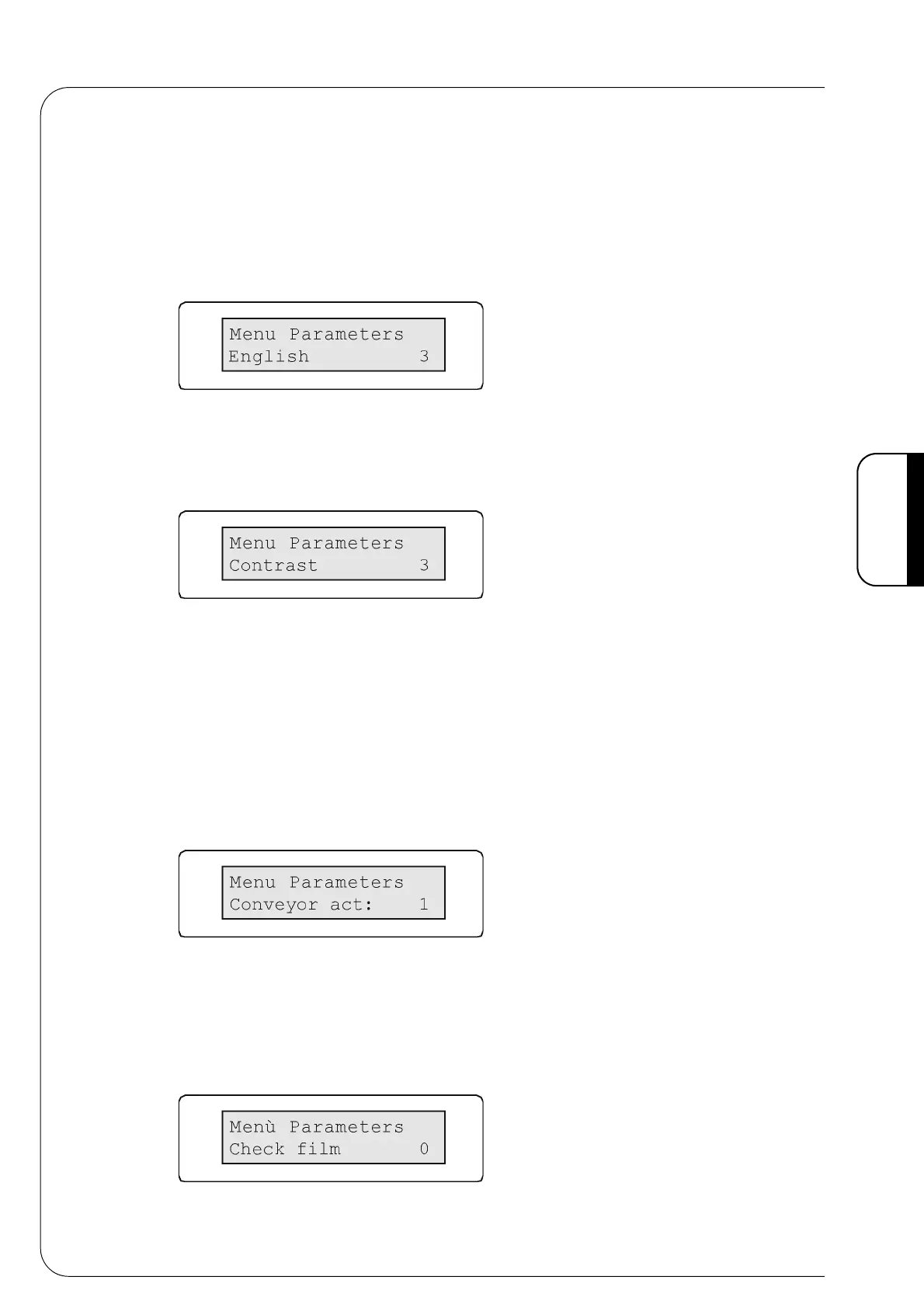
1 • Language
Menu that sets the language:
Fig. 4.9.1
Set the language with the keys [+] and [-].
2 • Contrast
Menu that allows you to set the display contrast.
Fig. 4.9.2
Set the contrast with the keys [+] and [-].
3 • Conveyor mouvement
This menu enables the regulation of the connecting conveyor moving time, during the
pusher device-advancing phase.
The connecting conveyor must stop when the pusher device comes to the end of its stroke
(rod drawn back), before it comes back to the loading position. If the set time is too short,
the conveyor will stop when the device is still advancing and the product will drag on the
belt. If the set time is too long, the product will be conveyed too far: consequently a greater
quantity of film will be used and the shrinkage is incorrect.
For a good sealing the pack must stop immediately after the sealing bar.
Fig. 4.9.3
The time can be regulated on a scale that goes from 0 to 60 with increase of 1.
(0 =deactivated)
Regulate the time with the keys [+] and [-].
4 • Film control
This menu activates the film control. Make sure the film is intact and not finishing.
Fig. 4.9.4



 To Next Page