20 / 58
4.5 AUTOMATIC SELECTION
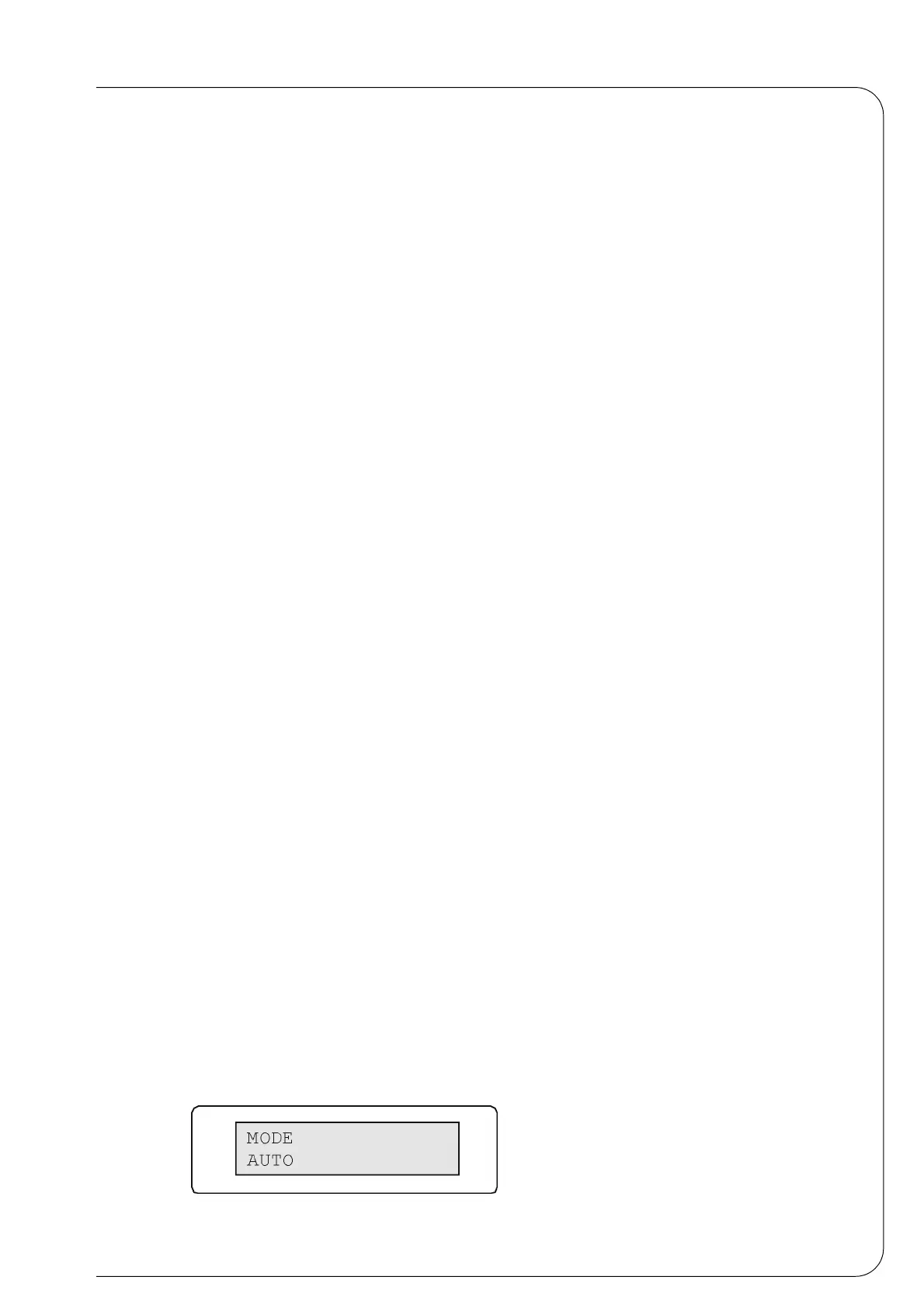
Press [F3] and the following mode selection video page will appear on the display:
Press the push button [-] to position on the selection AUTO and press [POWER] to
confirm and then [ENTER] to go back to the main video page.
The push button [F1] is the start push button.
It activates the input belt which carries product. When this passes by the photocell the
cycle which operates with the parameters set in the menu is activated.
Machine cycle:
1 • Photocell reading the presence of product
2 • The loading time is activated
3 • When the loading time is over the product is pushed
4 • When the pushing device pause is over the soldering is performed.
5 • When the soldering time is over the pack is carried away and the machine is prepared
to receive a new product.
Push button [F2] is the stop push button.
6 • By pressing one the push button [F2], the machine ends the pack under process.
7 • By pressing two times the push button [F2], the machine is instantaneously stopped.
4.6 EMERGENCY PUSH-BUTTON
When the machine is stopped with the emergency button, all operations are suspended
and the cylinders go back to their starting position. To restore press the push-button
[POWER].
4.7 QUICK SELECTION OF THE PROGRAMS
The microprocessor allows us to store up to 6 different programs, both in manual and
semiautomatic cycle according to the size of the pack. The number of the program
appears at the end of the second line of the display. Press the push button [ENTER] and
then the keys [+] or [-] to modify the memory (the power is disabled automatically). At this
point confirm the position of the memory with [ENTER] and enable the power again by
pressing the push button [POWER].
4.8 STORING PROGRAMS AND MODIFICATIONS
Pressing the key [F3] you access to the machine's adjustment parameters.
To change the video page in the menu use the keys [
×] and [Ø] :
1 • Mode
Menu that displays the working cycle. See previous paragraphs.
Fig. 4.8.1



 To Next Page