21 / 58
Use and maintenance manual BP700AR/310
ENGLISH
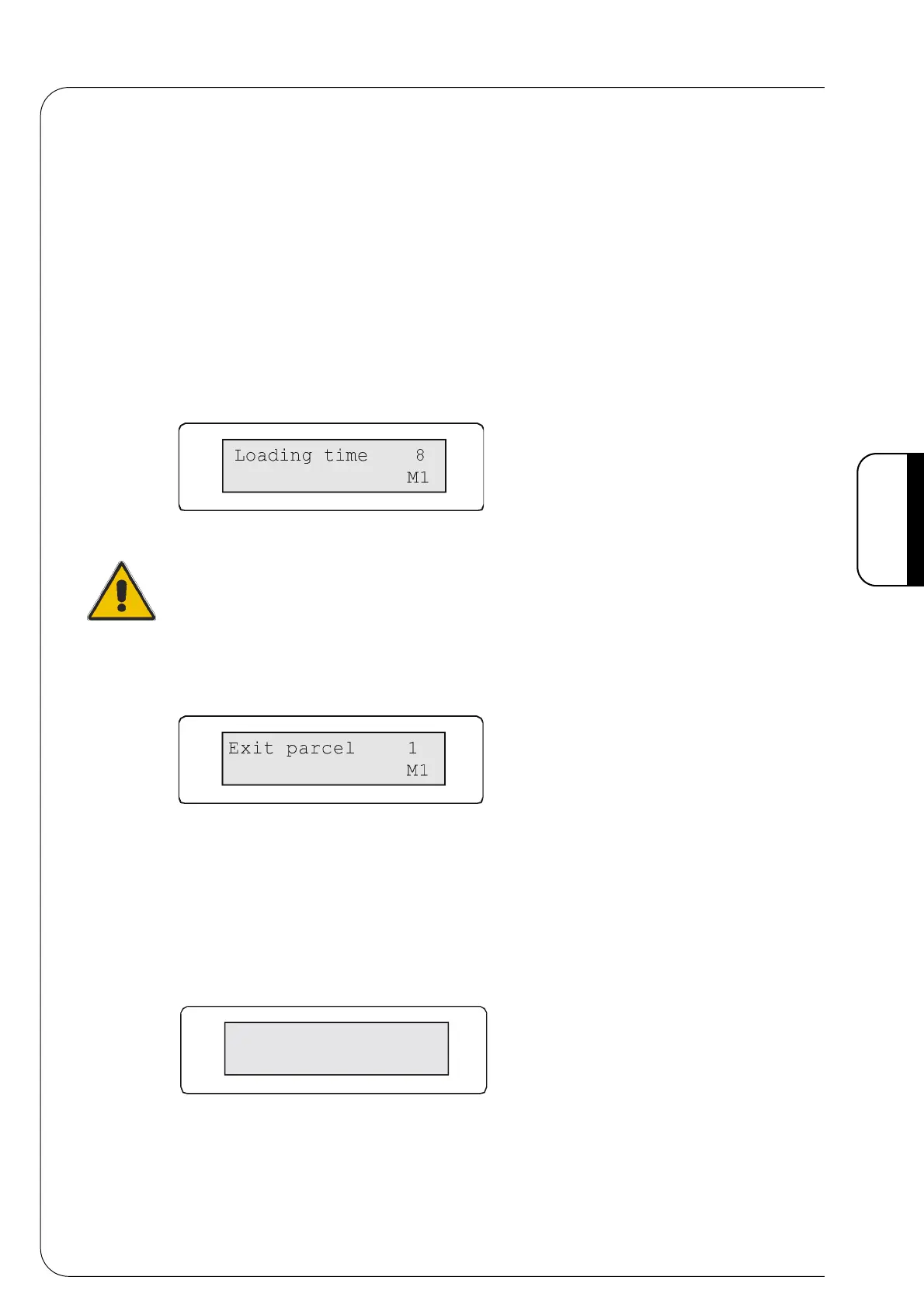
2 • Pack loading
Menu to adjust the pack loading time into the pushing device (Value 0-10).
The loading time depends on the speed set on the input belt and on the distance which
creates between the pack (placed on the pushing device at the middle of the machine) and
the photocell.
Therefore, the change of this parameter is necessary any time the length dimensions of
the packs on the input belt change 90°.
The loading time must be sufficient to allow the product to reach the contact with the
pushing device plates which act as stopping devices. This would not occur if there was a
wrong adjustment (too low loading time) because the pushing device movement would
also activate for the subsequent pack causing it to shock against the belt sides with the
possibility to damage them.
Fig. 4.8.2
By using the keys [+] or [-] the value is increased or decreased by a unit.
ATTENTION!
A wrong value may compromise the correct packaging operation and damage the
accumulated product.
3 • Pack exit
Menu to adjust the belt's pace. (value 0-50)
Fig. 4.8.3
Using the keys [+] and [-] you increase or decrease the value of a unit.
This operation allows accumulation of more packs on the belt at a set time interval.
4 • Feeding bar pause
The feeding bar stops for the set time so that unstable packs can be placed in the correct
position. (value 0-15)
Fig. 4.8.4
Using the keys [+] and [-] you increase or decrease the value of a unit.
pauseSpintor
15
M1



 To Next Page