102 -103
3D Printing
4.3 Getting Started
4.3.1 Install Snapmaker Luban
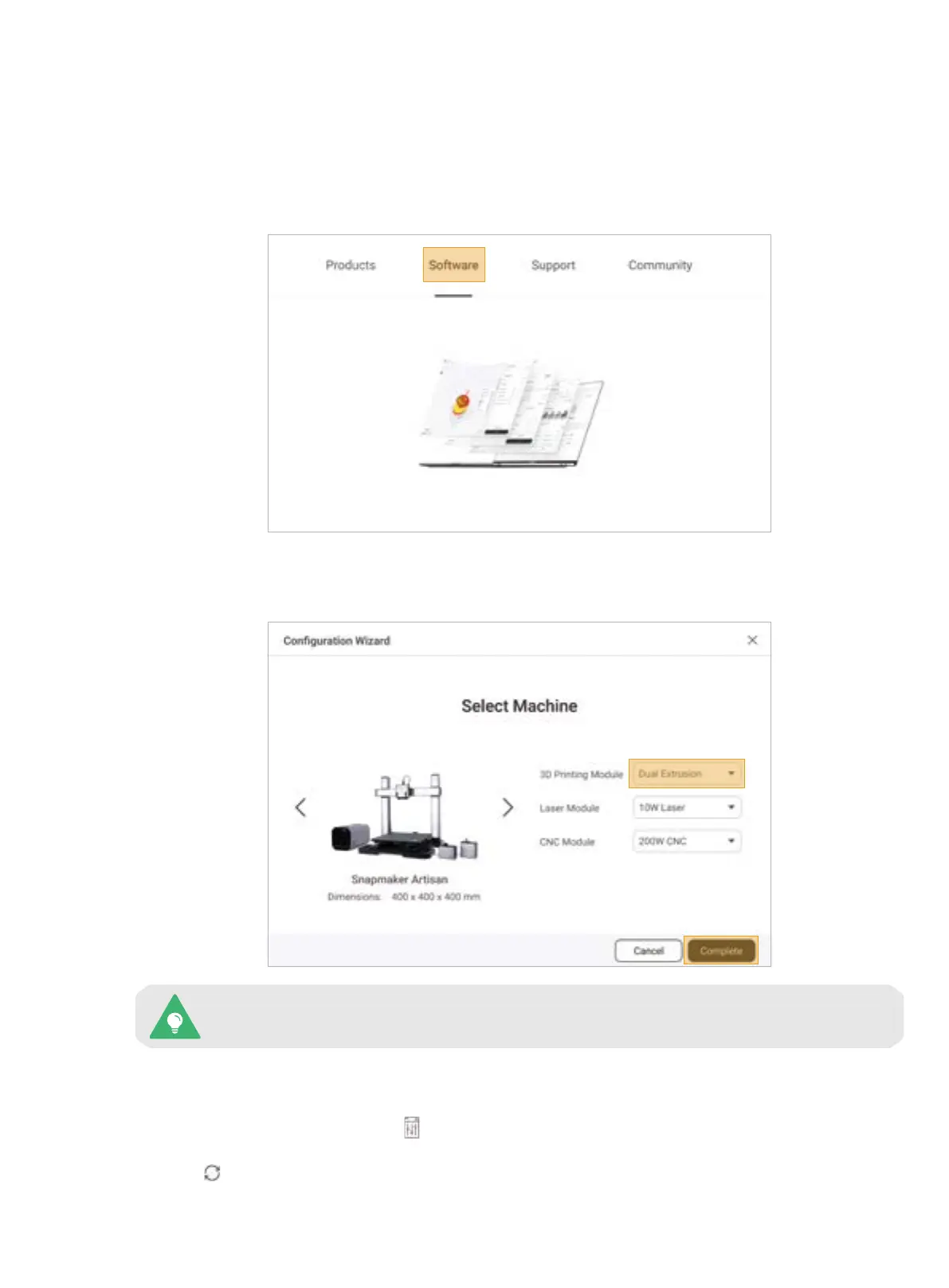
1. On the Snapmaker official website, click Software in the navigation bar. Then, download and install our tailor-
made software Snapmaker Luban (hereafter Luban).
2. Launch Luban, select the language, machine model, and module type, and then click Complete to save the
settings.
To change these settings later, click Settings > Preferences in the menu bar.
3. Ensure that your computer and machine are connected to the same Wi-Fi network, and take the following
steps to connect Luban with your machine:
a. On the Home page of Luban, click to enter Workspace;
b. On the Connection panel at the top left corner, click Wi-Fi;
c. Click , select your machine from the drop-down list, and click Connect;
d. Tap Yes on the Touchscreen to allow the connection.



 To Next Page