164
https://snapmaker.com/
7.2 Laser Engraving and Cutting
7.2.1 Clean the Laser Lens Protector
Why
Dust and grease may accumulate on the laser lens protector over time, which will significantly decrease the
engraving and cutting capability of the laser. Therefore, you need to clean the laser lens protector to recover the
engraving and cutting capability of the module.
When
At least once every week.
How
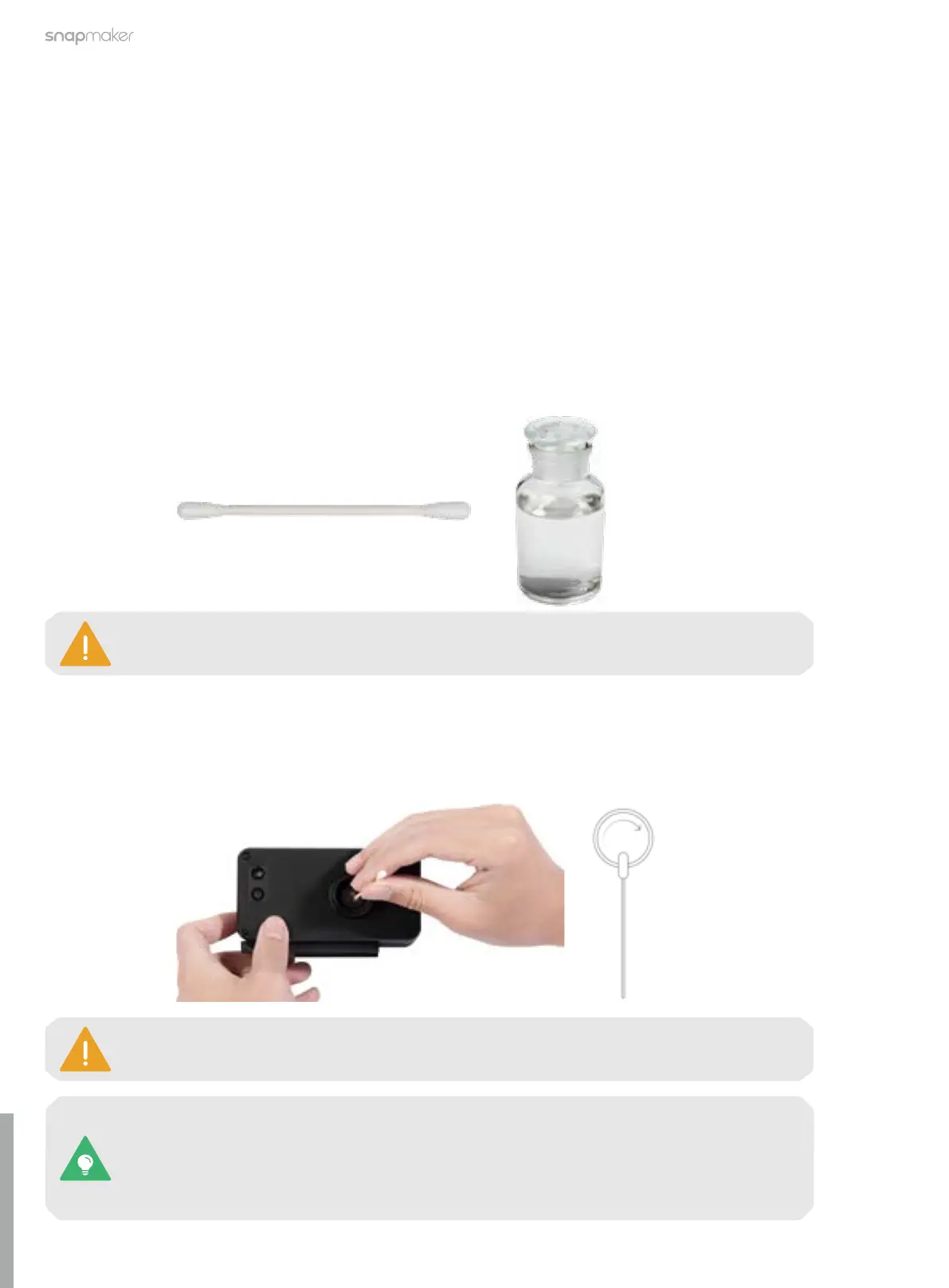
1. Prepare the cleaning tools: a cotton swab and the ethyl alcohol (not provided);
2. Power off the machine and detach the 10W Laser Module from the machine;
3. Moisten a cotton swab with ethyl alcohol, and stick it into the air concentrator hood to wipe the surface of
the laser lens protector from center to margin clockwise, until there is no dust, grease, or water.
The cotton swab is a single-use tool. If there is still dust or grease remaining on the laser lens
protector after you wipe it once, take a new cotton swab and repeat Step 3 to clean it again.
If the original laser lens protector is damaged, you can replace it with the spare one (included
in the package).
For detailed instructions, refer to our online User Manual: On the navigation bar of the
Snapmaker official website, click Support > Product Support > Snapmaker Artisan > User
Manual.
The purity of the ethyl alcohol should be at least 75%. The 99% ethyl alcohol works best.



 To Next Page