82-83
Enclosure
3.2.2 Turn On/Off LED Strips and the Exhaust Fan
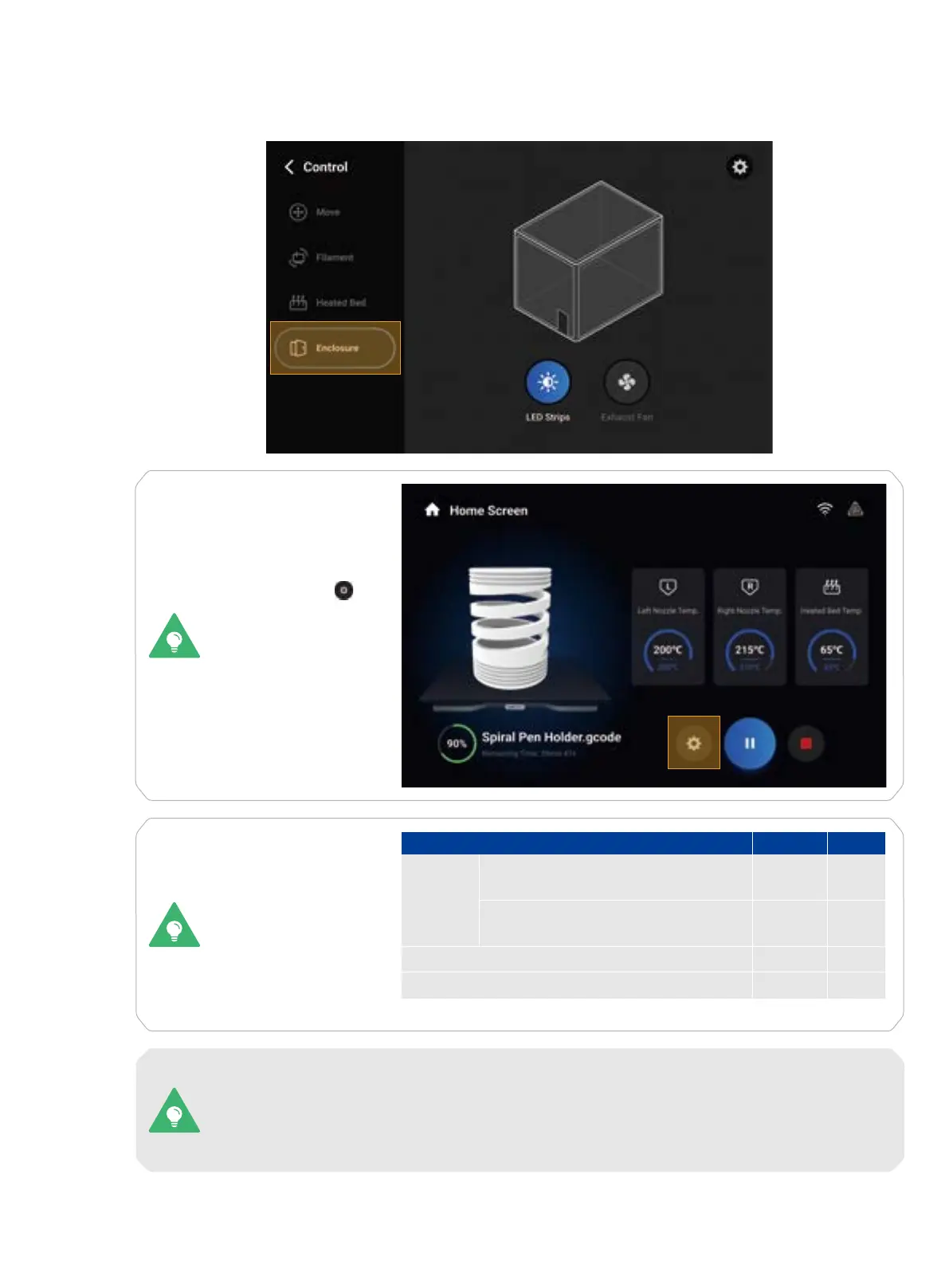
You can tap Control > Enclosure to turn on or off the LED strips and the exhaust fan.
You can also tap
to adjust the settings
of the LED strips and
the exhaust fan during
a 3D printing, laser, or
CNC process.
For different scenarios,
we recommend turning
on or off the LED strips
and the exhaust fan as
shown in the table:
On
Off
Scenario
Laser Engraving and Cutting
CNC Carving and Cutting
PLA, Breakaway PLA, TPU90, TPU95,
High Flow TPU95, TPU-Foam, PVA
ABS, PETG, ASA, HIPS, CoPA, PA12-
CF, PA6-CF, PA6-GF
3D
Printing
LED Fan
O O
×
×
O
O O
O
Some filaments (such as ABS) may give off odors or fumes during a 3D printing process, while
turning on the exhaust fan may affect the printing temperature and therefore impair the print
quality. In this case, you can turn on the exhaust fan after printing. To protect your health and
prevent environmental pollution, we recommend using Snapmaker Air Purifier or other air
purifying devices during such a 3D printing process.



 To Next Page