https://snapmaker.com/
82
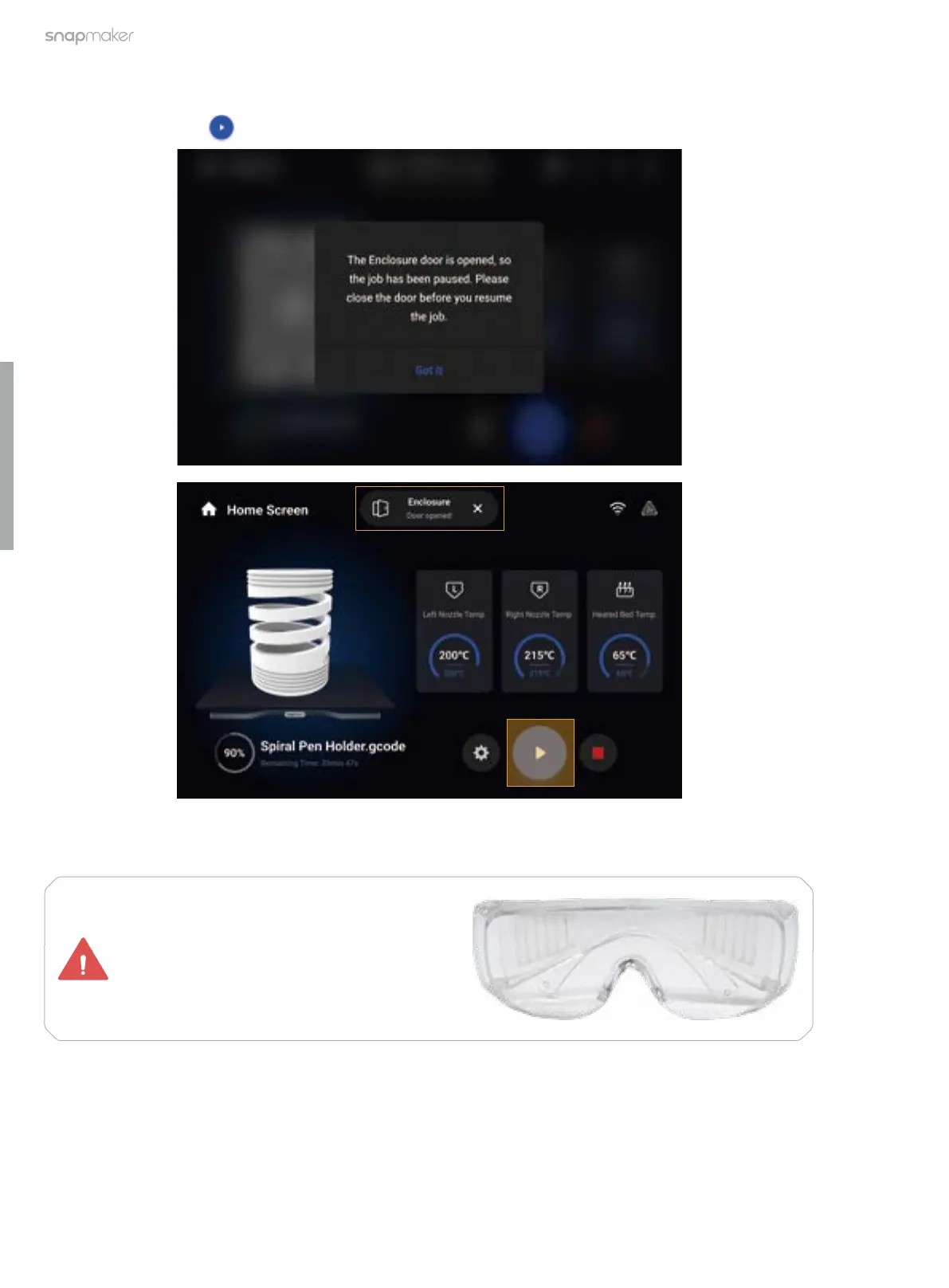
After Door Detection is enabled, the machine will stop operating or end the calibration process immediately
whenever the hall switch has detected that the door is opened. To resume operations, you need to close the
door first, and then tap on the Touchscreen to continue the job or restart the calibration process.
If you need to open the door frequently and do not want the ongoing 3D printing or CNC process to be paused
as the door opens, you can disable Door Detection before starting a 3D printing or CNC job.
Whether Door Detection is enabled or not,
you must wear the CNC safety goggles
before opening the door during a CNC
process.



 To Next Page