118
https://snapmaker.com/
5.2 Preparations
5.2.1 Set Up the Machine
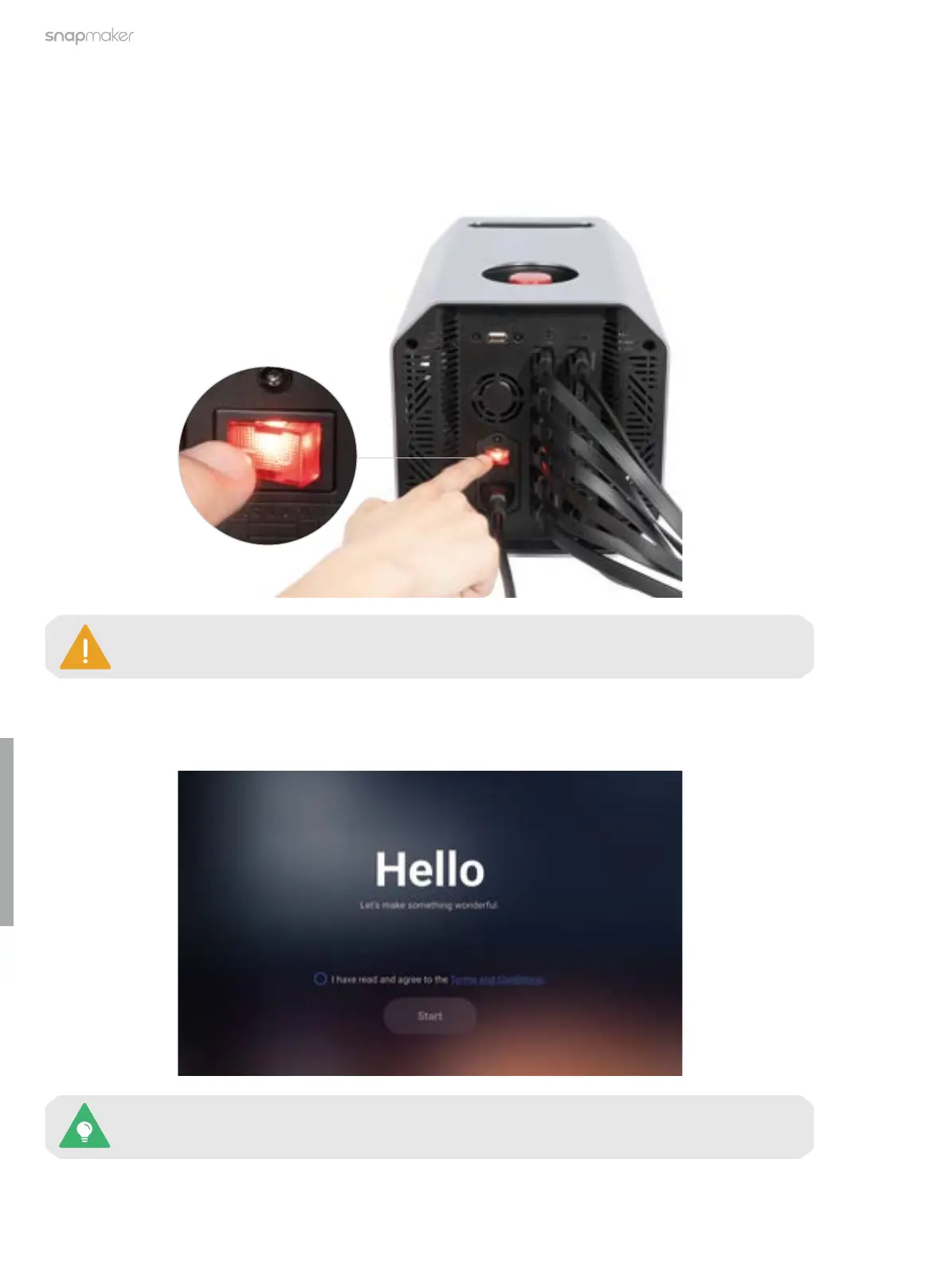
1. Turn on the power switch on the back of the Integrated Controller.
2. Follow the on-screen instructions to set up the machine: Read the Terms and Conditions > Choose the
language > Name the machine > Connect to a Wi-Fi network.
This initial setup wizard appears only the first time you turn on the machine. To change these
settings later, tap Settings on the Home Screen and select Wi-Fi, Language, or About Machine.
To restart your machine, wait for at least 5 seconds after power-off.



 To Next Page