148
https://snapmaker.com/
6.3.2 Generate the G-code File
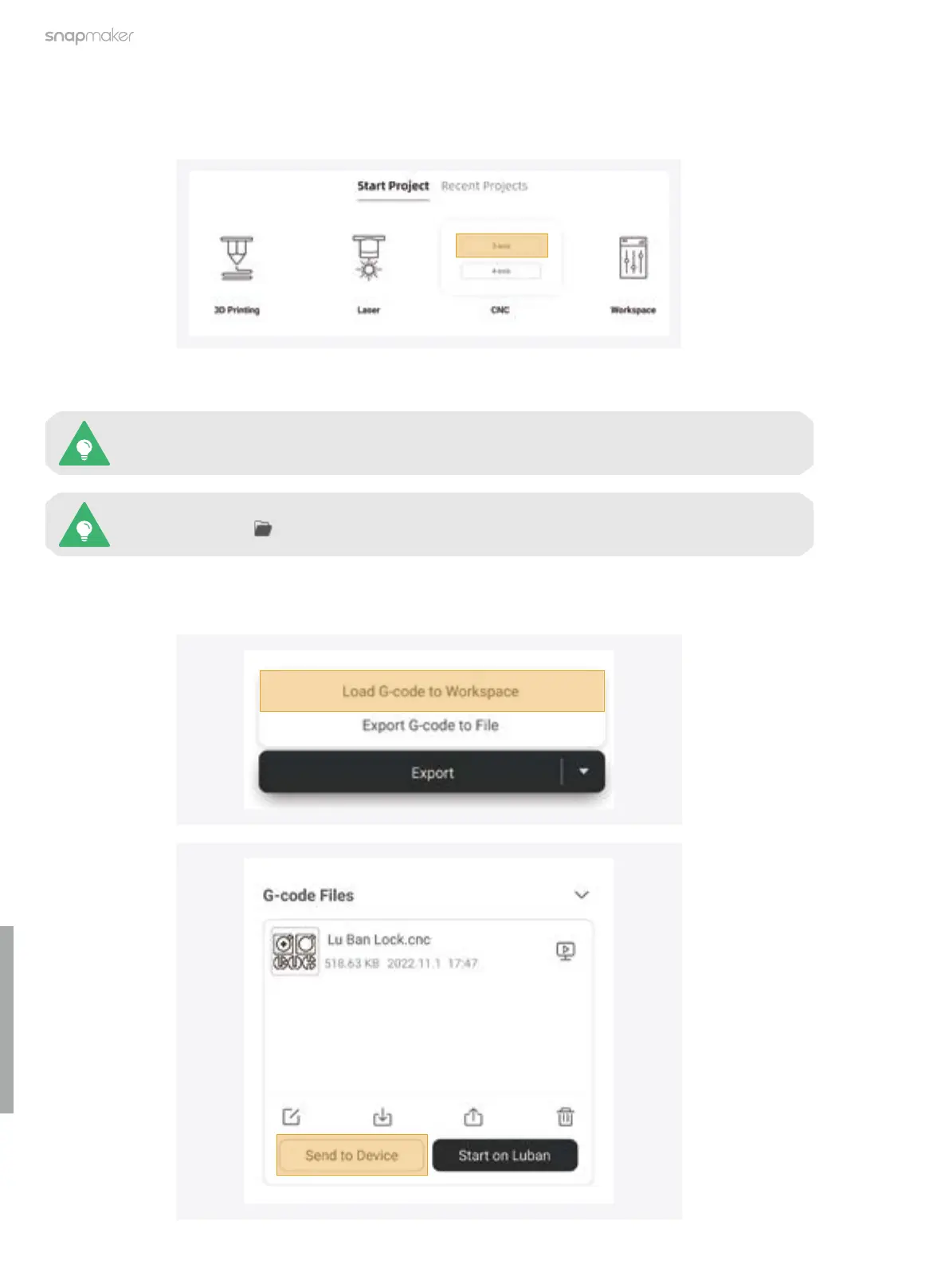
1. At the top-left corner of Luban, click Back to return to the Home page. Then, click CNC > 3-axis to enter the
CNC G-code Generator.
2. Follow the Beginner's Guide to get familiar with the basic operations. During this process, Luban will
automatically load the test model and generate the G-code file.
3. Click Export > Load G-code to Workspace, and then click Send to Device on the G-code Files panel to send
the G-code file to your machine via Wi-Fi.
You can also click to import your own files and configure the parameters.
If the Beginner’s Guide does not pop up or quits unexpectedly, you can click Help > Beginner’s
Guide in the menu bar.



 To Next Page