150
https://snapmaker.com/
6.3.3 Set the Work Origin and Start Carving
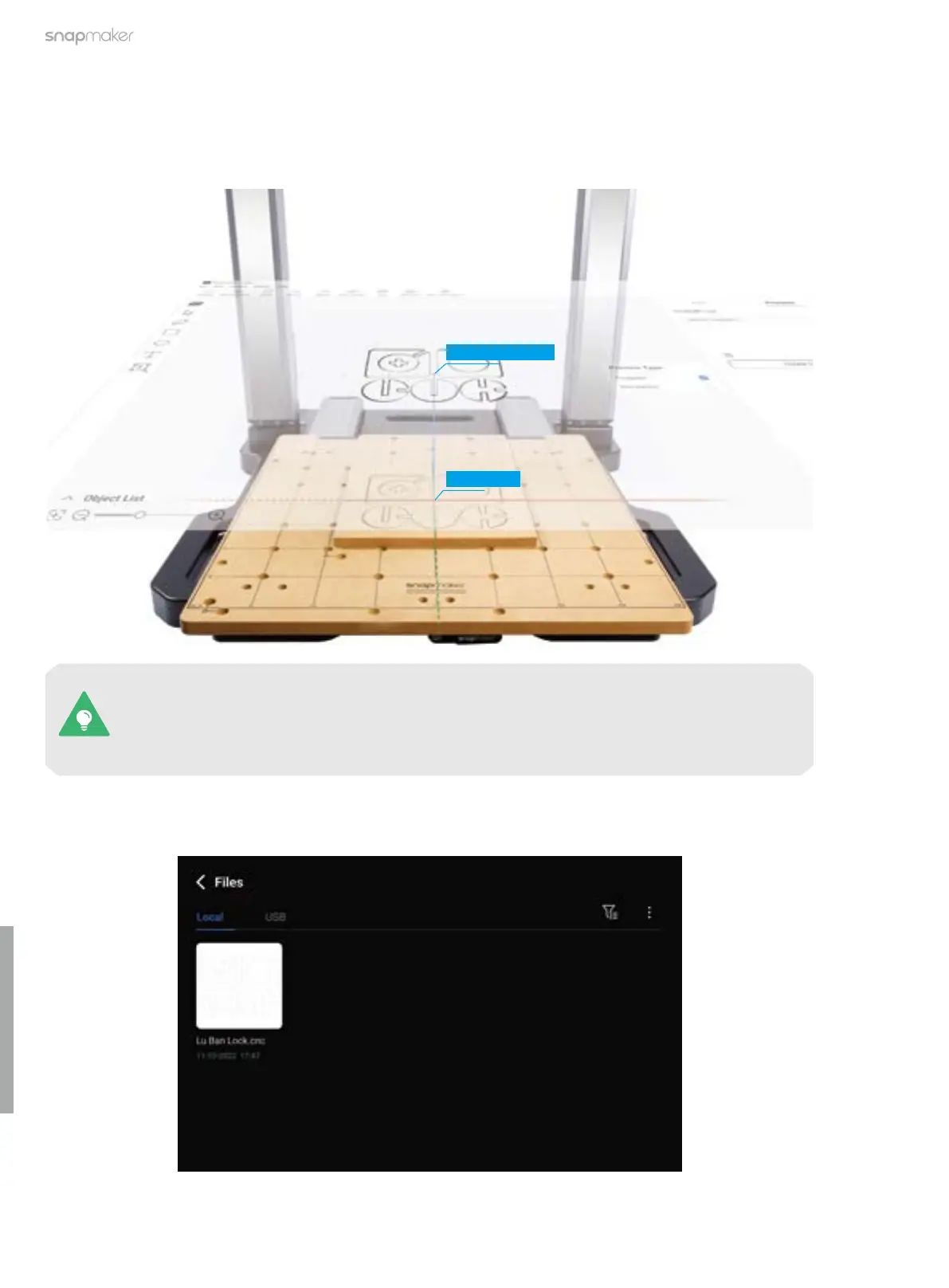
How It Works: Work Origin
Determine where the carving will take place by setting the work origin. The work origin corresponds to the (0, 0)
coordinate origin in the software.
You can also set the work origin using the provided L bracket.
For more detailed information, refer to our online User Manual: On the navigation bar of the
Snapmaker official website, click Support > Product Support > Snapmaker Artisan > User
Manual.
Coordinate Origin
Work Origin
1. After the G-code file is successfully sent to the machine, tap Start > Files > Local, select the received G-code
file, and tap Next.



 To Next Page