Maintenance
-167
7.3.2 Clean the Dust Screen
Why
In addition to cleaning the dust screen of the CNC module and the surface of the machine after each operation
with a vacuum cleaner, you can also use a cotton swab to clean the dust screen of the CNC module. Failure to
clean it effectively may cause the motor of the CNC module to fail due to blockage.
When
After every three CNC jobs.
How
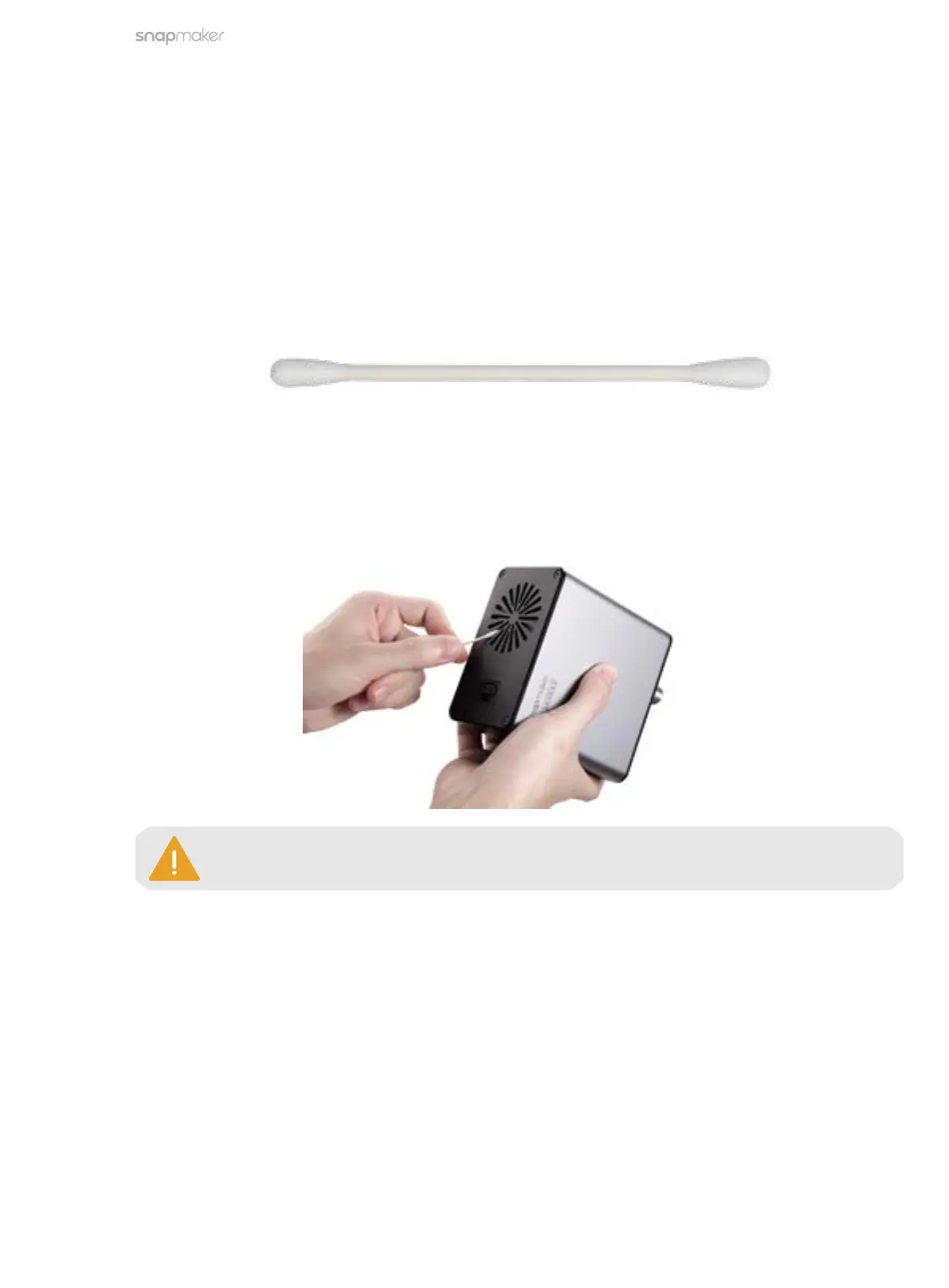
1. Prepare the cleaning tool: a cotton swab (or tissues) and water;
2. Power off the machine and detach the 200W CNC Module from the machine
;
3. Moisten a cotton swab with water and stick it inside the air inlet on top of the module to clean the dust
screen until there is no dust or water.
The cotton swab is a single-use tool. If there is still dust remaining on the dust screen after
you wipe it once, take a new cotton swab and repeat Step 3 to clean it again.
166



 To Next Page