BTP-M280 User’s Manual
- 23 -
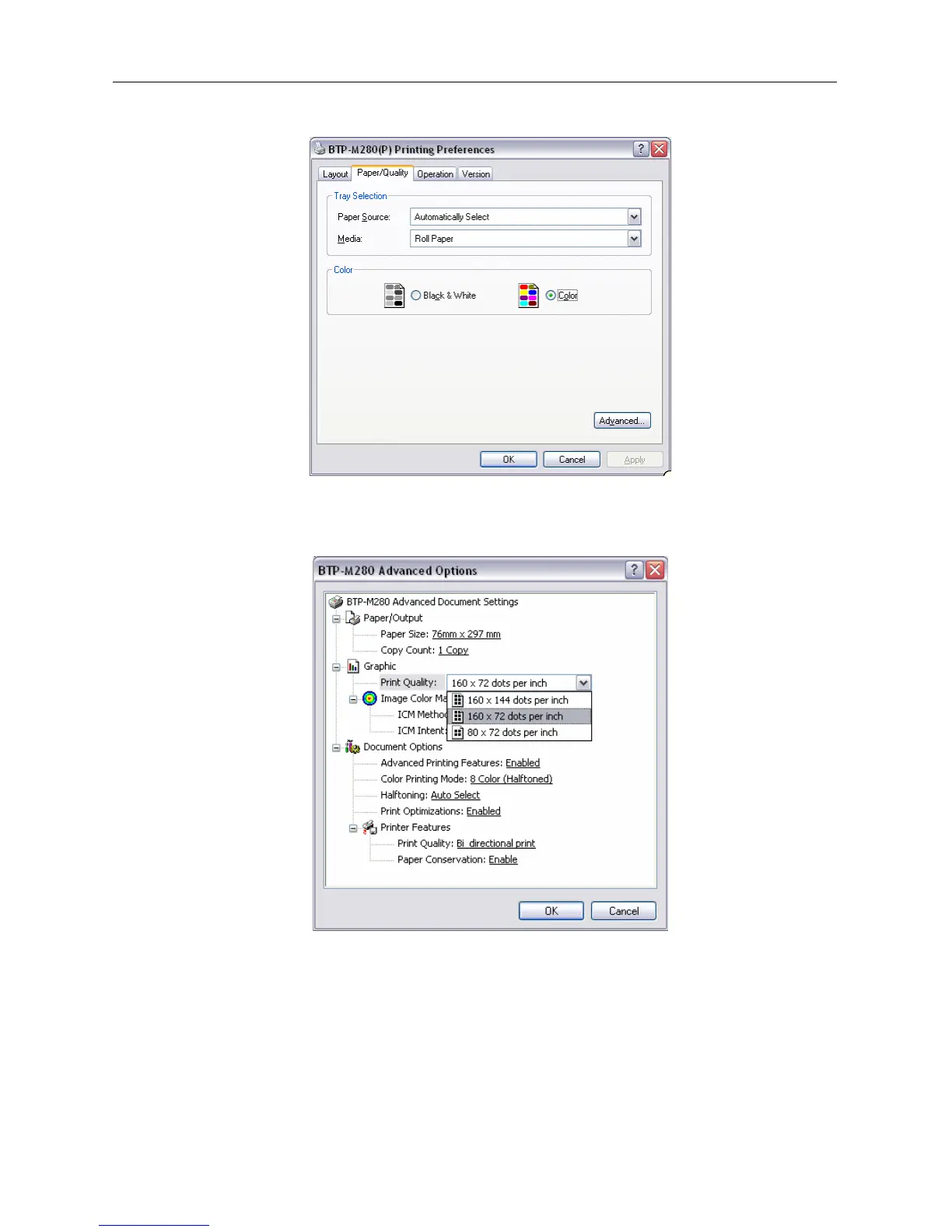
Optional paper type: roll paper and marked paper
¾ Color choose
In this option, user can choose Color or black and white. Only when user chooses Color they can print
two colors.
¾ Setting resolution parameter
BTP-M280 driver supports three kinds of resolutions: 160 x 144 dpi, 160 x 72 dpi, 80 x 72 dpi. Users can
select it according to their own need. High resolution has clear printing while lower print speed; low
resolution has higher print speed while less clear printing.



 To Next Page