BTP-M280 User’s Manual
- 17 -
4.11.2 Advanced setup
Advanced setup is mainly used for users who have special requirements for printer drivers. Compared
with typical setup, advanced setup can support the divers installation of Multi USB printers and has the
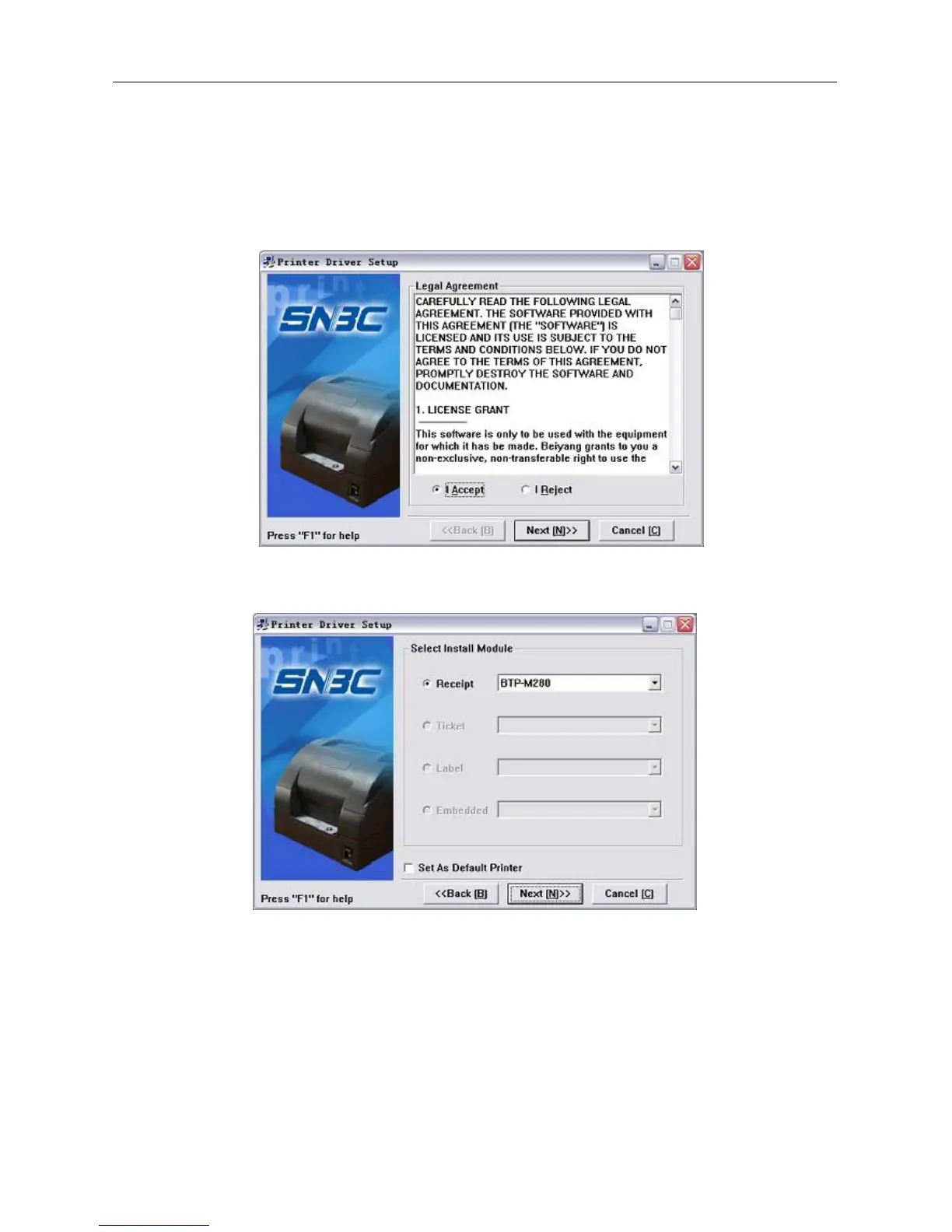
function of printer driver mode setting. Setup steps are as follows.
1) Run “Setup.exe” in the driver installing package and read the relative software licensing protocol
carefully. If you accept it, please click “I Accept”, then click “Next” button.
2) Select the model and the name of the printer to be installed. If you want to set it as default printer,
please select “Set As Default Printer”, then click “Next” button.



 To Next Page