BTP-M280 User’s Manual
- 30 -
6 Interface Signal
The BTP-M280 can be connected with other devices via USB, parallel, serial, Ethernet and WLAN
interface, USB interface is a fixed interface of the printer and other interfaces are optional.
6.1 USB interface
The printer USB interface supports USB1.1 protocol, of which the outlet is USB A type.
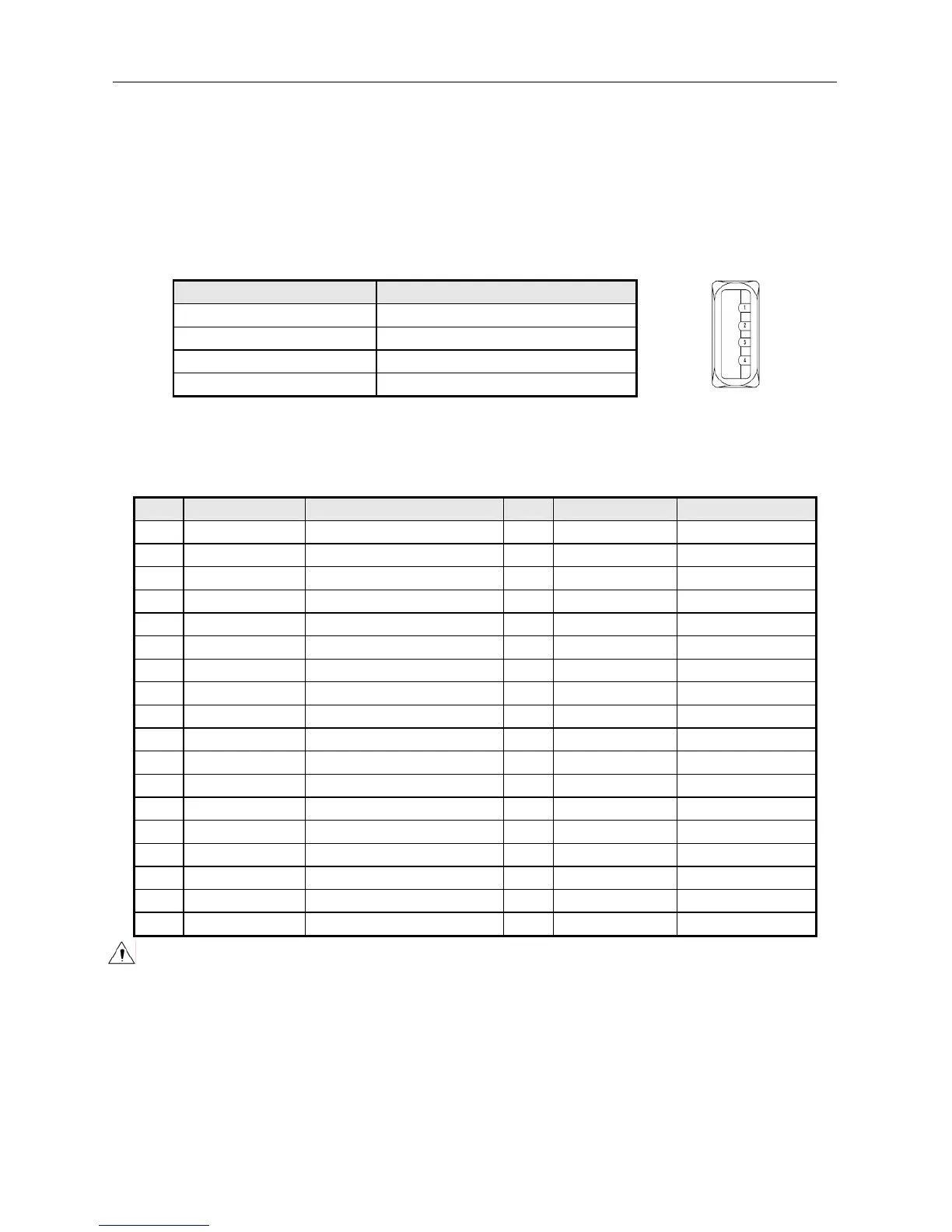
Interface signal is defined as below:
Pin Lead
1 VCC
2 DATA-
3 DADA+
4 GND
6.2 Parallel interface
The parallel interface of printer is bi-directional and supports the BUSY/ACK handshake protocol and the
nibble protocol. The interface outlet is 36PIN CENTRONICS.
Pin Signal resource Signal definition Pin Signal resource Signal definition
1 H nStrobe 19 Signal Ground
2 H Data 0 (Least Significant Bit) 20 Signal Ground
3 H Data 1 21 Signal Ground
4 H Data 2 22 Signal Ground
5 H Data 3 23 Signal Ground
6 H Data 4 24 Signal Ground
7 H Data 5 25 Signal Ground
8 H Data 6 26 Signal Ground
9 H Data 7 (Most Significant Bit) 27 Signal Ground
10 P Ack 28 Signal Ground
11 P Busy 29 Signal Ground
12 P PError 30 Signal Ground
13 P Select 31 H nInit
14 H nAutoLF 32 P nFault
15 Not defined 33
Signal Ground
16 Logic Gnd 34 Not defined
17 Chassis Gnd 35 Not defined
18 P Peripheral Logic High 36 H nSelectIn
Caution:
H means signal source from a host, and P means signal source from printer.



 To Next Page