BTP-M280 User’s Manual
- 15 -
4.11 Installing the Printer Driver
BTP-M280 printer offers the drivers under Windows 98/Windows NT4.0/Windows 2000/Windows
XP/Windows server 2003/Windows Vista with the installing steps as below.
4.11.1 Typical setup
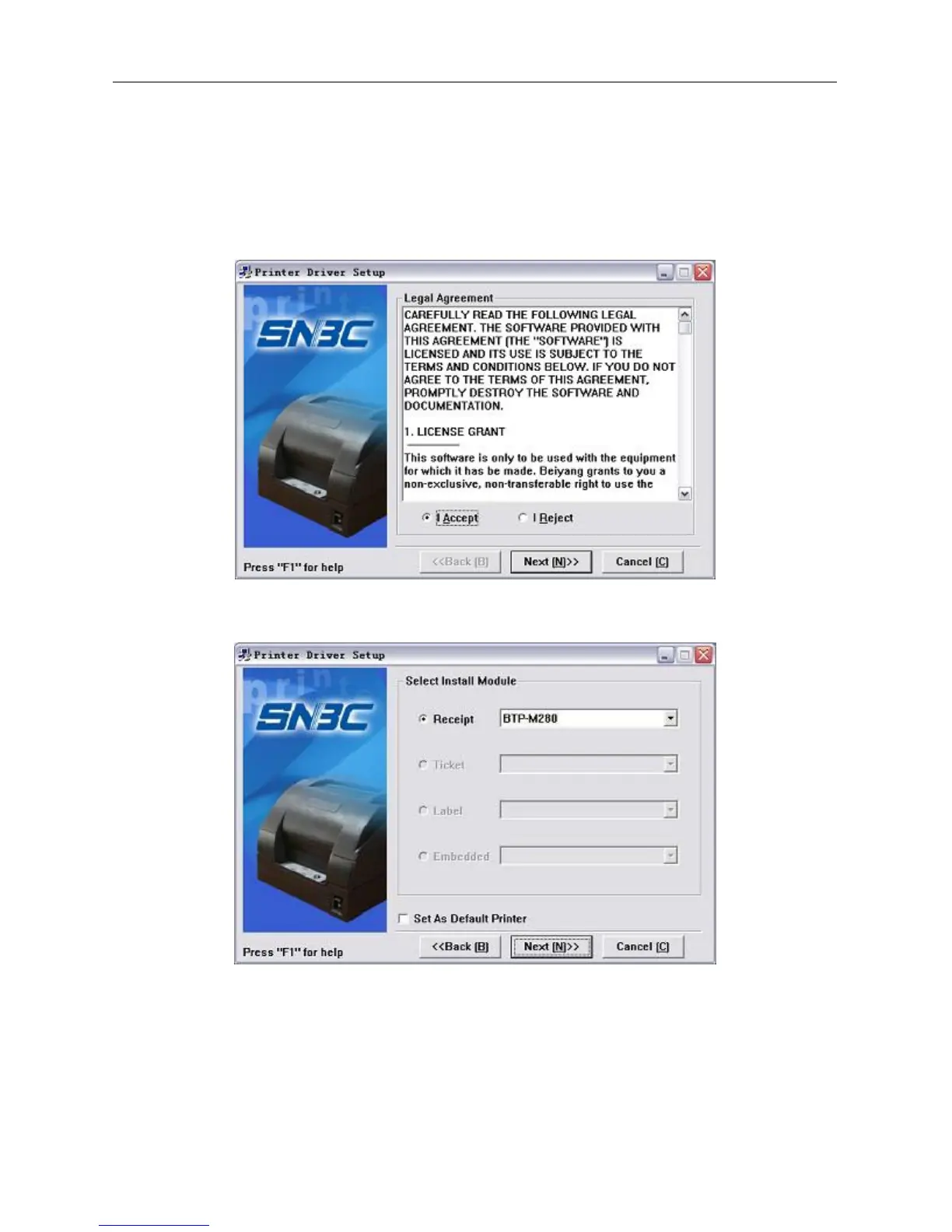
1) Run “Setup.exe” in the driver installing package and read the relative software licensing protocol
carefully. If you accept it, please click “I Accept”, then click “Next” button.
2) Select the model and the name of the printer to be installed. If you want to set it as default printer,
please select “Set As Default Printer”, then click “Next” button.



 To Next Page