BTP-M280 User’s Manual
- 25 -
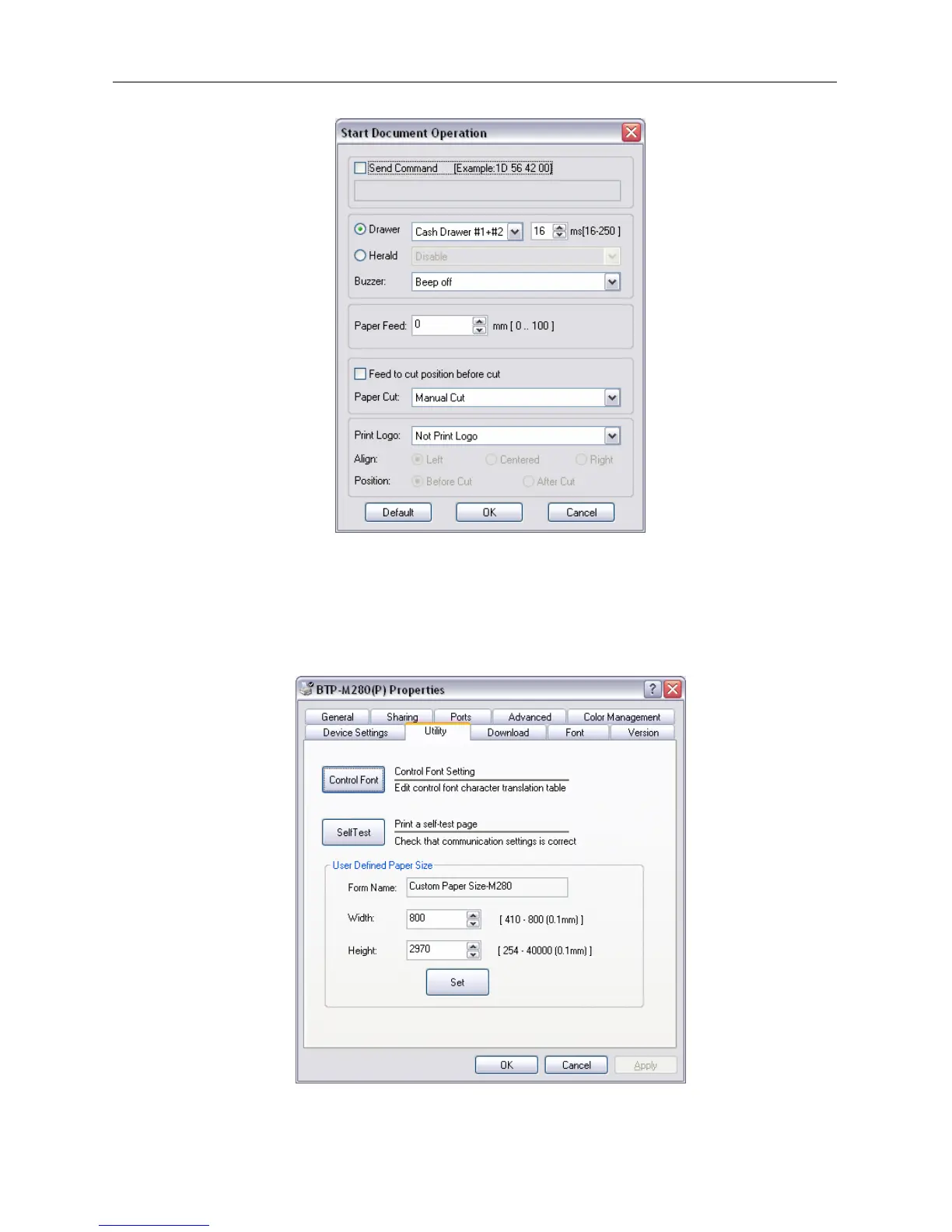
¾ Document setting option
User can set parameters via this option on the start of document, end of document, start of page and end
of page; Cash drawer (Cash drawer1, Cash drawer2, Cash drawer1+2,print messenger Herald) and
Cash drawer pulse width;Buzzer (Buzz 200ms, 600ms, 1s, 2s, 4s); paper feed;paper cut (paper cut by
hand, partial cut, full cut), print Logo bitmap.
¾ Utility
User can set control font and print self test page via this option, at the same time user can set
user-defined page size.



 To Next Page