31
User Manual M70 / M80 / M90 Getting to know
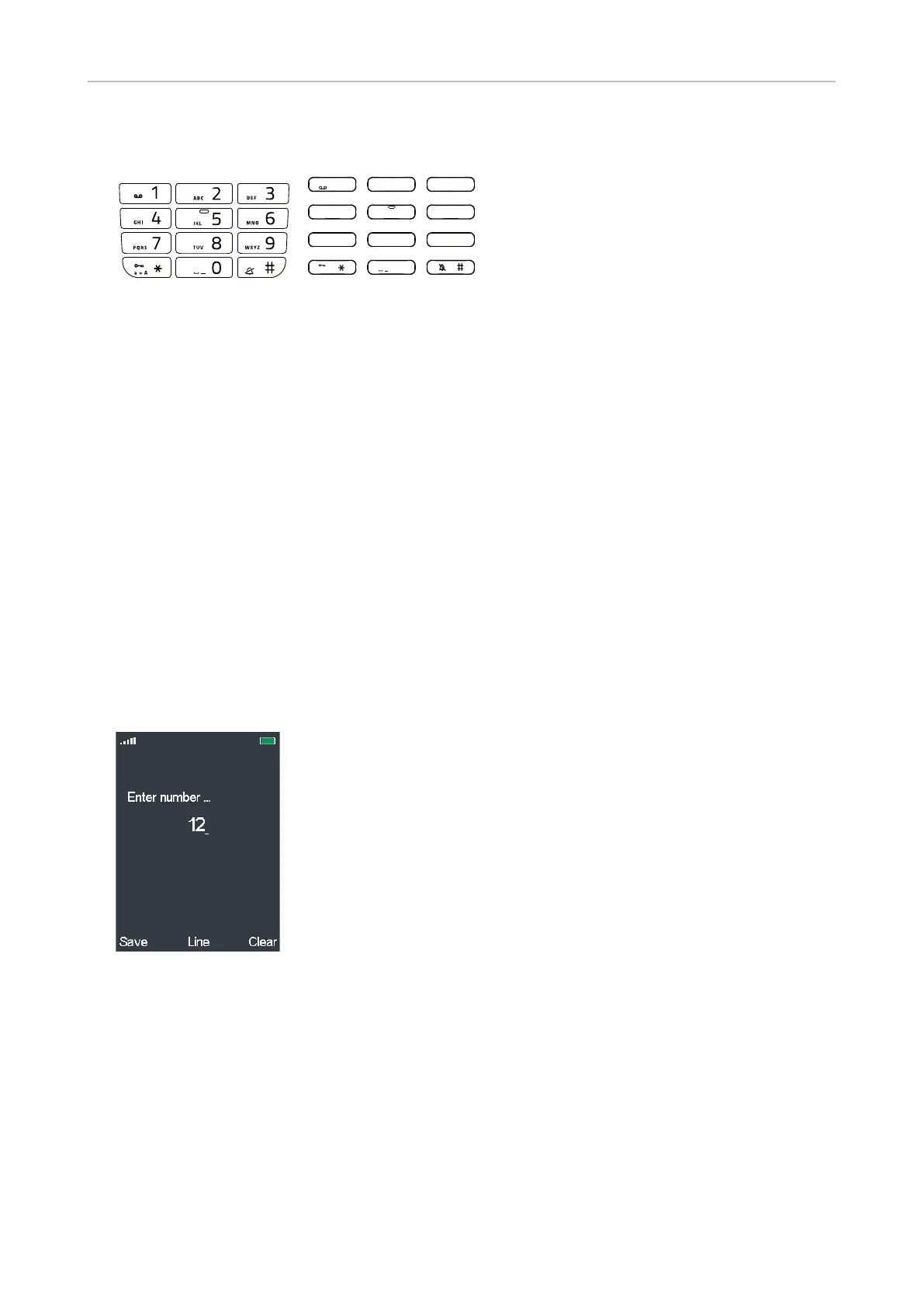
Alphanumeric keys
1
4
7 8
0
5
GH I
JK L
PQRS
a » A
TUV
6
MNO
2AB C
3
DEF
9
WXYZ
M70 / M80 M90
The alphanumeric keys are used to enter numerals and letters.
• When entering characters in letter mode, pause briefly after each character until the cursor has
moved forward. Pausing is not necessary when entering numerals in numeral mode.
• Press the function key underneath Clear to delete the character to the left of the cursor.
• Keys 2 - 9 can also be used to speed dial contacts. For more information, see "Assigning speed
dial key to contact" on page 39 and "Speed dialing a contact" on page 63.
Entering phone numbers (numeral mode)
When you are entering numbers, whether dialing or editing the phone numbers of one of your
contacts, only the numerals 1-9 and 0 and the asterisk * and the pound/hash # symbols will be
accepted by the phone. Letters, special symbols, and spaces are not available.
• Pausing between characters is not necessary when entering numerals in numeral mode. The
cursor will move forward without delay.
• Press the function key underneath Clear to delete the character to the left of the cursor.



 To Next Page