40
User Manual M70 / M80 / M90 Getting to know
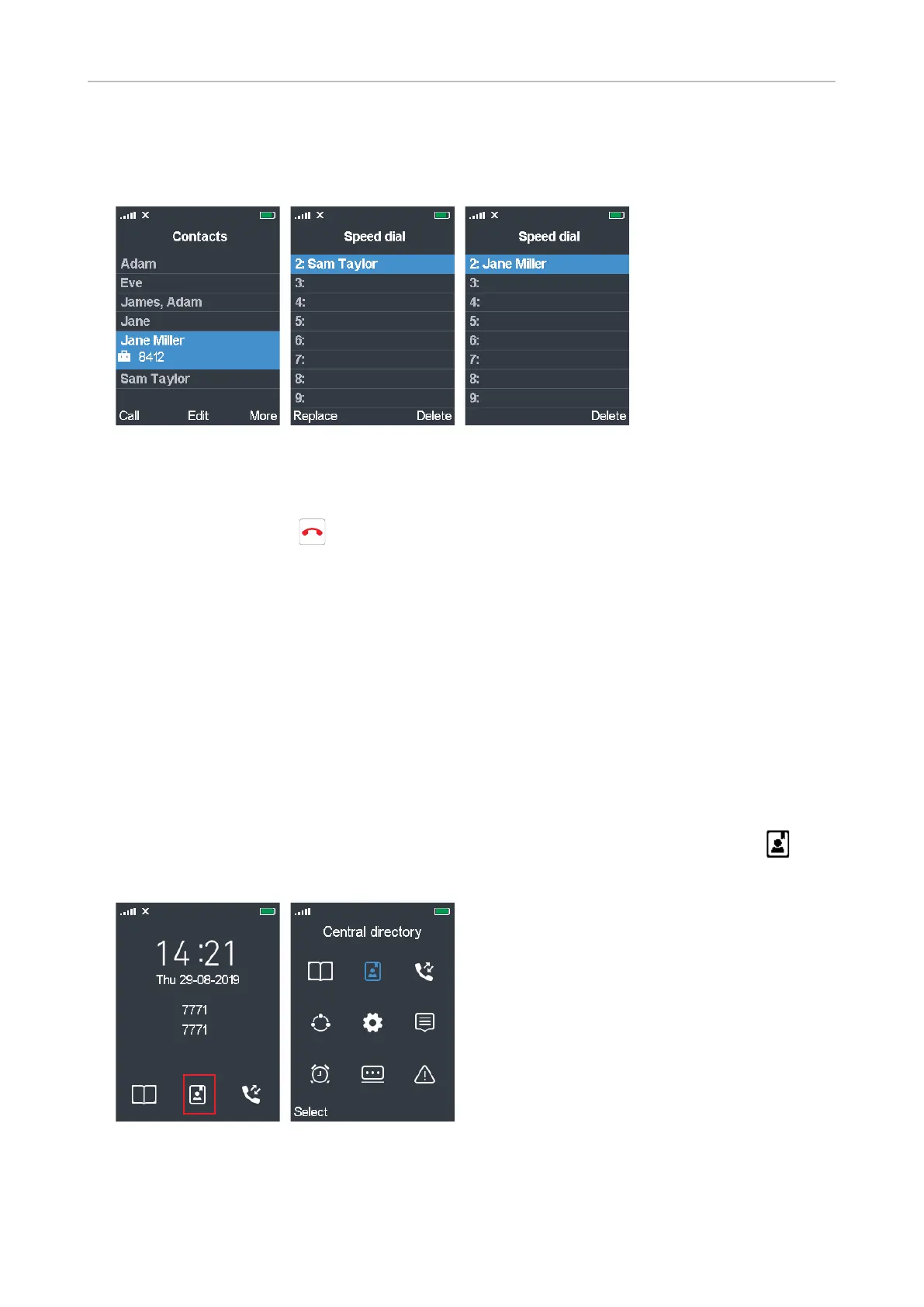
4. I f you want to reassign a speed dial number to a dierent contact, scroll to that contact and press
the function key underneath More (Fig. 25).
5. On the Options screen (Fig. 22), scroll to Speed dial and press Select.
Fig. 25 Fig. 26 Fig. 27
6. Select the assigned speed dial key you want to reassign to this contact and press the function key
underneath Replace (Fig. 26). The speed dial key is now assigned to the contact (Fig. 27).
7. Press the red cancel key to return to the Options screen.
To view the list of assigned speed dial numbers, open the main contact menu (see page 36, Fig. 6),
select any of your contacts, press the function key underneath More, and select Speed Dial.
To speed dial a contact, long-press the key for approx. 3 seconds from the idle screen.
Central directory
The central directory is accessible from all handsets registered at the same base or in the same
multicell installation. Depending on the setting of the base, this could be a phone list downloaded
to the base or an external source like the company LDAP register. It is not possible to add or delete
entries or to edit existing entries on the handset.
You can open the central directory pressing the key underneath the central directory symbol on
the idle screen (Fig. 1) or by selecting the symbol in the main menu (Fig. 2) and pressing Select.
Fig. 1 Fig. 2



 To Next Page