65
User Manual M70 / M80 / M90 Using the handset
Accepting calls
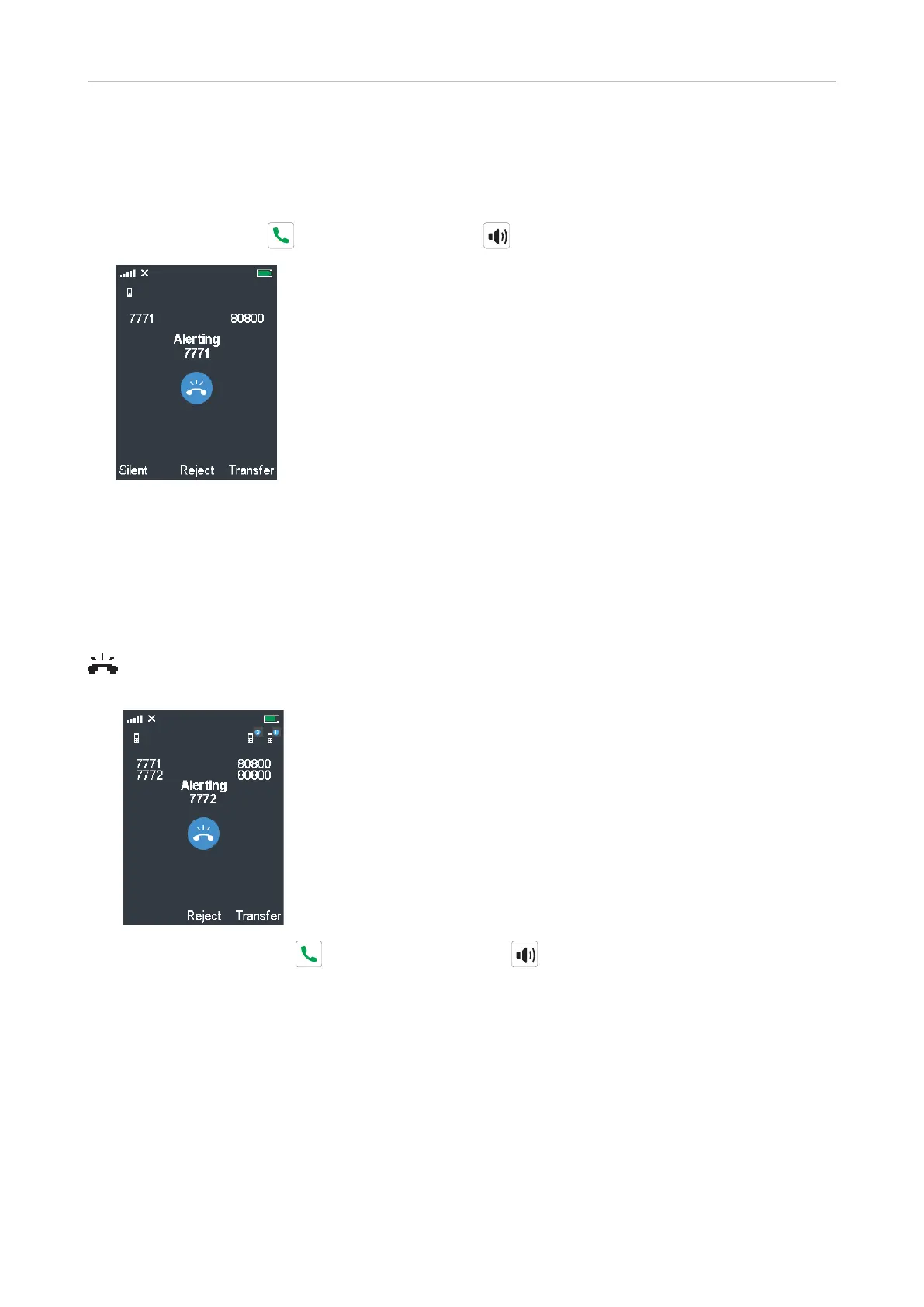
Accepting a ringing call
Press the green call key or the speakerphone key to accept the call.
• Press the function key underneath Reject to reject the call; the caller is informed that the number
is busy.
• Press the function key underneath Silent to turn o the ringer.
Call waiting
When you are in a call, a second call will be announced visually by the "phone ringing" symbol
and acoustically by the sound of a beep; you will also see the caller ID on-screen if it is being
transmitted.
• Press the green call key or the speakerphone key to accept the waiting call and put the
first call on hold.
• Press the function key underneath Reject to reject the waiting call; the caller is informed that the
number is busy.
• If you have set call forwarding when busy, the call will be forwarded to the phone number set as
target.



 To Next Page