66
User Manual M70 / M80 / M90 Using the handset
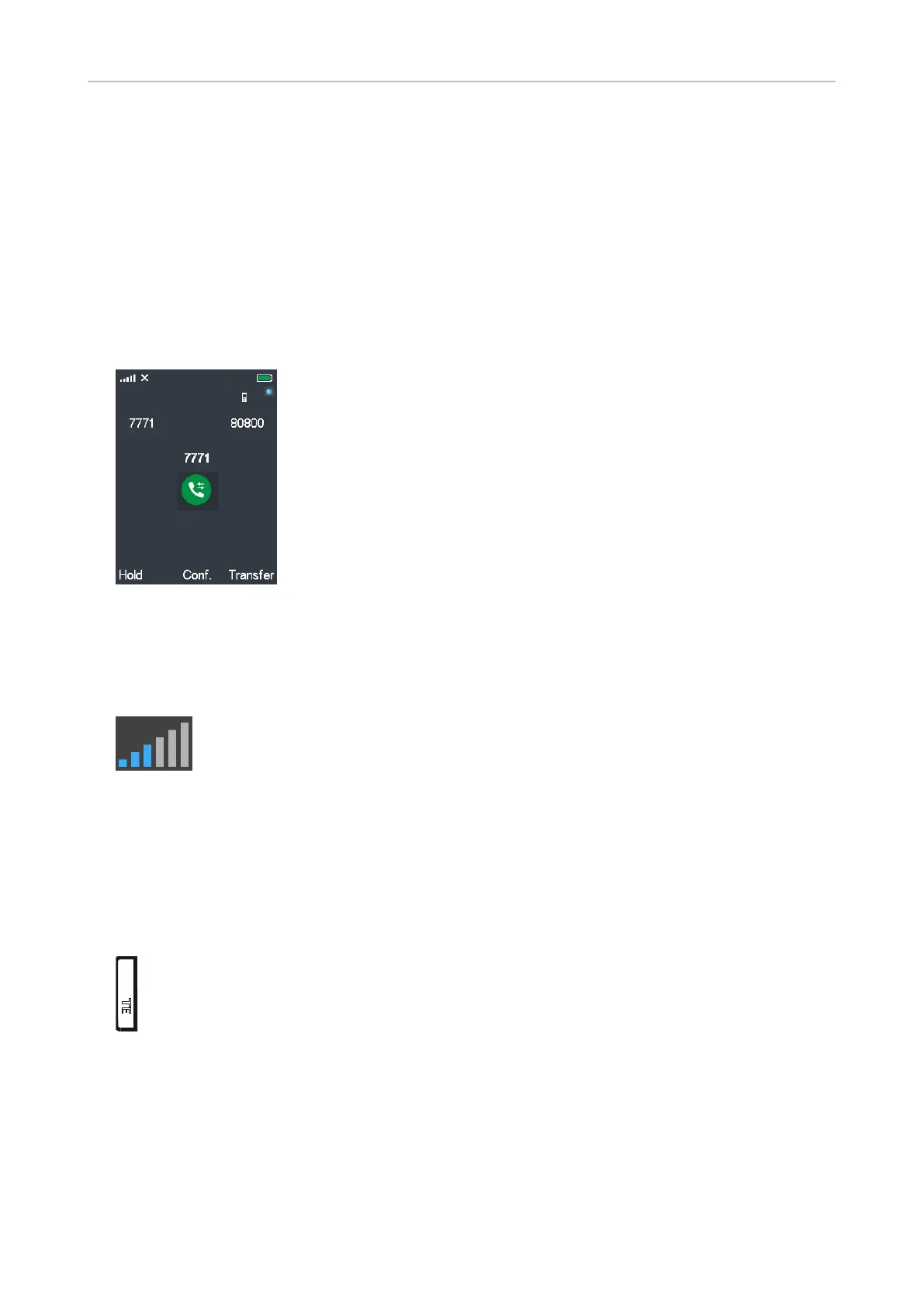
Active calls
The handset supports two simultaneous connections. When you are in a call, you can:
• transfer the call to a third party;
• put the call on hold and call a third party to make inquiries or to initiate a conference with both
parties;
• accept or reject a second call (see "Call waiting" on page 65);
• switch between two calls (see "Swapping calls" on page 67).
Connected
Loudspeaker/microphone settings
Adjusting volume of handset and external loudspeaker
Press the upper (+) or lower (-) end of the volume key to increase and lower the volume, respectively.
For more information, see "Volume key" on page 33 .
Muting/Unmuting the microphone
Press the Mute key to mute and unmute the microphone during a call. For more information, see
"Mute key" on page 34.
TE
mu



 To Next Page