64
User Manual M70 / M80 / M90 Using the handset
4. Press the green key to dial the number of the highlighted name.
Calling emergency alarm number
The alarm profiles are configured on the Alarm page of the base station. One emergency alarm
profile can be assigned to each individual handset on the respective handset page of the base station.
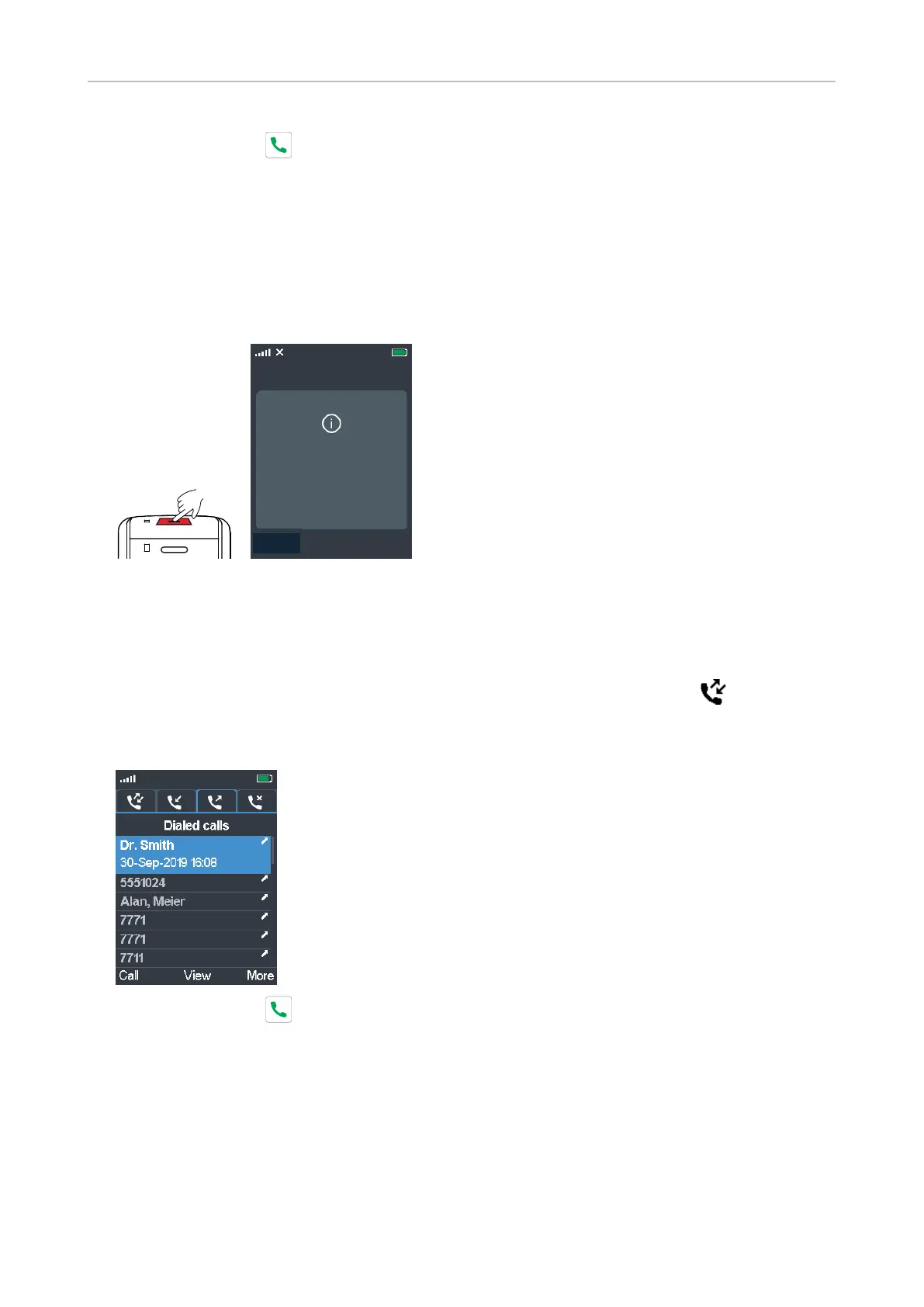
To trigger the alarm, press the red button on top of the handset for three seconds to dial the number.
If a pre-alarm delay is configured, you can cancel the alarm before the delay period has elapsed.
Cancel
Emergency Alarm
Triggered
Cancel
Calling a number from call history (all, missed, received, dialed calls)
See "Call history (call lists)" on page 42 for more information on these lists.
1. From the idle screen, press the function key underneath the call history symbol and select a
list.
2. Select a call.
3. Press the green key to dial the number of the highlighted item.



 To Next Page