49
User Manual M70 / M80 / M90 Getting to know
3. Select Format (Fig. 5).
4. Scroll to one of the formats (Fig. 6):
Day · month · year, separated by hyphens: 25-01-2019
Month · Day · year, separated by slashes: 09/25/2019
Day · month · year, separated by hyphens: 25-Sep-2019
Day · month · year, separated by slashes: 25/09/2019
Day · month · year, separated by periods: 25.09.2019
Year · month · Day, separated by hyphens: 2019-09-25
5. Press the function key underneath Select to select and return to the Date screen (Fig. 5 ).
6. Press Save.
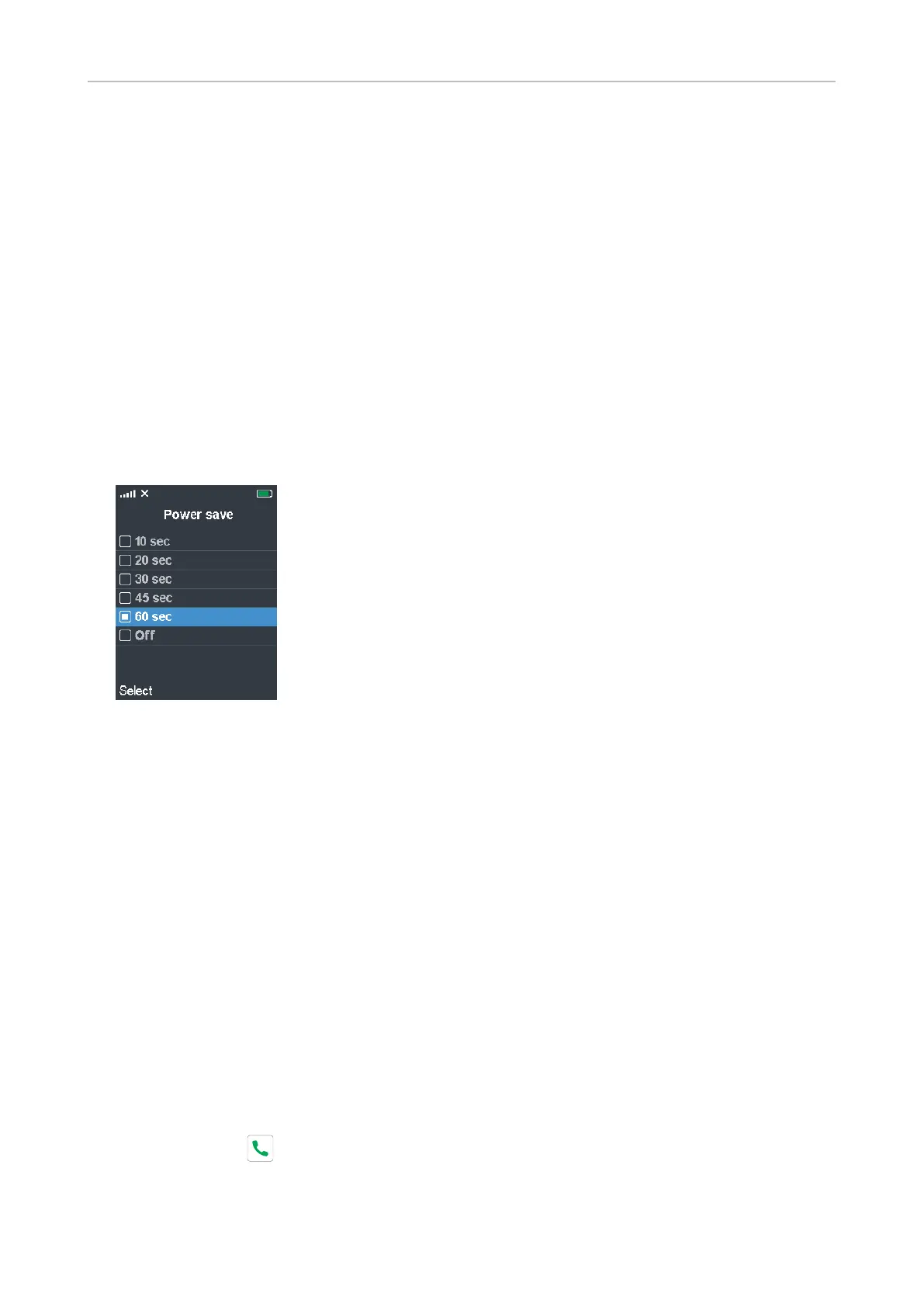
Power save
This setting specifies how many seconds after the last activity on the handset the display illumination
will turn o. The default is 60 seconds.
1. In the Settings menu (Fig. 2, "Settings" on page 45), select Power save.
2. Scroll to the number of seconds you want to select or to O if you do not want the illumination to
be turned o in periods of inactivity.
3. Press the function key underneath Select or the center of the navigation key to save your
selection and return to the Settings menu.
Security
This menu contains the settings for automatically locking the keypad after a specified period of
inactivity and for changing the handset PIN for deregistering the handset from the base station.
Automatic keylock
To prevent unintentional dialing, the keypad can be locked manually by pressing the star key for at
least 3 seconds. It can also be programmed to lock automatically after a specified period of inactivity.
The lock symbol in the top line of the display indicates that the keypad is locked (Fig. 1), and when you
press a key the keylock message appears (Fig. 2).
NOTE: When the keypad is locked incoming calls will still ring on your phone. Pressing
the green key to accept the call will also unlock the keypad.



 To Next Page