45
User Manual M70 / M80 / M90 Getting to know
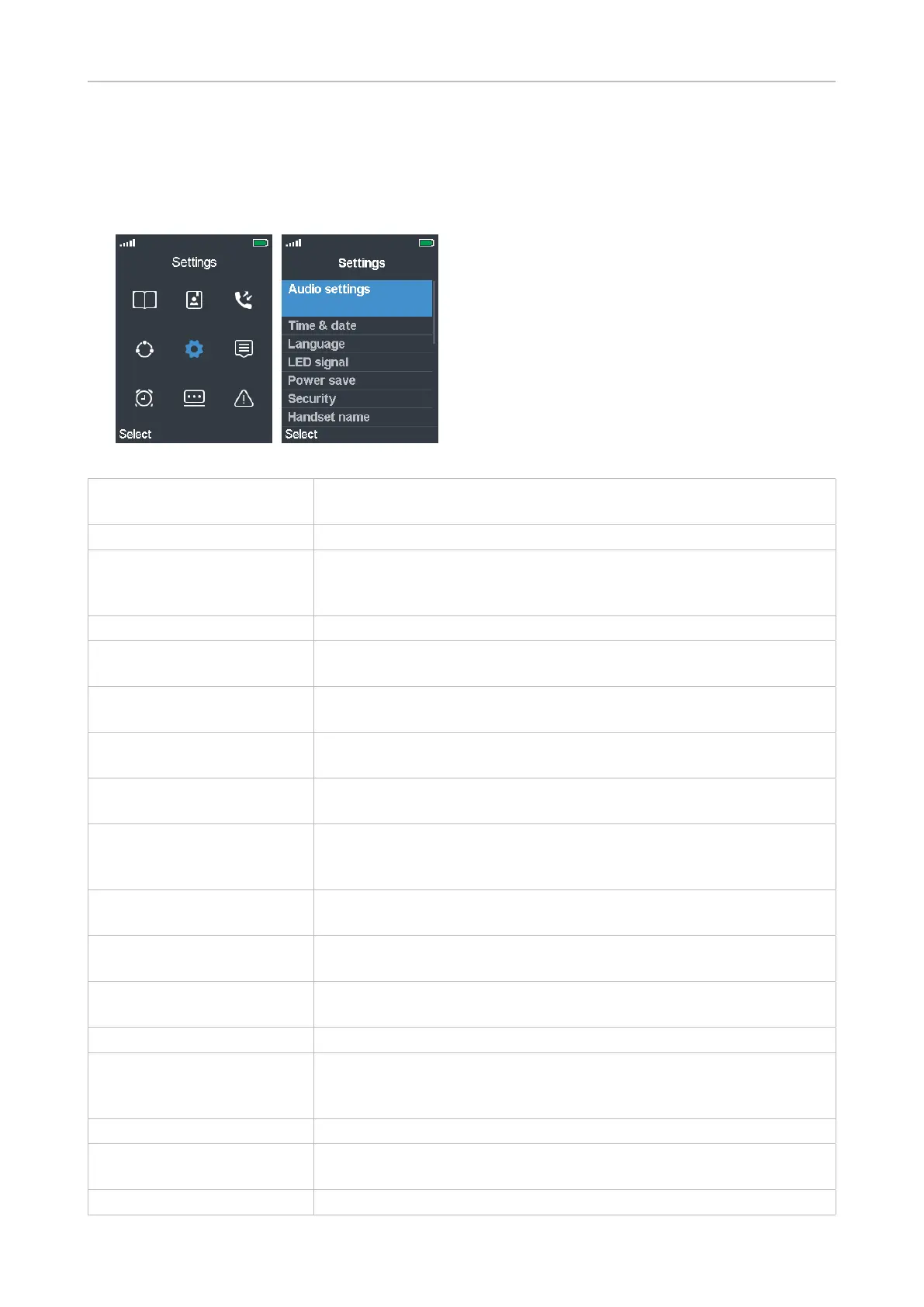
Settings
This submenu contains a variety of settings that determine the handset language, time and date
formats, call forwarding, etc.
Fig. 1 Fig. 2
Audio settings Ringer and alert tones and their volume settings, various other
sounds, and vibrator settings. See "Audio settings" on page 46.
Time & date See "Time and date settings" on page 48.
Language List of languages available for the handset. The default is English;
scroll to a dierent language and press the function key underneath
"Select" to change the setting to the selected language.
LED signal See "LED indications" on page 26.
Power Save Determines how many seconds after the last activity on the handset
the display illumination will turn o. See "Power save" on page 49.
Security Settings for automatically locking the keypad and for changing the
handset PIN. See "Security" on page 49.
Handset name Here you can enter a name to be displayed below the account/
extension number on the display. The default is blank.
Line Selecting the default SIP extension/account for outgoing calls, if
more than one is available. See "Line" on page 51.
Reset settings Press the function key underneath "Yes" to reset the handset settings.
NOTE: Resetting the handset will not clear the DECT registration.
Removing the registration: See "Deregistering" on page 44.
Status View IP & MAC addresses, SW & HW versions of base station and
handset, IPEI, etc. See "Status" on page 52.
Auto answer Determines how incoming calls can be accepted. See "Auto answer"
on page 52.
Silent charging Determines whether the phone will ring when the battery is charging
or not. The default is "O" (phone rings).
Do not disturb See "Do not disturb (DND)" on page 53.
Hide number Determines whether your phone number will be sent to callers/
callees. You can hide your number for the next call, always, or never.
The default is "O" (your phone number will be sent).
Call forward See "Call forwarding" on page 54.
Idle screen saver Will dim display illumination before turning it o completely as set in
"Power Save".
Bluetooth Using the handset with a BT headset. See "Bluetooth" on page 55.



 To Next Page