69
User Manual M70 / M80 / M90 Using the handset
3. Press the function key underneath Transfer to dial the number. The call is transferred
immediately and starts ringing on the third party phone (Fig. 8).
4. Press the function key underneath Exit to return your handset to the idle screen. Do not press
Exit if:
◦ you want the call to be returned to your phone if it is not picked up by the third party. The
call is automatically placed back on hold (Fig. 6).
◦ if you want to know whether the call has been answered. Your display will announce that
your call has ended when the third party picks up the ringing call (Fig. 4).
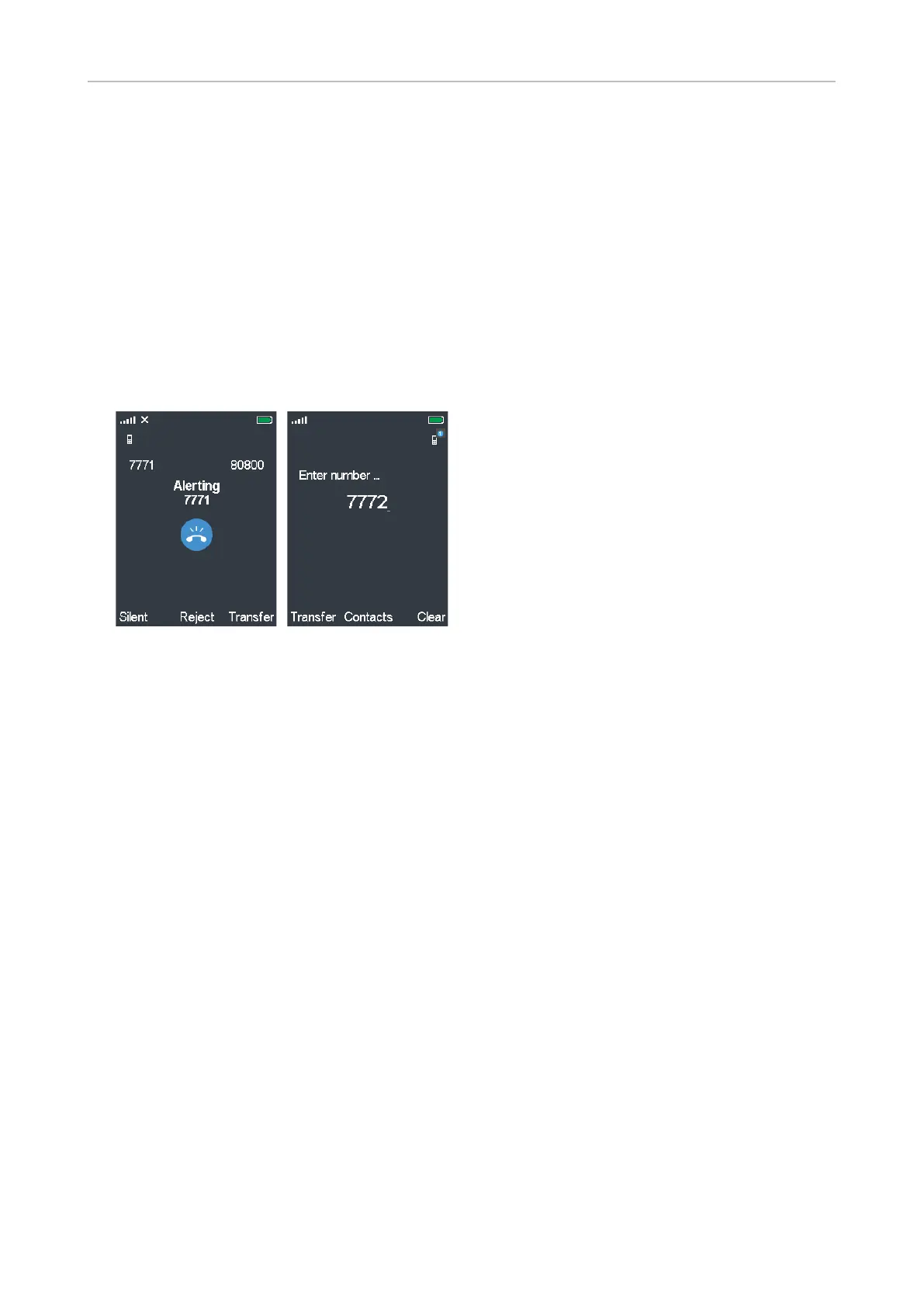
• Blind transfer of ringing call.
1. With a call ringing, press the function key underneath Transfer (Fig. 9).
Fig. 9 (Fig. 10)
2. Enter the number of the party to whom you want to transfer the call on the display (Fig. 10).
3. Press the function key underneath Transfer. The phone of the third party begins to ring, and
your handset briefly displays the message "Call ended" before returning to the idle screen
(Fig. 4).



 To Next Page